



 Going Green








 Online Design Tool
 Free Templates









Color Specifications
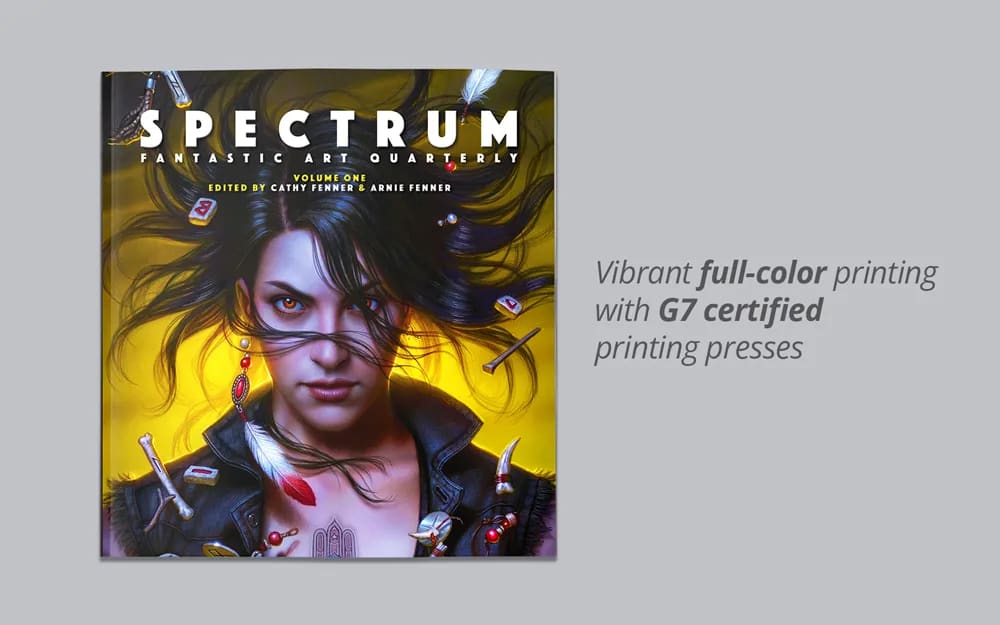
Save your PDF in CMYK. CMYK (Cyan, Magenta, Yellow, and Key/Black) is the color model used in color printing. This model is recommended over RGB (Red, Green, Blue), which is used for digital displays, as it better aligns with the physical ink colors used in printing, ensuring color accuracy and consistency in your final printed material.
To convert files from RGB to CMYK in Adobe Photoshop: In Adobe Illustrator:
- Open your file and go to Image > Mode > CMYK Color.
- Review the color shifts and adjust if necessary, using color adjustment tools.
- Go to File > Document Color Mode > CMYK Color.
- Check your colors and adjust using the color panel if needed.
For a visual guide on checking and changing color settings, here’s a helpful tutorial.