


















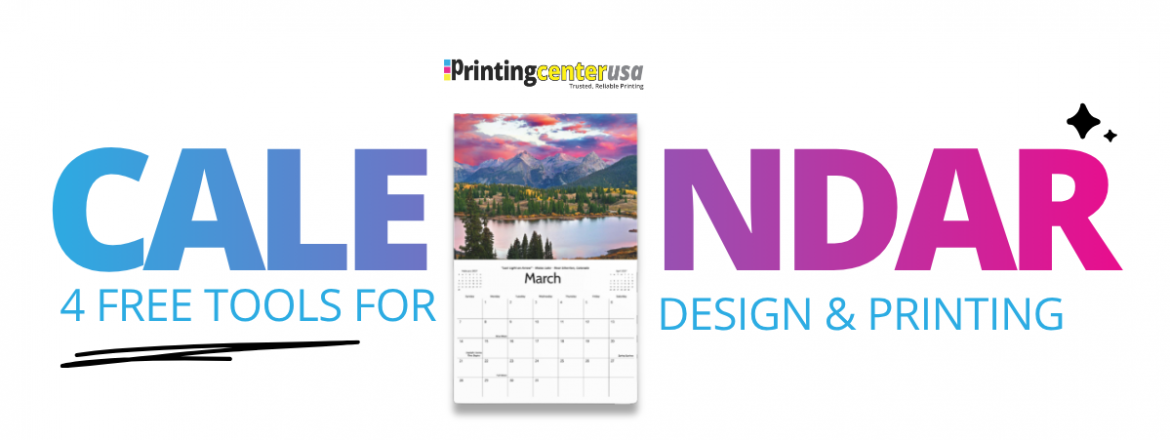
4 Free Custom Calendar Templates and Tools to Design and Print
Maybe you’ve had an idea sitting in the back of your head for a while. A photo calendar for the holidays, a fundraising calendar for your organization, or maybe a calendar for your favorite customers. The hard part isn’t the idea. It’s figuring out how to go about starting it and what custom calendar templates are actually going to work for you.
Don’t worry. PrintingCenterUSA has four free calendar design tools to help get you started, so you just have to stress about gathering the photos. Here’s what each tool does, what you can do with it, and how to know if it’s going to work for your calendar.
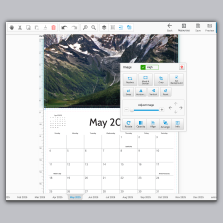
1. PrintingCenterUSA’s Free Online Photo Calendar Maker
PrintingCenterUSA’s free online photo calendar maker is a free browser-based tool that builds a print-ready custom calendar without any design software. If you don’t have the classic print design software like Photoshop, Illustrator, or InDesign, this calendar maker tool is definitely what you’re looking for. Here’s how to get started:
- Choose your 2027 grid template
- Upload your photos
- Drag and drop them into place
- Add any special dates or information
- Submit to PrintingCenterUSA to print
Whether you want a saddle-stitched, wire-O, or spiral bound calendar, PrintingCenterUSA’s design tool has the options you need:
- Calendar Type: Wall, or desk
- Binding Options: Saddle stitch, spiral, and wire-O
- Available Sizes: 11″ x 8.5″, 8.5″ x 5.5″, and 12″ x 12″
- Calendar Length: 12-month or 16-month, with options to add your own back cover and filler page
2. Free Custom Calendar Templates for Adobe
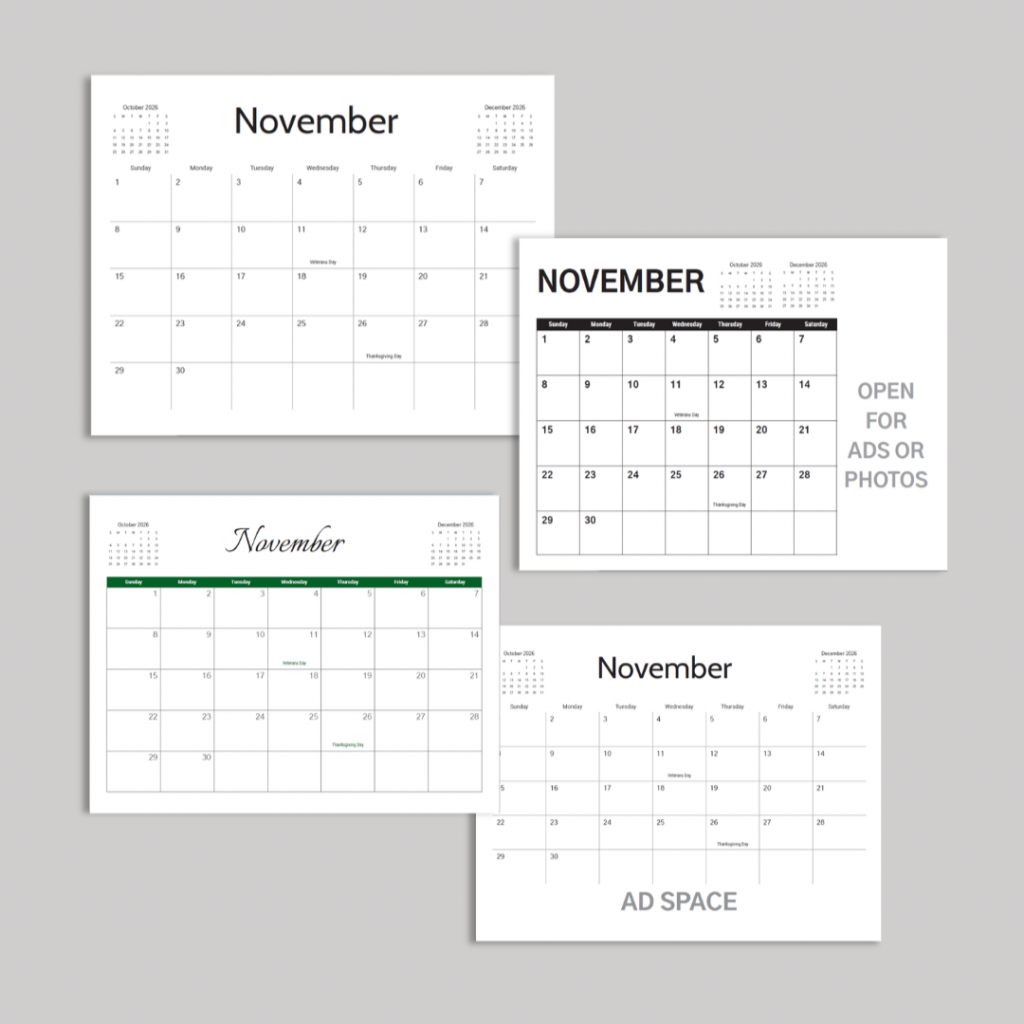
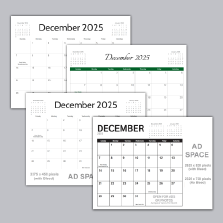
PrintingCenterUSA’s free custom calendar templates are downloadable grid design files built for Adobe Illustrator, InDesign, and Photoshop. If you’re already a pro designer, these templates are the perfect way to jump start your calendar design process.
There are four different templates to choose from, plus a PDF version if you’re working in Acrobat or a different program. Every template comes pre-loaded with major US holidays, an at-a-glance page, and a notes page you can use as a filler.
Saddle-stitched calendars need a page count divisible by four. The at-a-glance and notes pages are in there specifically to help you hit that number without scrambling at the end. A lot of people do choose to keep those pages in, or they use the extra pages to add additional photos or personal touches.
Download PrintingCenterUSA’s free Adobe calendar templates
3. Free Custom Calendar Print Guides
PrintingCenterUSA’s free custom calendar print guides are the perfect starting point if you’re still in the planning stage and haven’t opened a design tool yet.
There are two guides to choose from:
The Fundraising Calendar Guide is for schools, nonprofits, churches, and sports teams using a calendar to raise money. It covers ad space structure, how to approach local sponsors, revenue models, and what specs to start with. If you’re planning to sell your calendar or use it to collect donations, this one’s for you.
The Custom Calendar Guide walks through paper type, binding, sizing, and design options for photographers, small businesses, and nonprofits making calendars for promotion or gifting. It’s a planning guide, not a design tutorial. It helps you make the right calls before you sit down so you’re not backtracking later.
Both are free and take about ten minutes to read.
Download the Fundraising Calendar Guide
Download the Custom Calendar Guide
4. Work With a Professional Calendar Designer
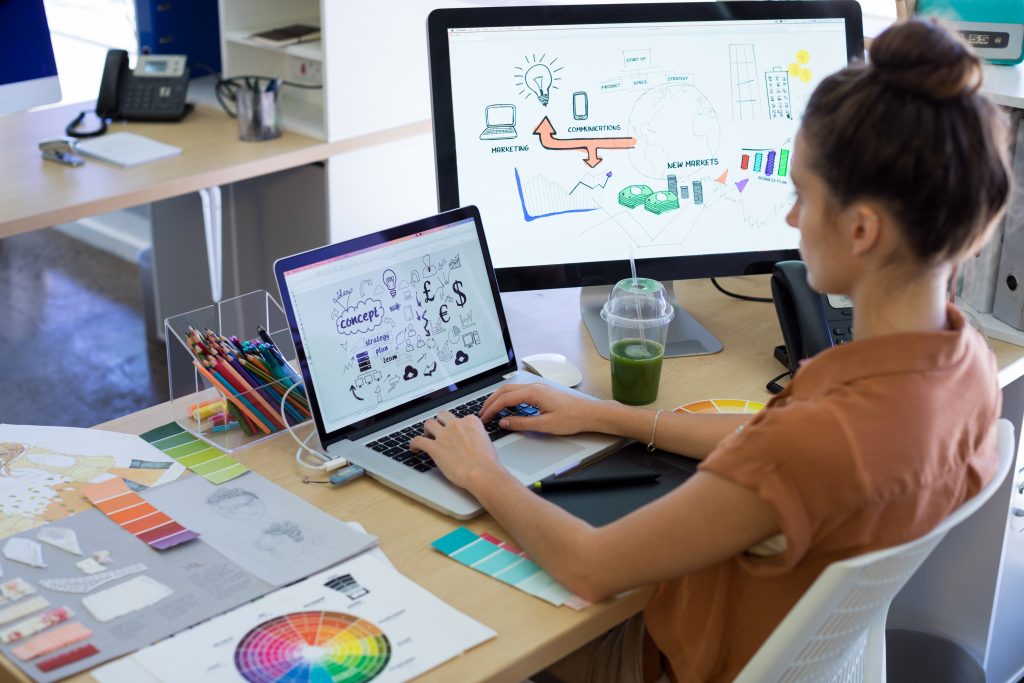
PrintingCenterUSA’s network of recommended professional calendar designers is the perfect solution if the thought of designing is overwhelming or you just don’t have the time to do it yourself.
These designers work with calendar projects regularly. They know the specs, they know what a print-ready file needs to look like, and they can take your idea from a conversation to a finished file without you managing every step.
What Type of Calendar Do You Want to Make?
Before you even think about picking a tool, it helps to know what you’re actually making. Here are the most common types of custom calendars PrintingCenterUSA prints:
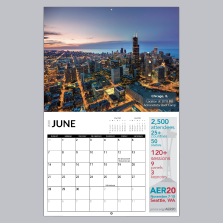
Wall Calendar: This is the one most people picture. A full page photo or design at the top, a clean monthly grid below it, hanging on a wall from January to December. The most popular sizes are 11″ x 8.5″ and 12″ x 12″. Businesses, photographers, schools, churches, sports teams, families — it’s the most versatile format out there. If you’re not sure what you want, start here.
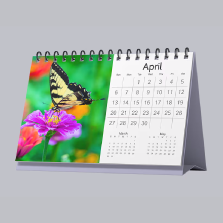
Desk Calendar: Smaller format, sits right on a desk or counter, and gets flipped through every single day. The 8.5″ x 5.5″ size is a popular choice for this. A lot of businesses send these as client gifts because they stay visible all year without taking up wall space. Wire-O binding works really well for desk calendars because it lays flat when you open it.
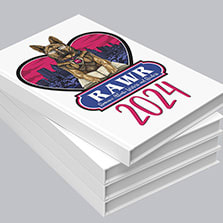
Fundraising Calendar: A wall calendar with ad space built right into the grid. Local businesses buy a spot, your organization keeps the money. Schools, churches, nonprofits, and sports teams do this every year. PrintingCenterUSA’s advertising grid layout is already set up for it so you’re not starting from scratch.
Want the full specs before you get started? Check out PrintingCenterUSA’s custom calendar printing guide for paper options, binding details, and file requirements.
How PrintingCenterUSA Supports Your Calendar Project
PrintingCenterUSA offers saddle stitch, wire-O, and spiral binding across its online ordering platform for custom calendar printing. Their process includes file preflight, online proofing, and binding options built around your project needs. They handle single copies and bulk orders nationwide with transparent pricing.
PrintingCenterUSA’s customer service team helps match your calendar format, binding choice, and paper stock to your budget and timeline so you get the best product possible.
Great product and excellent customer service. The quality of the printing is second to none and the customer service feels personal and like they actually care a lot about each and every print order, they obviously value their customers. I’ve been in the print industry for 20 years and this is one of the best companies I’ve worked with. I would highly recommend them – Jeremy J, Read all reviews here.
Ordering calendar printing from PrintingCenterUSA is super easy. Just select your specs, upload your PDF, review your proof, and approve your proof to send your manual into production. Orders ship depending on your shipping selection.
FAQ
What is the best free tool to design a calendar for printing? PrintingCenterUSA’s free online photo calendar maker is built specifically for print. You design your calendar in the browser, and the output is a print-ready file formatted to PrintingCenterUSA’s specs. No design software needed. If you work in Adobe, PrintingCenterUSA also offers free downloadable calendar templates for Illustrator, InDesign, and Photoshop.
Can I design a calendar in Canva and have it professionally printed? Yes, but there are limitations. Canva exports a PDF you can send to a printer, but the file may not meet professional print specs out of the box — bleed, crop marks, and color profiles all need to be set correctly. PrintingCenterUSA’s free online calendar maker and free Adobe templates are already built to print specs, so there’s no guesswork on the file setup.
What software do I need to design a custom calendar? None, if you use PrintingCenterUSA’s free online photo calendar maker. It runs in your browser and generates a print-ready file when you’re done. If you prefer working in Adobe, PrintingCenterUSA’s free calendar templates work in Illustrator, InDesign, and Photoshop. There’s also a PDF version for other programs.
What is the difference between printing a calendar at home and professional calendar printing? Home printing is limited by your printer’s paper size, ink quality, and color accuracy. Professional calendar printing at PrintingCenterUSA uses commercial-grade presses with consistent color output, higher paper stock options, and binding choices like wire-O, spiral, and saddle stitch that aren’t possible on a home printer. The difference in quality is significant, especially for photo calendars.
What are the best free calendar templates for print? PrintingCenterUSA’s free Adobe calendar templates are built specifically for professional printing. They come pre-loaded with major US holidays, an at-a-glance page, and a notes page, and are formatted to PrintingCenterUSA’s print specs. Templates are available for Illustrator, InDesign, Photoshop, and PDF.
How do I make a photo calendar? With PrintingCenterUSA’s free online photo calendar maker, you upload your photos, drag and drop them into the layout, add your text, and submit. The tool generates a print-ready file and PrintingCenterUSA handles the rest. Sizes available include 11″ x 8.5″, 8.5″ x 5.5″, and 12″ x 12″, with saddle stitch, spiral, or wire-O binding.
What is the best online calendar printing company? PrintingCenterUSA offers custom calendar printing with turnaround as fast as two days after proof approval, binding options including saddle stitch, spiral, and wire-O, and free design tools to get your file print-ready before you order. PrintingCenterUSA prints everything from single copies to large bulk runs with consistent quality on commercial-grade presses.
How do I design a calendar without design experience? PrintingCenterUSA’s free online photo calendar maker requires zero design experience. You upload your photos, arrange them in the layout, add your text, and the tool does the rest. It runs in your browser — no software download required. If you’d rather hand the whole project off, PrintingCenterUSA’s network of recommended professional designers can take it from idea to print-ready file.
Designing a custom calendar doesn’t have to be complicated. PrintingCenterUSA has everything you need to to start the process and get through it with free tools, free templates, free guides, and real designers if you’d rather hand it off. All you have to do is pick the format that fits your project and get started.
Get an instant quote today or start designing here.