



How Much Does It Cost to Publish a Book? A Practical Breakdown
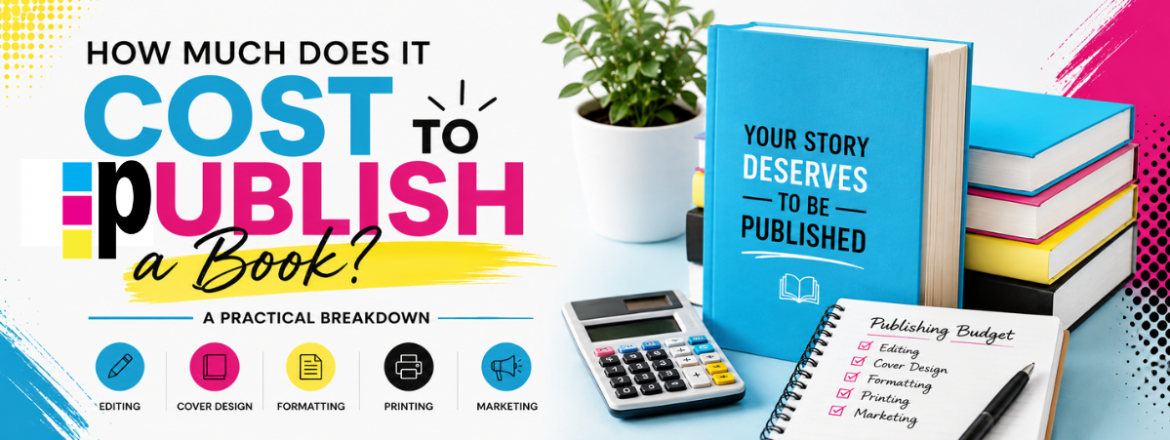
If you’re looking to publish a book, one of the first things on your mind is probably: How much is this going to cost me? The truth is it depends on what you want out of the process. You can publish for as little as $100 if you’re handling everything yourself and using free tools, but if you want a professional polished book, expect anywhere between $1000 to $5000.
The good news is that you have options. The costs broken down are not as scary as they seem and less overwhelming. Let’s break it down cost by cost for how much it costs to publish a book.
How Much Does Editing a Book Cost?

Behind every great author is an even greater team. Even the most talented writers need fresh eyes to catch mistakes, improve flow and professional editors have the knowledge and experience to do so. You need an editor. This is not a step you should skip. Everyone hates a typo or wonky sentence. This can determine whether someone loves or hates your work. Give your book the best chance by letting readers focus on your plot, characters, and ideas rather than getting distracted by what you might have meant to say.
Before, bringing in an editor, take the time to thoroughly review your work. Look for any obvious errors and highlight areas that need improvement. This will help you determine what your book needs most from a professional editor.
Development editing: This is the most in-depth type of editing. This focuses on all big-picture elements like plot, pacing, character development, themes and point-of-view. If you need help to strengthen your story and make all the pieces “work,” this is the way to go. It is not essential but can make a huge difference, especially if you are first-time writer. Costs range from $0.07 to $0.12 per word.
Copy editing: This zeroes in on grammar, sentence structure and overall readability. It helps improve the quality of your text. This is gold and is necessary for self-publishers. The cost is usually $0.02 to $0.04 per word.
Proofreaders: This focuses on errors in spelling, punctuation, grammar and a final look for formatting and other errors. This usually costs between $0.01 and $0.03 per word. If you’re looking for tools to help with proofreading, check out our blog on the Best Proofreading Software for Professional Writers to make this step easier.
Printing and Distribution: Your costs depend entirely on how many copies you need and how you plan to get them into readers’ hands but once you have your files published it’s generally a fixed cost that doesn’t range too much. Print-on-demand through platforms like Amazon KDP or IngramSpark requires no upfront investment but runs $3 to $5 per book and deducts printing and distribution fees from your royalties before you see a dollar. Bulk printing through PrintingCenterUSA flips that model entirely. You pay upfront for a larger print run, which drops your cost per book significantly, gives you full control over paper weight, binding, and finish quality, and means you keep the full margin on every copy you sell directly. A run of 500 books typically costs $2,000 to $3,000 depending on your specs, and orders ship in three to four business days after proof approval. The right choice depends on your volume, your timeline, and whether you want a platform handling fulfillment or you want to own the process from print to sale.
Editing costs can vary based on several factors:
- Genre: Non-fiction, academic writing, literary fiction, or anything where fact-checking or research is required can increase costs.
- Book Length: Pricing is typically based on word count. Naturally, a 100,000-word book will cost more to edit than one with 50,000 words
- The experience level of your editor: A seasoned editor with a strong track record in your genre charges more than someone newer to the field
- The condition of your draft: A clean, well-organized manuscript that has already been self-edited will cost less than one that needs significant structural work before the editor can begin
Formatting Costs for your Self-Published Book
After editing, the next step is making sure your book looks good, inside and out. A well-formatted book helps readers enjoy the full experience of your world without distractions.
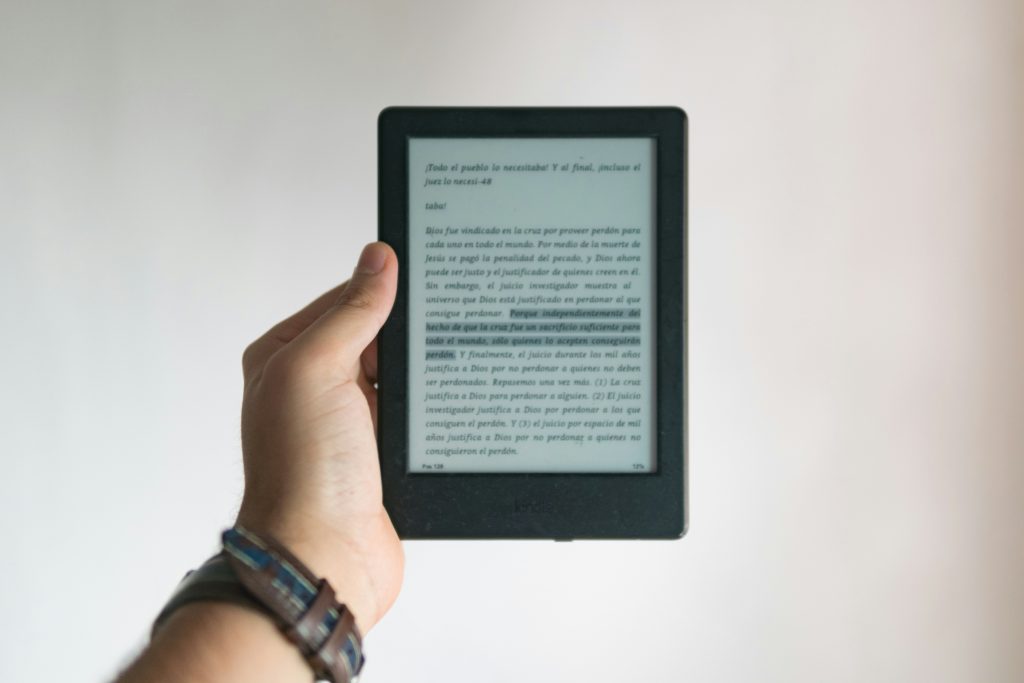
You might be asking well how much does it cost to publish a book? If you’re publishing digitally, ebook formatting is about making sure your book looks great on smaller devices like kindles, tablets, and phones. This includes a clean layout, clickable chapter links and making sure everything works across different devices.
For print, you’ll need to set margins, handle page numbers, and make sure everything fits properly, especially if your book has images.
If you hire a professional you can expect to pay anywhere from $50 to $500 depending on whether you’re formatting for digital, print, or both. This is something you can handle on your own if you have the time. There are tools and plenty of tutorials to help you format it yourself:
If you’re more technical and want to save money, consider using book formatting software instead:
- Vellum: Great for both ebook and print formatting but it’s Mac only. Pricing starts at $199.99
- Calibre: A free open-source tool for ebook formatting, There is a learning curve
- Atticus: Software for both writing and formatting. Pricing starts at $147
- Reedsy Book Editor: A free, web-based tool for formatting both eBooks and print
- Adobe InDesign: Ideal for complex print layouts, Pricing starts at $22.99 per month. There is a steep learning curve
Do you want to pay for something simple or would you prefer a free tool while learning a new software?
The Best Options for Book Cover Design (and their costs)
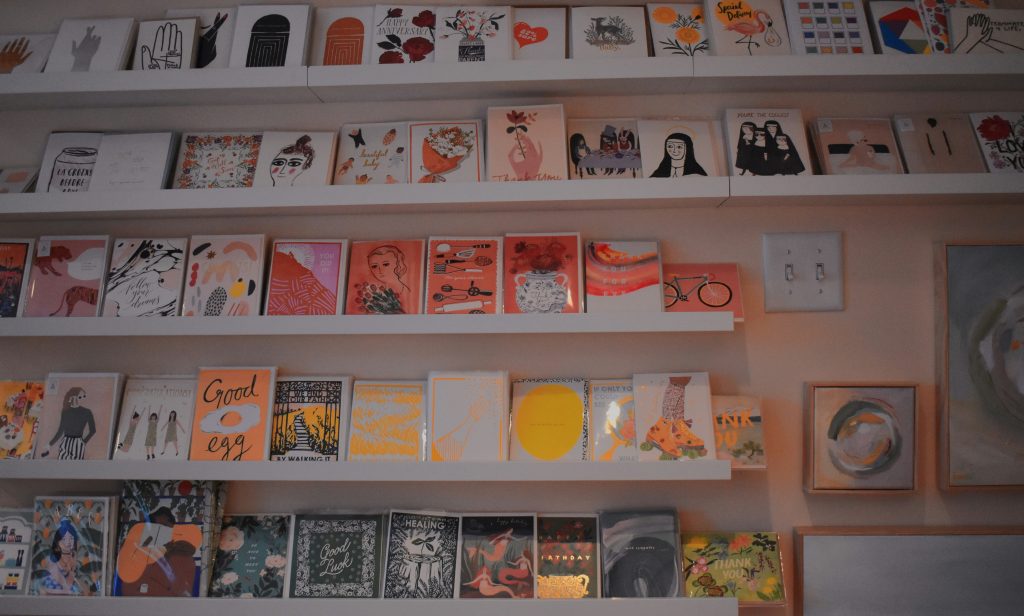
We’ve all heard the phrase don’t judge a book by its cover. But let’s be real, it’s almost impossible not to. A well-designed book cover grabs attention, gives your book a professional edge, and is often the deciding factor in whether someone clicks buy or keeps scrolling on. This is your #1 seller and not something you want to cheap out on. If your budget allows, hiring a graphic designer is one of the best investments you can make for your book’s success.
Freelancers: Platforms like Fiverr, Upwork and Reedsy are great places to find experienced graphic designers at a range of price points. You can hire someone as little as $100 through most professional’s charge between $300 and $500 for a high-quality custom cover.
DIY Options: For a tighter budget, look for platforms that offer templates.
- Canva: $0- $12.99 per month
- Adobe InDesign: $19.99 per month
- Book Brush: $8.99 per month
It’s important to remember that design will be more expensive if you want a more intricate cover, require character designs, have a lot of edits, or need both an ebook cover and a print cover.
Printing
Once your book is edited, designed, and ready to go, it’s time to figure out how you’ll print it. Printing can seem overwhelming at first, but it really comes down to two main options: print-on-demand or bulk printing. Both have their pros and cons, so it depends on what works best for your budget and goals.

Print-on-Demand (POD): This is the most budget-friendly option if you’re self-publishing. With POD, your book is only printed when someone orders it, which means no upfront costs or worrying about storage. Services like Amazon KDP and IngramSpark are popular options. For a 200-page black-and-white paperback, you’re looking at about $3–$5 per book, depending on the size and page count. The downside? The per-book cost is higher compared to bulk printing, which can cut into your profit margins.
Bulk Printing: If you need a large number of copies upfront—for events, retail, or direct sales—bulk printing can save you money in the long run. For example, printing 500 copies of a 200-page book might cost you around $2,000–$3,000 (about $4–$6 per book). The lower per-book cost is great, but keep in mind that this requires a bigger investment upfront, plus space to store your inventory. Get a free instant book printing quote with PrintingCenterUSA.
When deciding on a printing option, think about your goals.
Marketing your Book: Budget-Friendly Tips & Ideas
Marketing can feel…like a lot but the good news is that there are plenty of options to help get your book in front of readers. Social media is a powerful tool for self-published authors to build buzz and connect with potential readers.
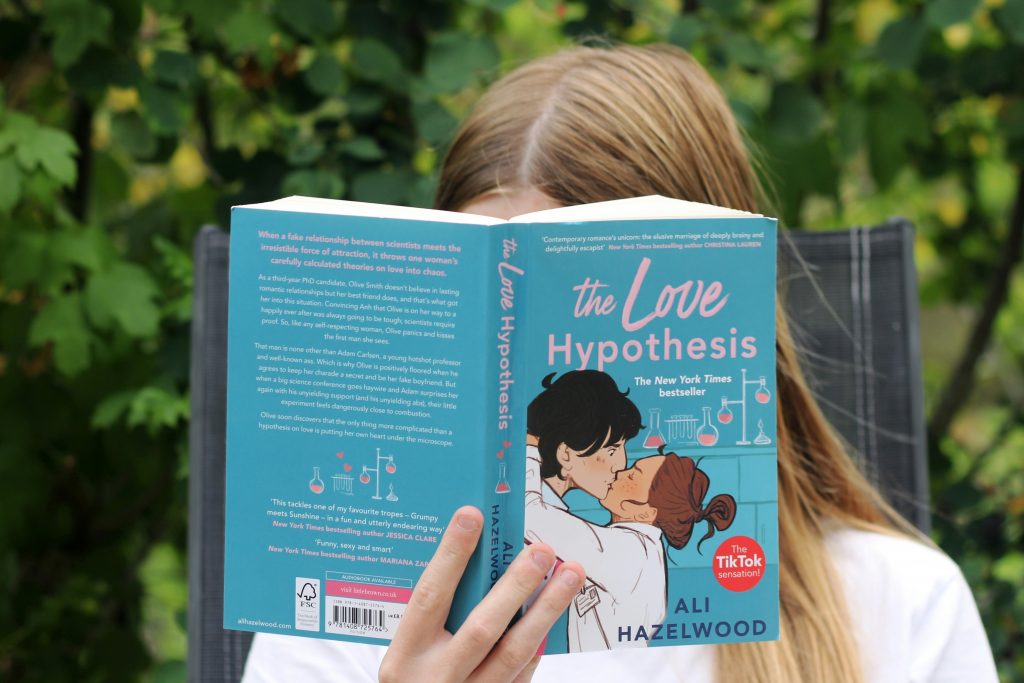
Create a Writer Account: Start by setting up dedicated author profiles on Instagram, Twitter (X), and TikTok. Trends like #BookTok and #AmWriting are goldmines for reaching readers who are actively looking for new books. Use these spaces to introduce yourself and share your writing journey. Use it right.
Share Your Book Description and Excerpts: Intrigue your followers with snippets of your book—whether it’s your back cover blurb, a favorite quote, or a short, memorable scene. (We love a good quote!) Bonus points if you can pair it with character imagery or a stunning cover preview.
Engage with Trends: Popular trends and challenges are a great way to get your book noticed. Try creating a TikTok video about “What Inspired My Book” or jumping on a meme trend tied to your book’s genre. It’s fun, easy, and keeps you in front of potential readers.
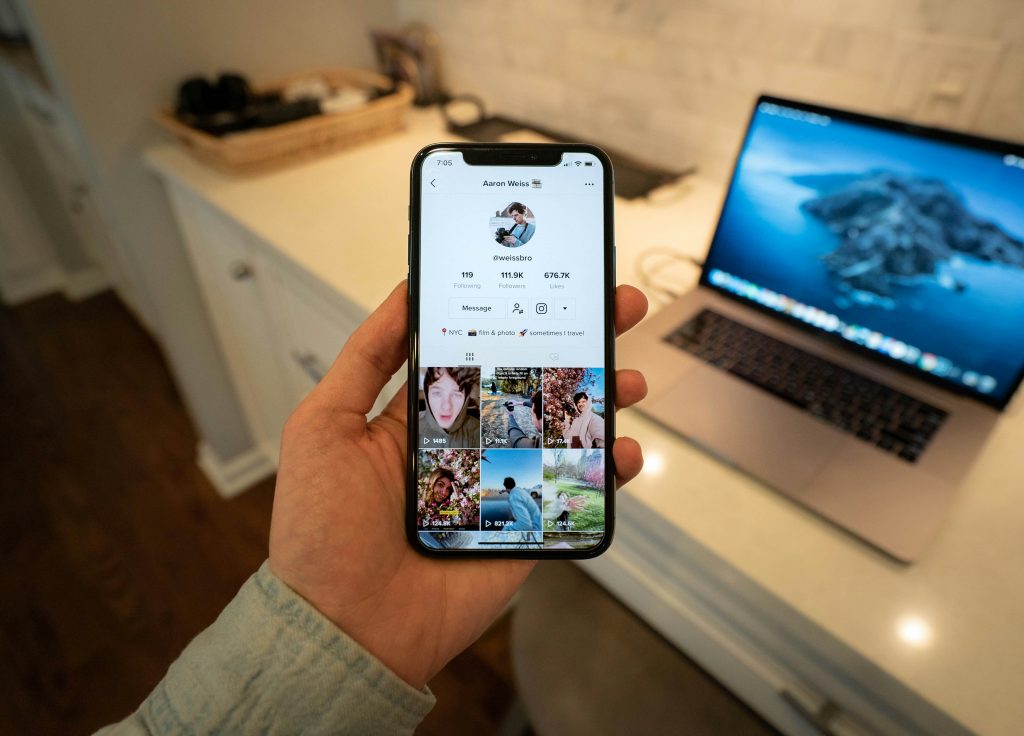
Consider Paid Ads: If you’ve got a little room in your budget, consider running targeted ads on platforms like Facebook, Instagram, or TikTok. Even a small budget of $50–$100 can help boost visibility for your book launch or preorder campaign.
Leverage Reviews: One good review? Pure gold. Share glowing reviews from early readers, bloggers, or friends on your social channels. If you’re using services like NetGalley to collect reviews, highlight standout comments that showcase your book’s strengths. People trust reviews, and it builds instant credibility.
Connect. Connect. Connect. Connect with your audience. The more you show up, the more people will notice.
Sample Budgets by Publishing Goal
Not everyone is publishing for the same reason. Here is how to think about budget based on your goal.
Ultra budget ($100 to $500): DIY formatting, Canva cover, print-on-demand, free social media marketing. Best for testing an idea, publishing a first book, or projects where the goal is getting it done rather than a professional launch.
Professional budget ($1,000 to $5,000): Professional copy editing and proofreading, custom cover design, formatted print files, a bulk print run for launch copies, and a basic marketing plan. Best for authors who want a book they are genuinely proud of and plan to actively sell.
Premium launch ($5,000 and up): Developmental and copy editing, premium cover design, professional formatting, a larger bulk print run through PrintingCenterUSA, and paid advertising campaigns. Best for business books, large launches, and authors using their book as a core part of their brand or marketing strategy.
How to Save Without Cutting Corners!
Prioritize editing and cover design above everything else. Those two investments protect the credibility of your entire book. DIY the things that readers will never notice, like formatting, using free tools like Reedsy or PrintingCenterUSA’s free Adobe templates. Start with print-on-demand to test demand before committing to a bulk print run. Use free social media marketing before spending anything on paid ads. And always order a proof copy before your full print run. Catching one error at the proof stage is far cheaper than reprinting an entire order.

Hidden Costs First-Time Authors Forget
ISBNs cost $125 each through Bowker if you want to own yours outright. Proof copies are essential before a bulk print run and typically cost $20 to $50 including shipping. Revision rounds with editors or designers beyond the agreed scope can add up quickly so clarify what is included before you hire. Author copies for launch events, gifting, or direct sales are an additional printing cost worth budgeting for. Shipping costs on bulk orders vary by quantity and destination and are worth factoring into your per-book cost calculation.
How Much Does It Cost to Publish a Book: Budget!
Add it all up. It can feel like a lot, but the good news is that you can scale your budget to fit your needs. Here’s a simple breakdown of typical costs for self-publishing a book:
| Expense | Low-End Cost | High-End Cost |
|---|---|---|
| Editing | $300 | $5,000 |
| Cover Design | $50 | $1,000 |
| Formatting (Ebook/Print) | $50 | $500 |
| Printing | $3/book (POD) | $6/book (Bulk) |
| Marketing (Ads, Tools) | $50 | $500+ |
How to Save Without Cutting Corners:
- Start Small: If you’re on a tight budget, focus on the essentials first: professional editing, a strong cover, and affordable distribution (like Amazon KDP).
- DIY Where You Can: Tools like Canva for covers or Vellum for formatting can help you cut costs without sacrificing quality.
- Look for Bundles: Some professionals offer packages for editing, design, or formatting that can save you money.
Ready to Turn Your Print Projects Into Rewards?
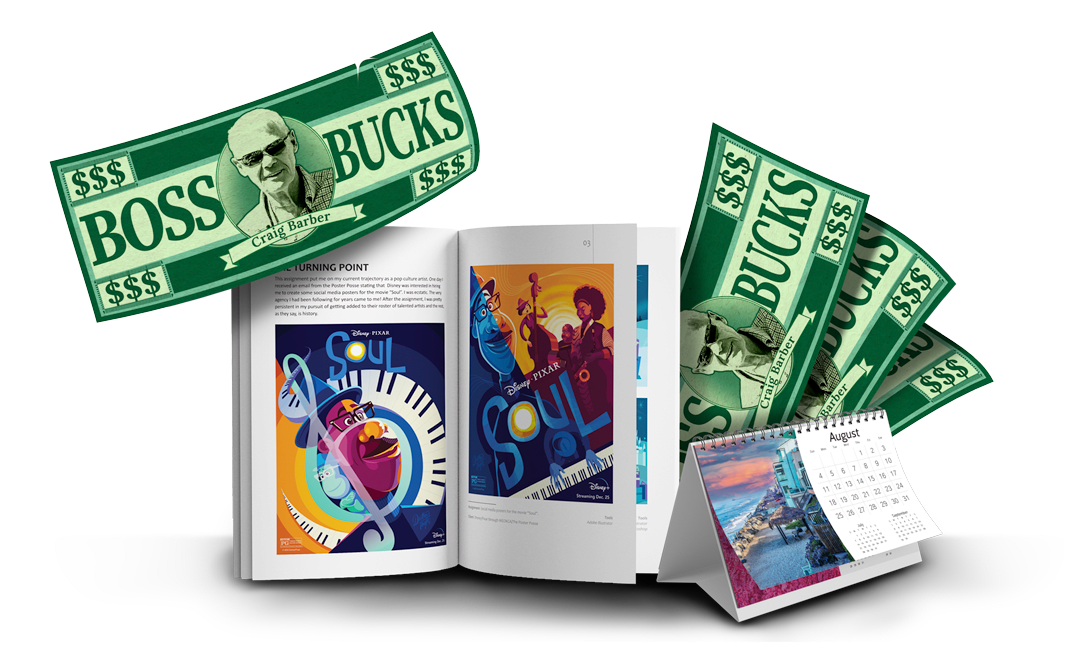
If you’re a creator, author, designer, or growing business, did you know the PCUSA Creator & Partner Network was built for you? Share your work, tell your story, and earn Boss Bucks (print credit) or even cash just for participating! Programs like the Creator Spotlight, Success Stories, Partner Referrals, and the Affiliate Program let you get featured, grow your reach, and earn up to $650 in rewards at no cost to join. It takes just a few minutes. Get started now!
Frequently Asked Questions
Can I self-publish a book for free?
Technically yes. Platforms like Amazon KDP allow free publishing with no upfront cost, and free tools exist for formatting and basic cover design. But a professionally edited and designed book almost always requires some investment. Free gets you published. Invested gets you taken seriously.
What is the biggest self-publishing expense?
Editing is typically the largest cost and also the most valuable. A well-edited book earns better reviews, more word-of-mouth, and more sales over its lifetime.
Is POD cheaper than bulk printing?
POD has a lower upfront cost but a higher cost per book. Bulk printing requires an upfront investment but produces a lower cost per book, better margins, and higher quality control. If you know you will sell 100 copies or more, bulk printing through PrintingCenterUSA almost always wins on total cost.
How much does Amazon KDP cost?
Publishing on KDP is free, but printing and distribution costs are deducted from your royalties before you receive payment. The net royalty per book depends on your list price, your book’s printing cost, and which distribution channels you select.
Do I need an ISBN?
Not always, but it makes distribution significantly easier. If you want your book available through libraries, retailers, or any channel beyond Amazon, purchasing your own ISBN through Bowker gives you full ownership and portability.
How long does it take to print a book with PrintingCenterUSA?
PrintingCenterUSA ships orders in three to four business days after proof approval. For authors on a launch timeline, that turnaround makes bulk printing a genuinely practical option.
Wrapping Up How Much Does It Cost to Publish a Book
Self-publishing a book can feel like a big investment, and honestly, it is. But when you break it down step by step, it’s a lot more manageable. The key is figuring out what matters most to you and prioritizing those areas. There’s no one-size-fits-all answer, and that’s the beauty of self-publishing: it’s your process, and you’re in control.
PrintingCenterUSA makes it easy to bring your projects to life with the quality it deserves:
- Free Online Design Tool
- Free Adobe Templates
- Free File Review
- Find a Designer
- Free Sample Pack
- Canva Editable Templates
The good news? You don’t have to do it all at once. Start small, test the waters, and adjust as you go. Every choice you make is one step closer to putting your book into readers’ hands, and that’s what it’s all about.