







What Does Collate Mean?
Whether you’re ordering a booklet for an upcoming event, a product catalog for your business, or color copies for a presentation, you’ve likely seen the option to print “collated” or “uncollated.” It’s one of those printing terms that sounds technical but is actually simple once you understand it and knowing the difference can save you time, money, and a very frustrating stack of mixed-up pages.
This guide breaks down exactly what collate means in printing, why it matters, and how to choose the right option for your next project. Not sure where to start? Request a free sample pack to get a feel for our paper stocks, finishes, and binding options before you order.
What Does Collate Mean?
The word collate means to collect, arrange, and assemble items in a specific, sequential order. In printing, collating means organizing pages so that each printed set is complete, in the correct order and ready to read, hand out, or bind.
For example, if you’re printing 50 copies of a 10-page document collated, you receive 50 complete sets with pages 1 through 10 already in order. No manual sorting. No shuffling. Just 50 finished, ready-to-use sets.
Why Collated Printing Matters
Collating isn’t just a convenience feature; there are 3 main reasons collating matters.
It saves time. For large print runs, collation happens automatically during printing. Manually sorting hundreds of multi-page documents by hand would take hours.
It reduces errors. Automatic collation eliminates the human sorting mistakes that can slip into manual assembly. For example a misplaced page in a catalog or manual can confuse readers or damage your brand’s credibility.
It delivers a professional result. Pre-arranged, properly collated materials look clean, organized, and ready to present. That matters whether you’re handing out training manuals, distributing catalogs to customers, or presenting at a conference.
What is the Difference Between Collated and Uncollated Printing?
Collated Printing
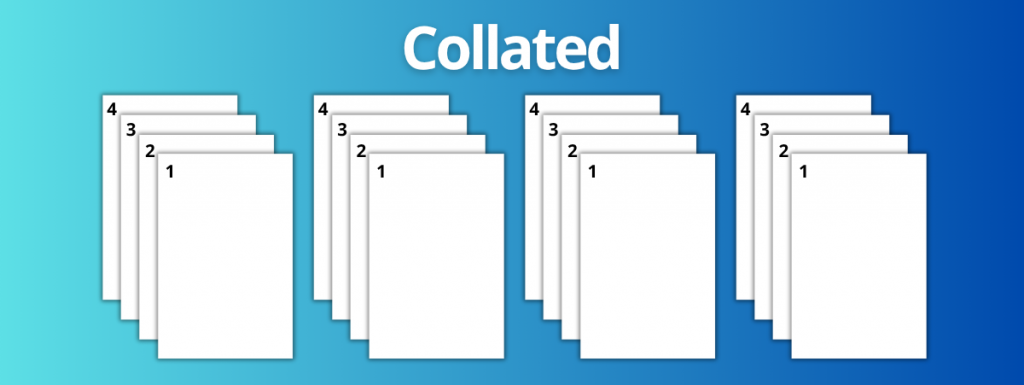
Collated printing means your document pages are printed in sequential order with one complete set at a time. For a 5-page document printed in 10 collated copies, the output looks like this:
Set 1: Pages 1, 2, 3, 4, 5 Set 2: Pages 1, 2, 3, 4, 5 (repeated 10 times)
Each set comes out finished and ready to use.
Uncollated Printing
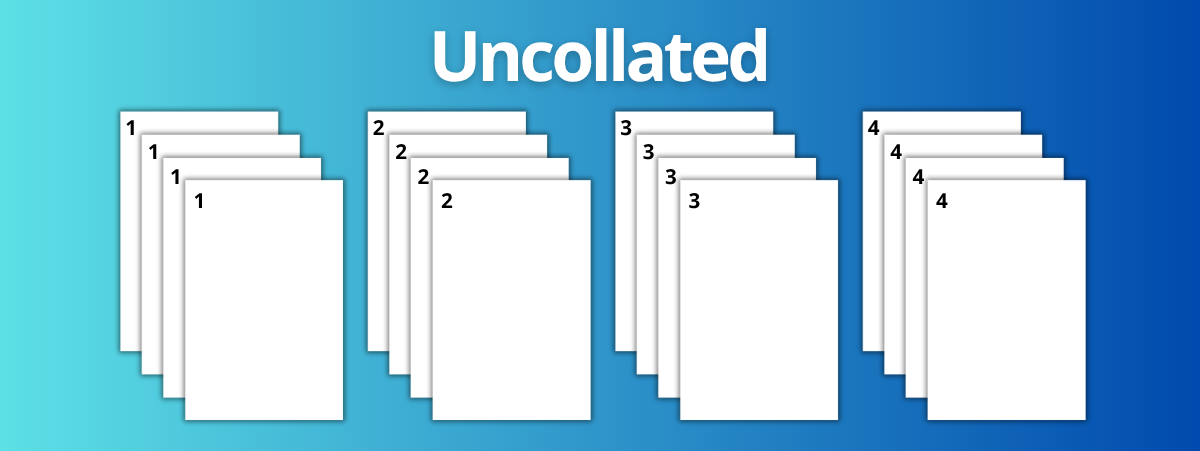
Uncollated printing means all copies of each individual page are printed together before moving to the next page. For the same 5-page document in 10 uncollated copies:
Stack 1: 10× Page 1 Stack 2: 10× Page 2 (and so on through page 5)
You receive separate stacks of each page that you then sort manually — or intentionally keep separate for distribution.
Manual Collation vs. Automatic Collation
Manual collation means sorting pages by hand after printing. While it gives you precise control, it’s time-intensive and only practical for very small print runs. For anything larger, manual collation introduces the real risk of sorting errors.
Automatic collation is handled digitally by modern commercial printers. Pages are organized in seconds during the print process, eliminating sorting mistakes entirely and making large runs fast and efficient. At PrintingCenterUSA, automatic collation is built into our printing process so your sets always come out in perfect order.
Where Collated Printing Is Used
Collated printing is essential any time your document has multiple pages that need to be read in a specific order. The most common applications include:
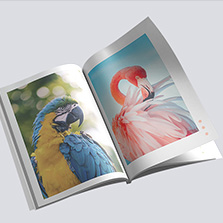
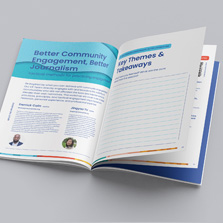
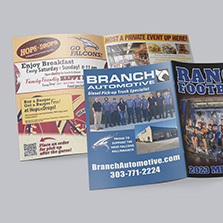
Booklet printing — Event programs, marketing materials, and informational booklets all depend on proper collation to guide the reader from cover to back.
Catalog printing — Product catalogs need sequential page flow so customers can browse easily and find what they’re looking for.
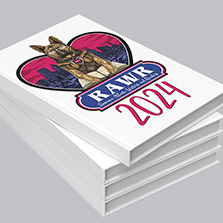
Book printing — Whether hardcover, paperback, or perfect bound, books require precise collation to ensure smooth content progression throughout the publication.
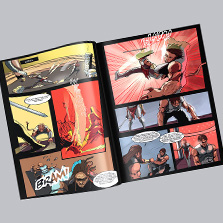
Comic book and graphic novel printing — Collation is critical here. Page order preserves the pacing, storytelling, and visual impact of the narrative.
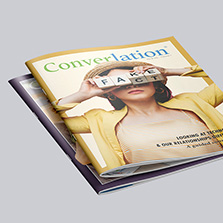
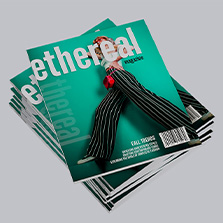
Magazine printing — Collated pages keep articles, advertisements, and features in a cohesive, intentional layout.
Color copies — Multi-page color copy sets are one of the most common uses of collated printing, especially for presentations, proposals, and reports.
Manuals and guides — Instructional documents, training materials, and reference guides all need to be in the correct order to be useful.
Not sure which format is right for your project? Our team offers free file review to check your files before printing, and you can find a designer if you need help putting your project together from scratch.
Not All Bound Printing Is Collated
Here’s something that surprises a lot of people: binding and collating are two completely separate things. Just because a product is bound together doesn’t mean it was collated.
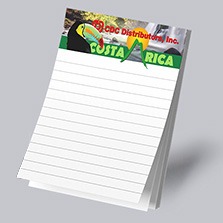
Notepads are the perfect example. A notepad of 50 sheets is bound together at the top with a padding compound, but every single sheet contains the same identical print. There’s no sequence to maintain, so collating isn’t part of the process. The sheets are simply stacked and bound as identical copies.
The Takeaway: collating is about sequencing. Binding is about fastening. A product can be one, both, or neither depending on what it is.
Why Would You Ever Print Uncollated?
Uncollated printing is a deliberate choice that makes sense for several types of projects:
Single-page documents: Flyers, posters, and fact sheets don’t have a page order to maintain, so uncollated printing keeps identical copies neatly stacked together.
Trade show and event materials: If you’re promoting five different products at a booth and each has its own one-page sheet, uncollated printing gives you tidy stacks by product which are easy to grab and hand out by customer interest.
Classroom and training handouts: When distributing individual worksheets or pages at different points during a session, uncollated stacks by page make distribution fast and organized.
Notepads: As mentioned above, same-design repeated sheets are always printed uncollated.
Common Binding Types for Collated Printing
Once your document is collated into complete sets, it may be bound in several ways:
- Saddle stitching: Staples through the spine; ideal for booklets and catalogs under 88 pages
- Perfect binding: Glued spine for a clean, professional look; used for thicker catalogs, manuals, and books
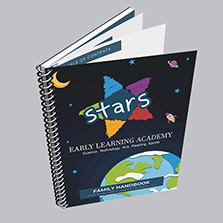
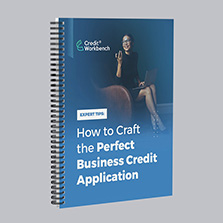
- Spiral binding: Metal or plastic coil; popular for notebooks, planners, and manuals that need to lay flat
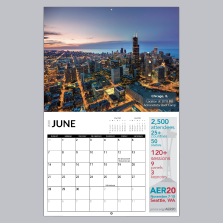
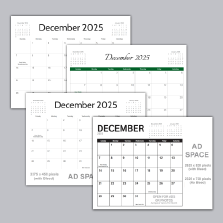
- Wire-O: Similar to spiral; often used for calendars and educational materials
- Corner staple binding: Simple corner or edge staple for office documents and presentations
Tips for Successful Collated Printing
Getting your collated print job right starts before you ever hit submit. Here are a few best practices:
Check your settings first. Make sure collation is enabled in your design software or confirmed in your order specs before submitting.
Label your files clearly. Use simple sequential naming like “page1.pdf,” “page2.pdf” so your files are easy to identify and order correctly.
Use our free design tool. Our free online design tool handles page setup automatically and makes it easy to build your project with the right specs from the start.
Download free Adobe templates. If you prefer working in Adobe, grab our free Adobe templates — pre-sized and ready to go so your files come out print-ready.
Explore Canva templates. Jump into Canva to design with drag-and-drop tools, built-in graphics, and easy customization so you can create polished, print-ready designs in minutes.
Get a free file review. Not sure if your files are set up correctly? Take advantage of our free file review service where your files get sent through a 43-point inspection that checks your files before printing so you can catch any issues early.
Work with a designer. If you need help creating your project from scratch, our find a designer service connects you with a professional who can bring your vision to life.
Does Collated vs. Uncollated Printing Cost More?
Great news! In most cases, choosing collated or uncollated printing does not affect the price of your print job. It’s a setting that changes how your output is assembled, not how much ink or paper is used. It’s a decision of convenience, not cost.
Collated Printing by the Numbers
Understanding how widely collated printing is used puts into perspective just how important getting it right really is.
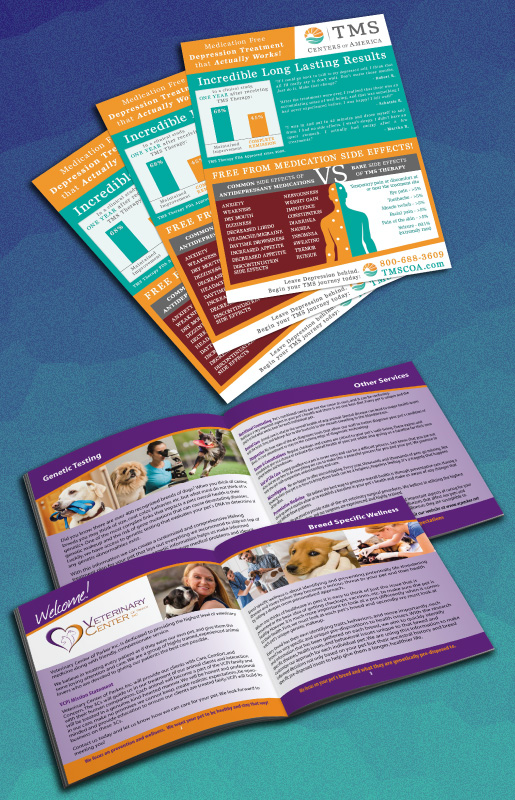
The global commercial printing industry is valued at over $400 billion, with multi-page collated products like catalogs, books, and manuals making up a significant share of output.
Catalogs remain one of the highest ROI print formats, according to the Data & Marketing Association, customers who receive a print catalog spend up to 28% more than those who don’t.
Books and booklets are among the fastest-growing segments of digital printing, driven by short-run on-demand printing that requires precise collation to work efficiently.
A study by USPS found that 79% of consumers act on direct mail immediately, and collated multi-page mailers consistently outperform single-sheet pieces in response rates.
Manual sorting errors in large uncollated print runs can cost businesses significant time,industry estimates suggest manual collation of a 20-page, 500-copy document can take 4–6 hours compared to seconds with automatic collation.
The print-on-demand market, which relies heavily on automatic collation, is projected to grow at a CAGR of 6.8% through 2030, according to Grand View Research.
These numbers reflect why investing in properly collated, professionally printed materials isn’t just a preference. It’s a smart business decision.
Frequently Asked Questions About Collated Printing
What does collate mean on a printer?
On a printer, collate means arranging multiple copies of a multi-page document in sequential order automatically. When collate is enabled, each complete set prints one at a time; pages 1 through 10, then pages 1 through 10 again, rather than printing all copies of page 1, then all copies of page 2, and so on.
Is collated or uncollated better?
It depends on your project. Collated is better for any multi-page document that needs to be read in order like booklets, catalogs, manuals, and presentations. Uncollated is better for single-page documents like flyers, posters, or notepads where pages are independent of each other.
Does collating cost more to print?
In most cases, no. Choosing collated or uncollated printing typically does not affect the price of your print job. It’s a setting that changes how output is assembled, not how much material is used.
What is the difference between collated and stapled?
Collating and stapling are two separate processes. Collating puts pages in the correct sequential order. Stapling (or any binding method) physically fastens those pages together. You can have a collated document that isn’t stapled, or a stapled document that isn’t collated even though most multi-page print products involve both.
Can I collate printing at home?
Yes, most home and office printers have a collate option in the print settings dialog. However, for large print runs or professional-quality results, commercial printing services like PrintingCenterUSA handle collation automatically with much greater speed, accuracy, and consistency.
What types of printing require collation?
Any print product with multiple pages in a specific reading order requires collation. This includes booklets, catalogs, books, magazines, comic books, manuals, training guides, and multi-page color copies.
What happens if I forget to select collated printing?
If you forget to enable collation on a large print run, you’ll receive stacks of individual pages that need to be manually sorted into complete sets which is time-consuming and prone to errors. For professional print orders, always confirm your collation setting before submitting your files.
Start Your Collated Print Project Today
Now that you know what collate means in printing and when to use it, you’re ready to submit your next project with confidence. PrintingCenterUSA makes it easy to get professional, perfectly collated results. Have questions about your project? Our team is happy to help you choose the right options before you submit your files.