


What’s the Best Paper for Book Printing?
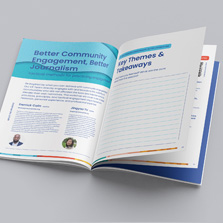
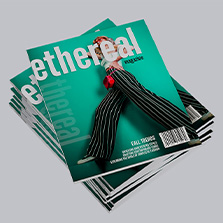
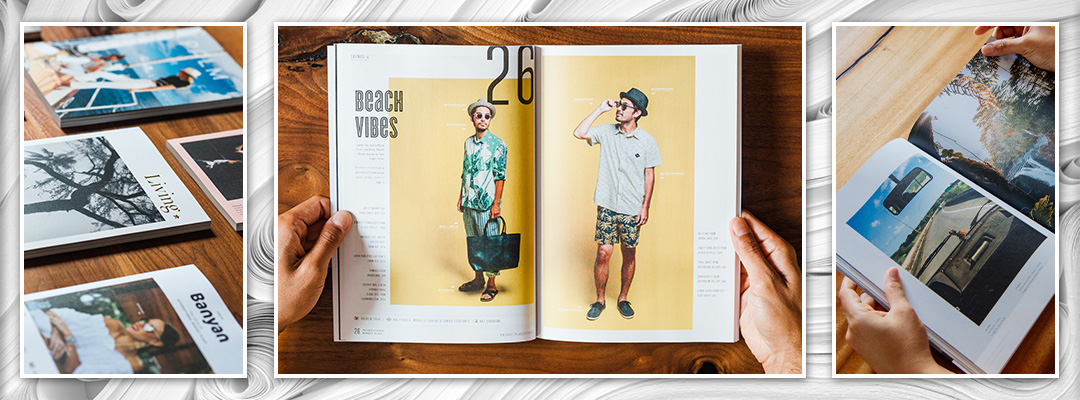
A great book starts with good paper. Let’s paint the visual: think about what happens the moment you open a book. Subconsciously, you see how the light shines on the page, you feel the weight between your fingers, you hear the sound it makes when you turn it and you smell the ink and paper. Without realizing it, the paper sets the tone for the entire reading experience.
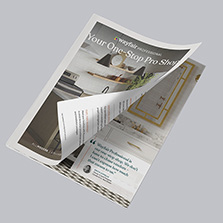
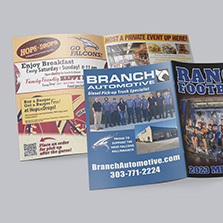
The presentation of the book gets the attention. The content keeps the audience engaged. The paper builds the experience. Making a workbook? You need paper that can hold up well and be written easily. Making a program? You need paper that is lightweight and easy to handle. Making a high-end catalog? You need paper that is thicker and makes your products stand out.
Here are the most common paper types used in book printing, what each one does well, and how to match the paper to your end goal.
What Kind of Paper is Used for Books?
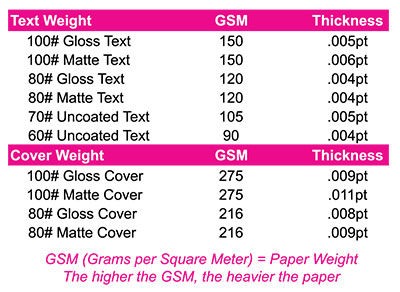
Book printing paper is the paper used for the cover and interior of a book. It establishes how images and text show. The first thing to know how to pick the right paper is understanding paper specs. There are 2 key determinations to make when choosing paper: Paper Weight and Paper Finish.
Weight measurement varies between pounds (LB) and grams per square meter (GSM). In the U.S, paper weight is measured in pounds, and GSM is the international standard and describes the paper weight. For cover stock paper, it’s measured in Points (PT) measure the thickness of the paper.
Cover stock is almost always measured in points rather than pounds or GSM because thickness matters more than weight when it comes to how cover holds up.
The key here is: the higher the number, the thicker it is!
Book Paper Finishes
Paper finishes refer to the surface of the paper. Paper finishes are in matte, gloss, and uncoated.
Glossy paper
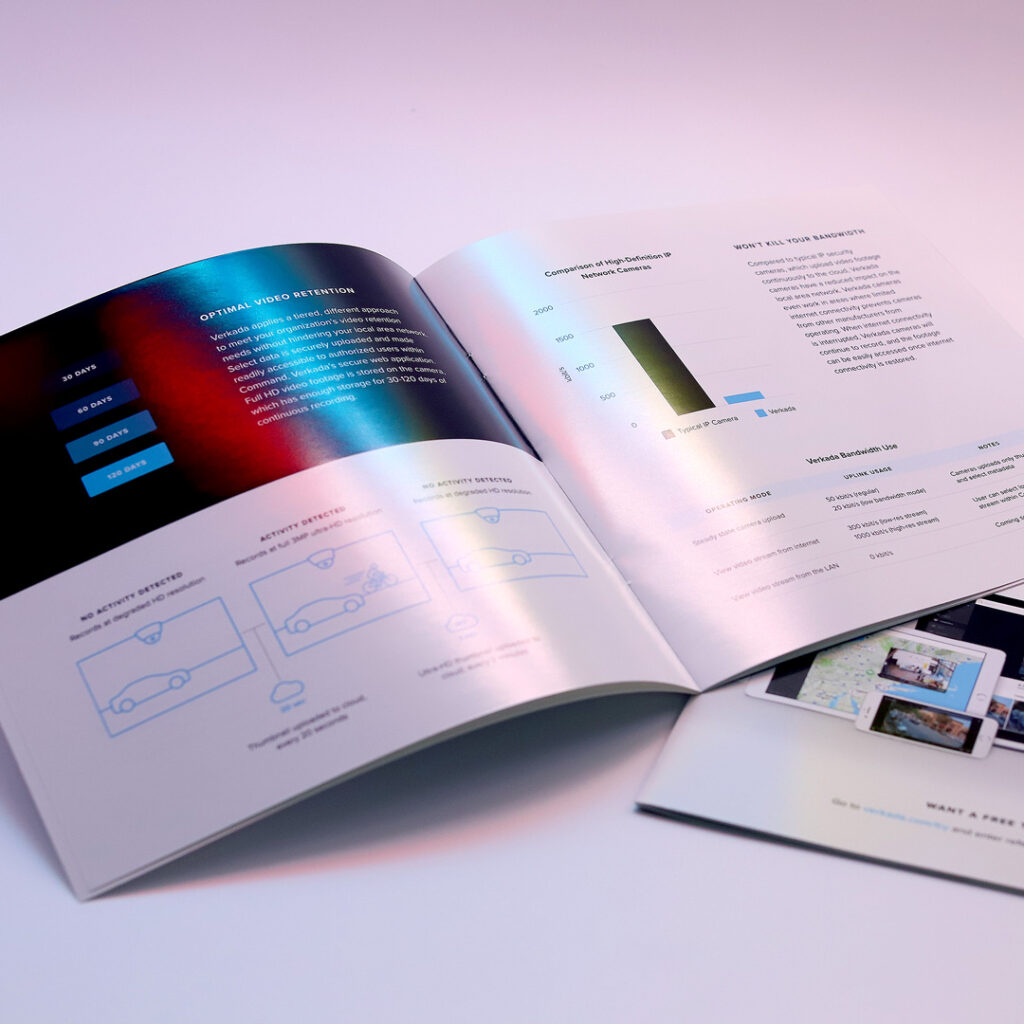
Glossy paper is known for its shiny finish which is excellent at getting attention. It brings out excellent vivid color depth but is very reflective. Best for books where the visuals carry the project.
Matte Paper
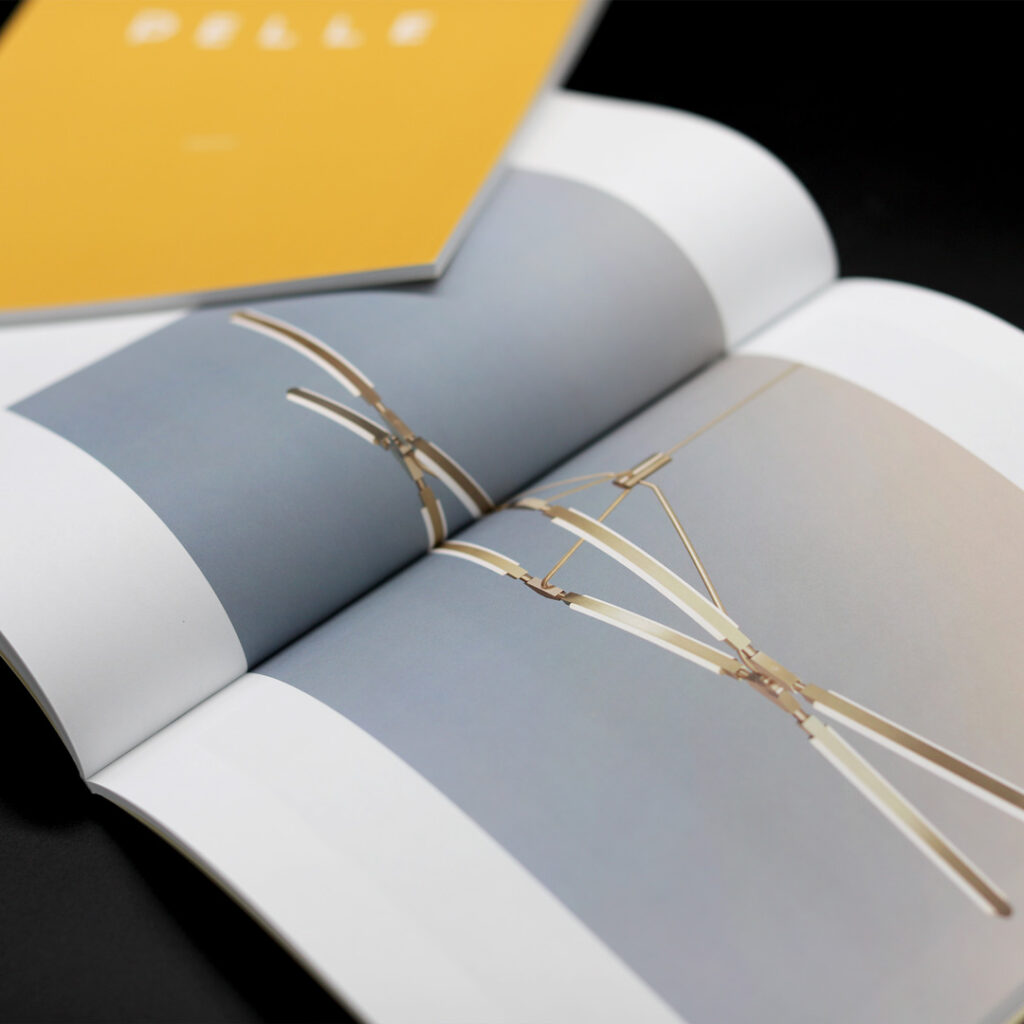
Matte paper is known for a non-reflective finish. It has minimal glare, making it the easiest finish to read text. Photos look good just not as vivid as gloss. Because of the elimination of glare, it brings out the texture in images. Best for: text heavy books.
Uncoated paper
Uncoated paper has no coating. With the natural texture, it makes it easy to write on. This is the paper typically used in at office and home printers. Best for books where writing needs to be done.
For a more in depth guide on paper finish comparison, read our guide here.
TIP: Request a free sample packet to feel the difference between each paper and coating side by side.
What Paper Should I Choose to Print my Book?
Now that you understand book paper specifications, to make a choice, the right paper depends on the content. Answer these questions and the answer becomes obvious:
- What will readers be doing with it?
- Are images important?
- What impression do you want to leave?
Paper Type Recommendations By Book Type
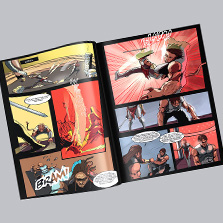
Comic Books: Matte paper works best here so you can read easily without glare. Gloss can work for covers or special editions. These are typically lightweight, so a self-cover works best meaning the inside and outside use the same paper stock. Our recommendation: 80# matte text.
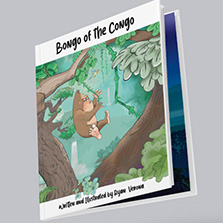
Children’s Books: Gloss paper works best since children’s books are image driven and makes the illustrations pop. Our recommendation: 100# gloss text paired with 12pt gloss cover.
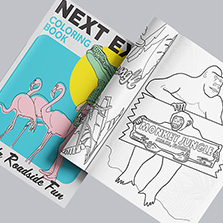
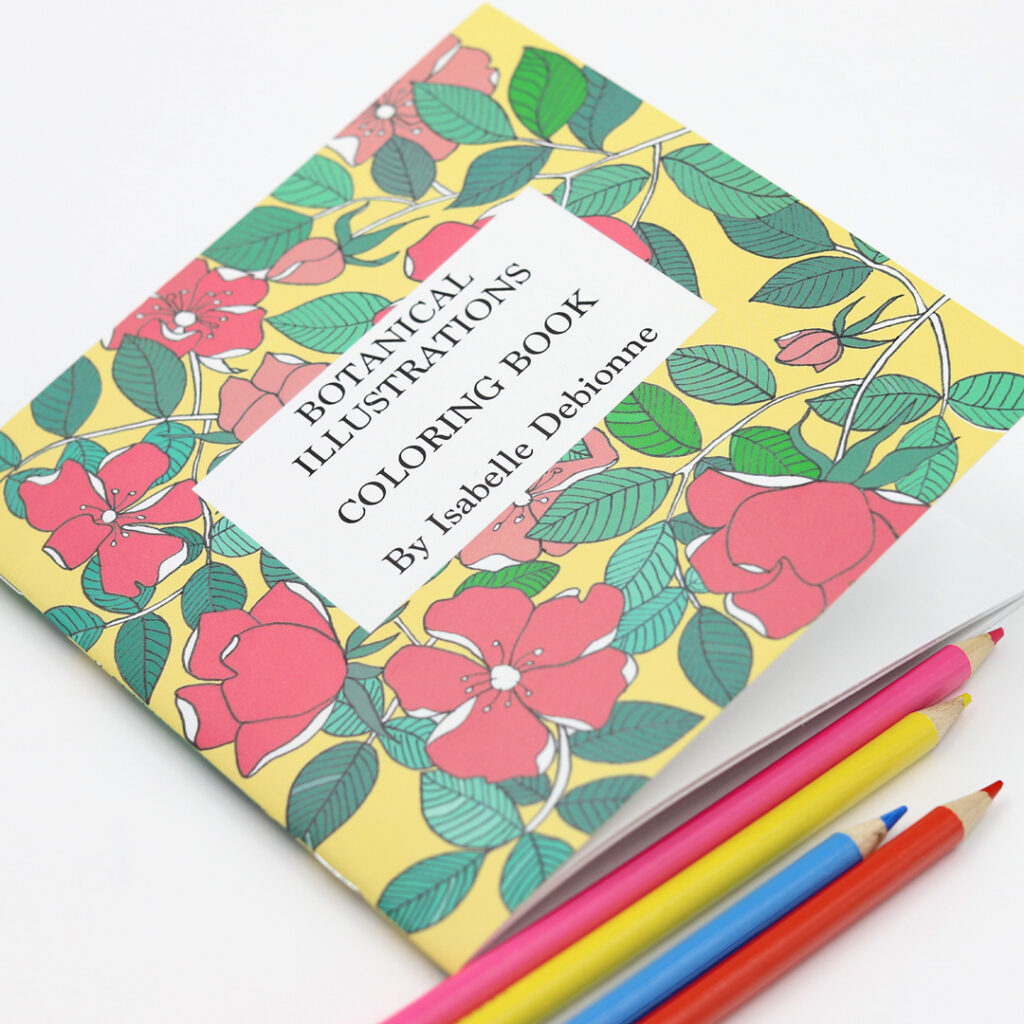
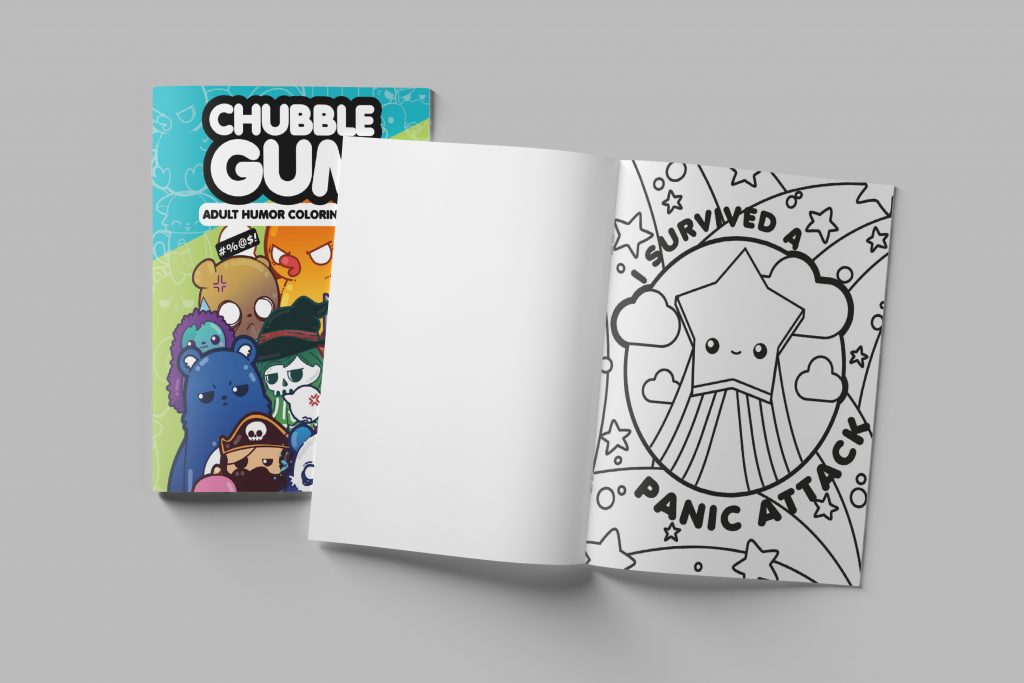
Coloring Books: Uncoated paper is the only option here. You need a surface that will work with pens, colored pencils, markers and crayons without smearing. If your design has color on the cover, go with a gloss cover to make the artwork stand out. Our recommendation: 70# uncoated text paired with 80# gloss cover.
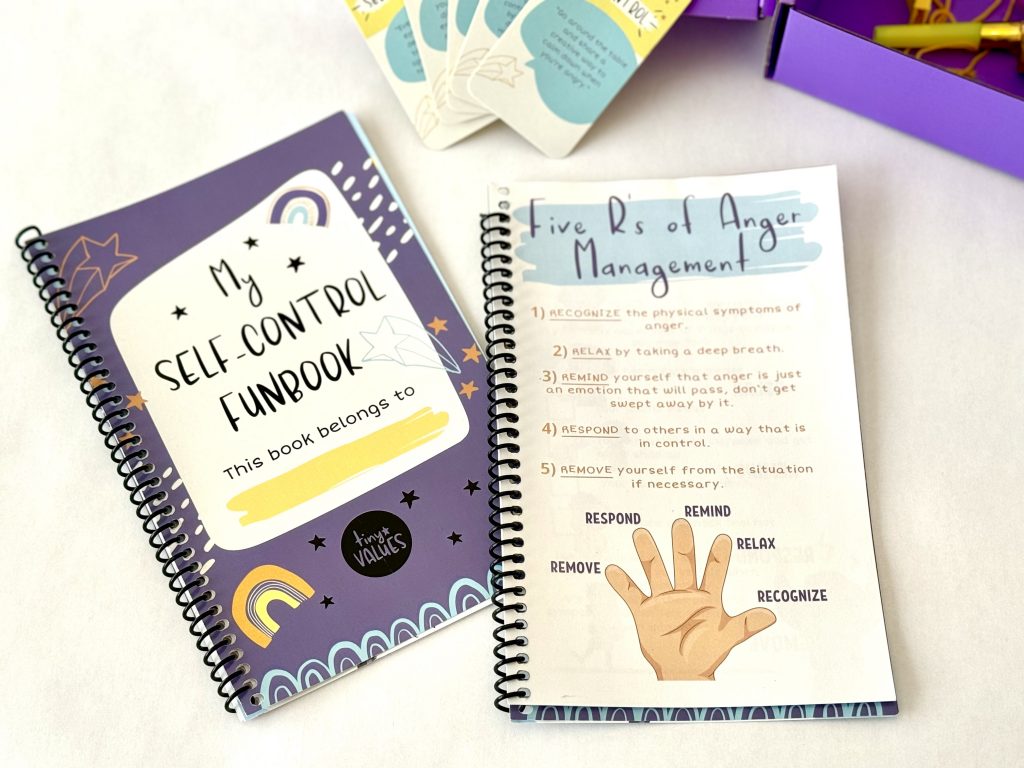
Workbooks: Uncoated or matte paper. They need to be practical and are built to be written in but also carry a lot of information. Consider how much visual content there is compared to writing. If there are more diagrams, charts, and content with small note sections, matte will be better. Our recommendation: 60# or 70# text paired with 100# Cover.
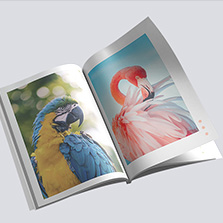
Photography Book, Art Book, and Coffee Table Books: Gloss or matte paper. These books live on the visuals and you want every image to look as rich as possible. It comes down to personal style and presentation. Black and white: matte. Color images: gloss. Our recommendation: 100# text paired with a 12pt cover.
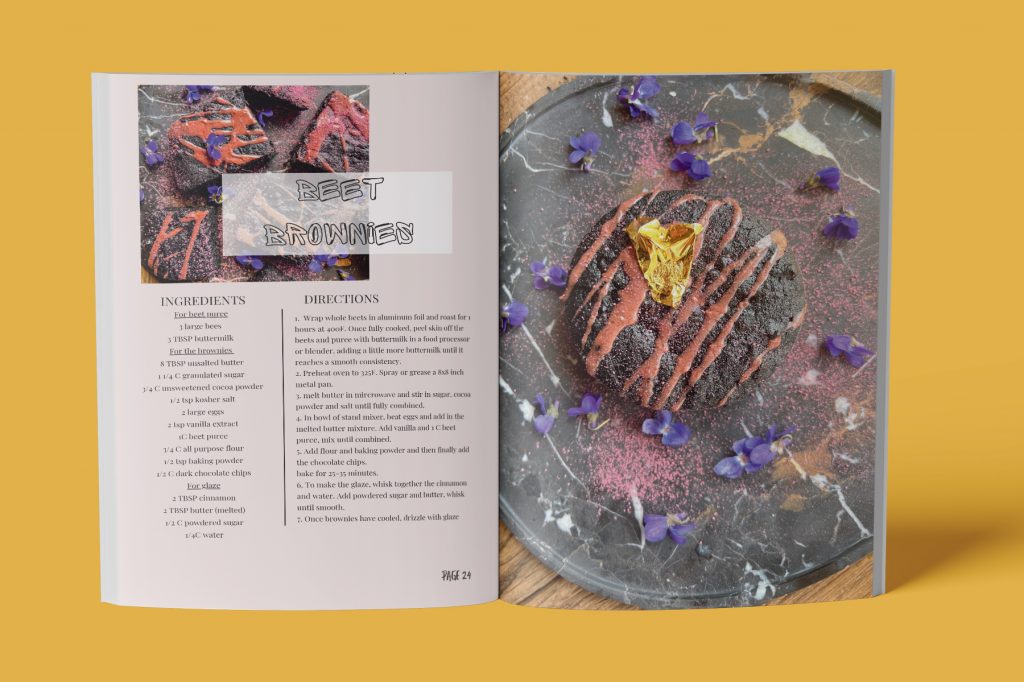
Cookbook: Matte paper. Cookbooks need to be easy to read more than anything. Matte also won’t show fingerprints as much as gloss. Our recommendation: 100# matte text with 100# matte cover.
Lookbook and Brand Books: Gloss paper. These are marketing tools and the paper needs to feel as premium as your brand. The first impression counts here. Our recommendation: 100# gloss text paired with 12pt cover
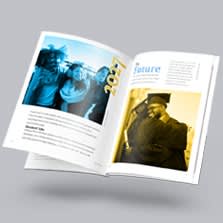
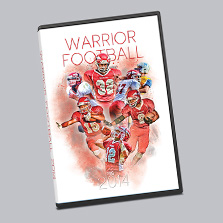
Yearbook: Gloss paper. Yearbooks are photo-heavy and meant to be keepsakes. Gloss will make the images pop. Our recommendation: 100# gloss text paired with 14pt cover.
What Size Paper is Best for Books?
Book size depends on the type of book and how it will be used.
- Smaller sizes like 5×7 and 5.5×8.5 work well for novels, journals, and books that are meant to be carried around. They feel personal and easy to hold.
- Standard sizes like 6×9 and 7×10 are the most common for business books, textbooks, and guides. They give you enough room for text and graphics without feeling oversized.
- Larger sizes like 8.5×11 and 8×10 are better for books where layout and visuals matter. Cookbooks, coffee table books, lookbooks, and workbooks all benefit from the extra space.
- Square formats like 8×8 or 12 x 12 are popular for photo books, art books, and children’s books. The shape feels intentional and works well for image-heavy layouts.
When in doubt, think about where the book will live and how it will be used. A book that sits on a coffee table can be large and bold. A book that gets handed out at an event should be easy to carry.
The Best U.S Book Printing Partner
Selecting a book printer affects your cost structure, time to market, and reader experience. Balance run size, quality expectations, and turnaround to choose digital or offset. Use a checklist: confirm specs, request proofs, compare full quotes, and verify guarantees.
PrintingCenterUSA makes it easy to produce a book that matches the quality of your products:
- Free Online Design Tool
- Free Adobe Templates
- Free File Review
- Find a Designer
- Free Sample Pack
- Canva Editable Templates
- Satisfaction Guarantee
Start your project early, invest in print quality that reflects your brand, and put something in buyers’ hands that they will still be thinking about long after the meeting ends.
How to Print a Book in 5 Easy Steps
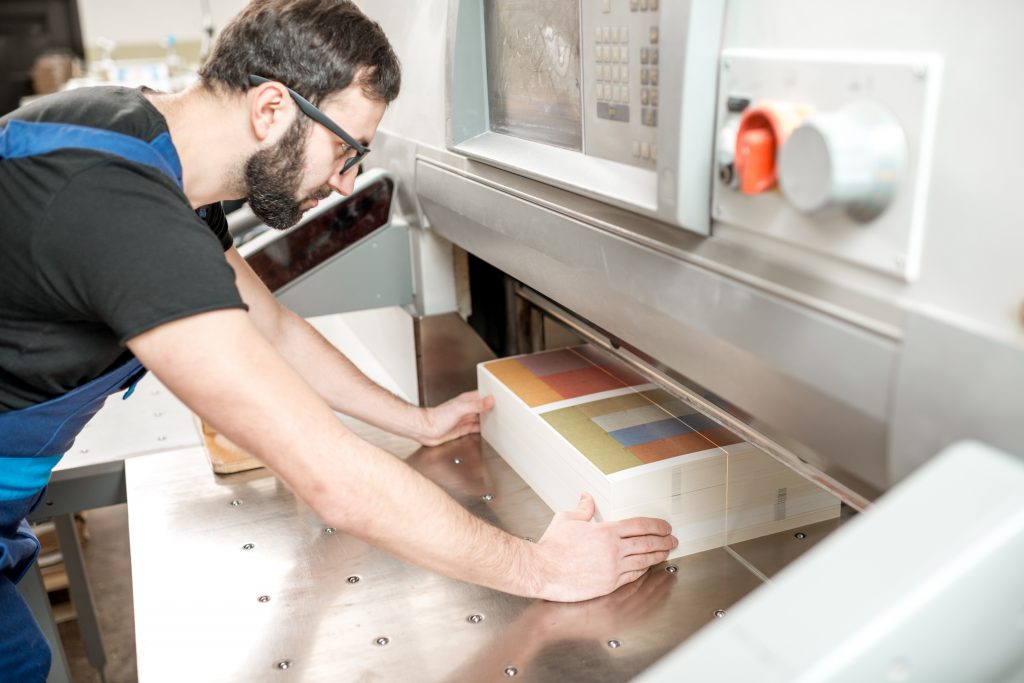
- Create your book using Adobe InDesign, Illustrator, Photoshop, or Acrobat with our free downloadable templates. Prefer something simpler? Use our free online design tool or Canva.
- Select your size, paper, and quantity on our instant pricing tool, then add to cart and check out securely.
- Upload your print-ready PDF. Our team reviews your file before printing to catch any technical issues.
- Review your free electronic proof. Hard copy proofs are also available for final color and paper verification.
- Your order prints and ships in as fast as 3 to 4 days from proof approval.
Ready to Turn Your Print Projects Into Rewards?
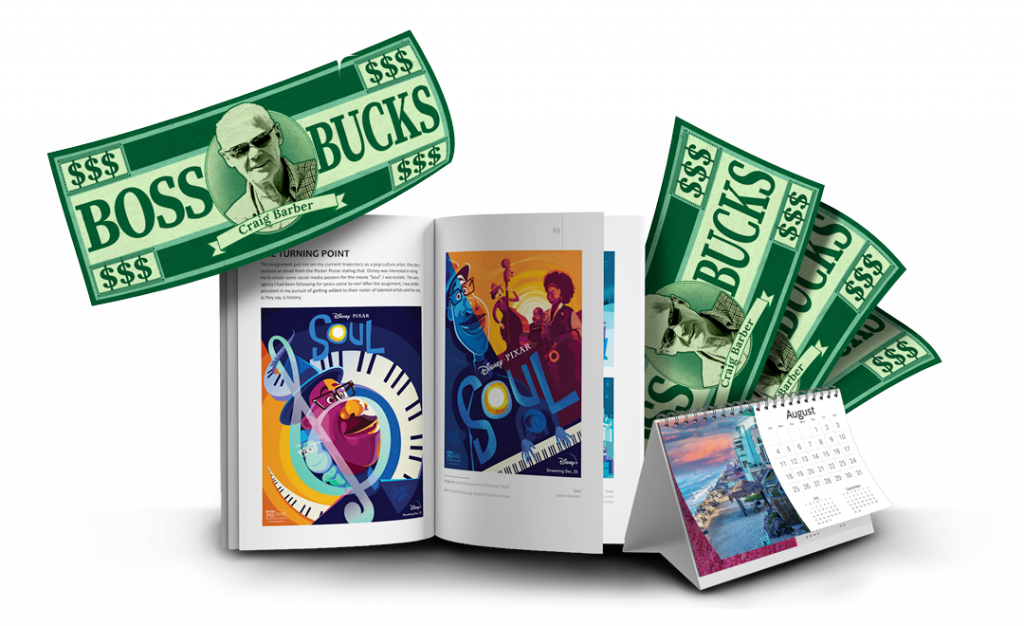
If you’re a creator, author, designer, or growing business, did you know the PCUSA Creator & Partner Network was built for you? Share your work, tell your story, and earn Boss Bucks (print credit) or even cash just for participating! Programs like the Creator Spotlight, Success Stories, Partner Referrals, and the Affiliate Program let you get featured, grow your reach, and earn up to $650 in rewards at no cost to join. It takes just a few minutes. Get started now!