




















Getting Started with Sports Program Design
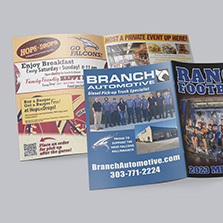
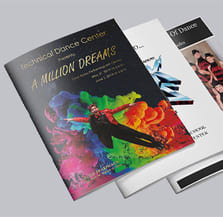
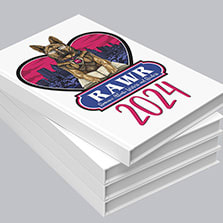
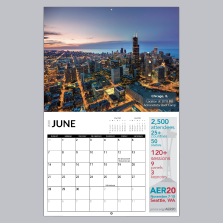
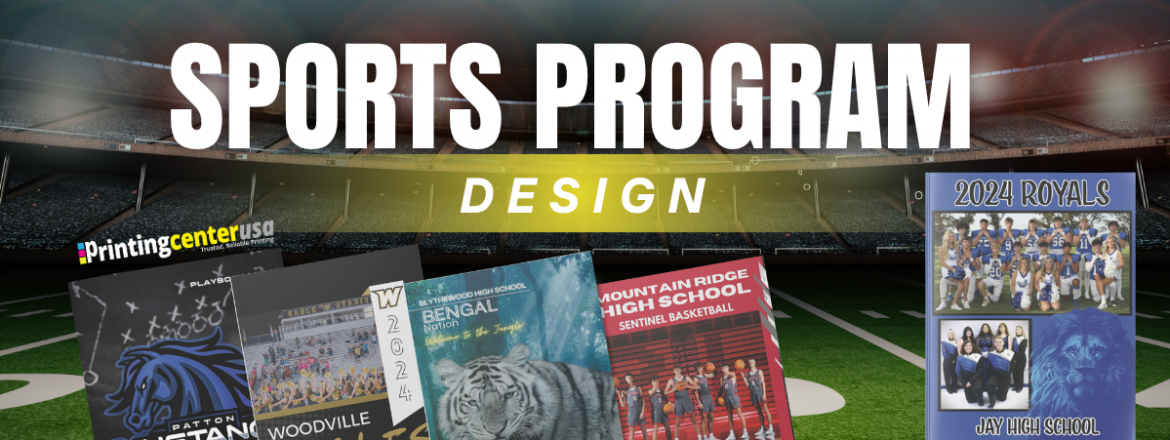
Sports programs are essential for any sporting event. Often, teams will do a season program with possible inserts for team rosters and other individual information. Since our sports careers don’t last forever, high school and college game day programs as souvenirs will keep the memories alive!
The key to creating a successful sports program design is to think like a fan. What do they want to know? Fans are attendees right? Technically, but when sports fans go to a game, they want to watch it but also be involved in some way. They want all the details, you might not think of. Here’s what you need to keep in mind and include when starting your sports program design.
Who Puts Together a Sports Program?
Putting together a sports program is usually not a one-person job. You’re going to need to gather things from different people and get help. Coaches cover the roster, schedule, and any staff bios. Booster clubs typically handle sponsors and advertisers since they already work the community relationships. A parent volunteer usually ends up with the the design and print aspect.
Figuring out who owns what up front, makes the whole process feel more manageable. You can provide deadlines to keep the whole thing moving and keep it from being held up by one person.
What Pages Should You Include in Your Sports Program Design?
Start with laying out the sports program page essentials. Think about what attendees absolutely need to know. Here’s your go-to list to make sure nothing important gets left out:
- Cover Page
- Table of Contents
- Schedule of Upcoming Games
- Nightly Promotions
- Varsity/JV Team Photos
- Full Player Roster (individual players with name, picture, number and position)
- Meet the Manager/Coach/Coaching Staff
- Photos and a letter from each
- “Meet the Seniors” Page
- Booster Club,
- Cheerleading
- Mascot Information
- Action pictures (from previous games, practices and pep rallies)
- Information Pages
- Thank You Page
- List of Advertisers/Sponsor Pages
Most of what is in a sports program will be pictures because that is what people like to see. Attendees don’t necessarily want their program to be crowded with text. Keep it short and sweet with relevant information about the game or team.
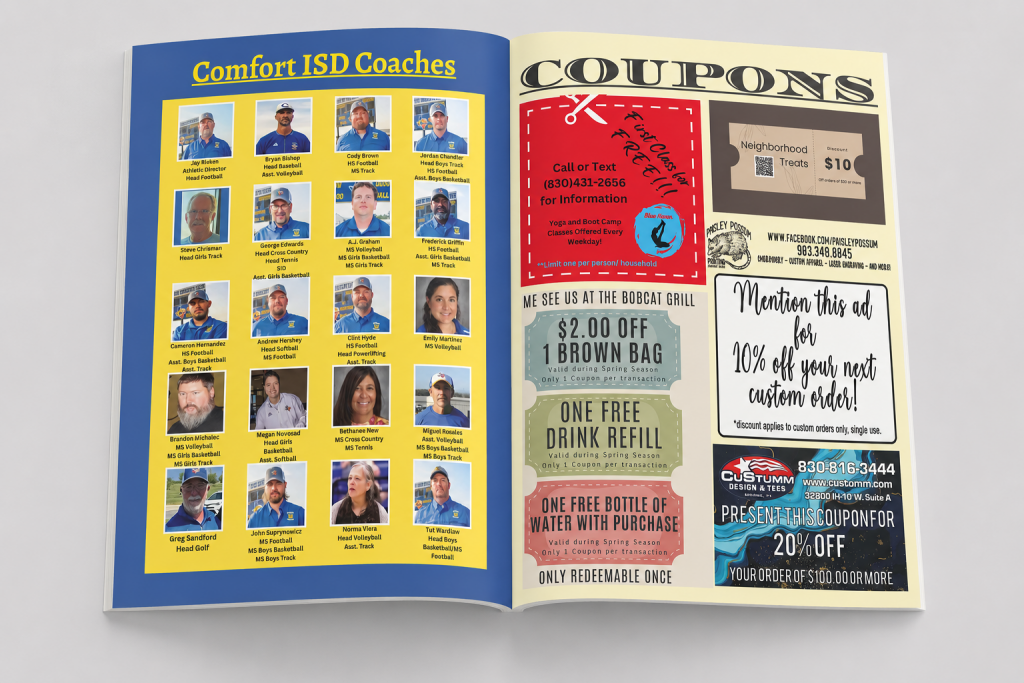
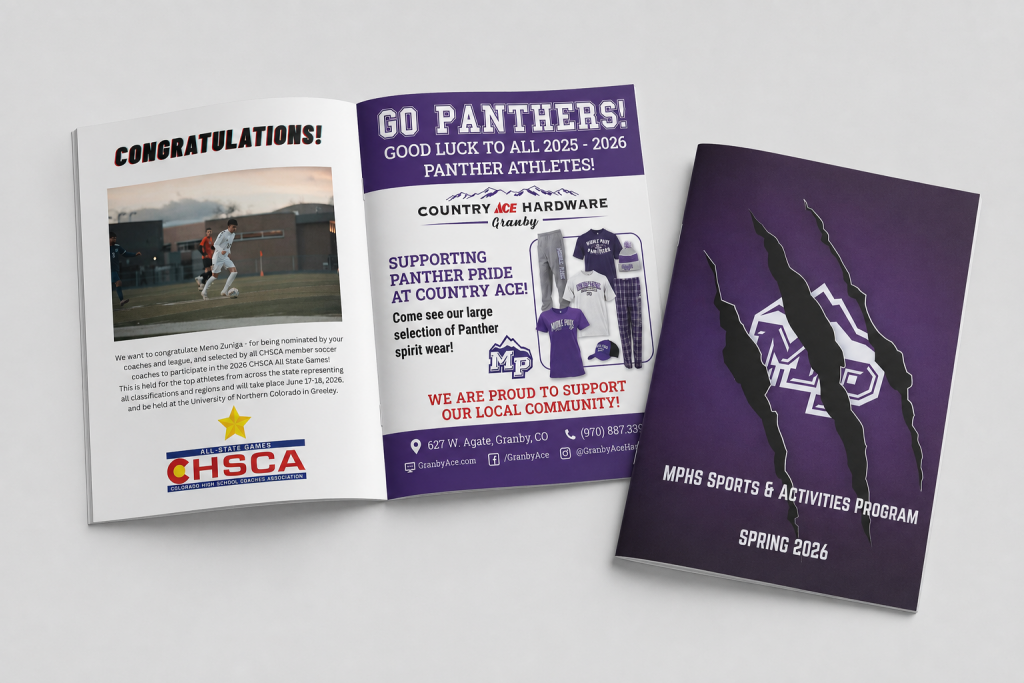
To keep the sports program well-balanced, it’s important to add some additional pages that are more on the fun side to help cover your team and give something that fans will want to take home with them. This will be especially important to the players as well when they’re looking back at the year. This actually might end up being essential for your design, as sometimes you’re unable to meet your page count with printing requirements. Different bindings have different page counts that you have to meet, and sometimes it’s hard to do that with only the sports program page essentials.
Here are a few ideas:
- Autograph page: Leave two blank pages for signatures. This section will mainly be for the team, in case they want to get notes from their teammates. Think of it like a yearbook, because for the players, this is a yearbook for their sports year.
- Game Rules: Add a page for people who are new to the sport. What to know about the game and how its played, etc. It’s helpful especially for younger siblings or first-time watchers.
- Volunteer Shoutouts: Shout-out the behind-the-scene helpers like team moms, organizers, snack bar crews, or just long-time supporters who help make each season possible.
- Team Traditions: Add in team chants, motivational quotes from coaches, any memorable wins, or inside team jokes.
- Extra Photos: Add in more photos, a photo collage is always a good go to.
Filler pages add personality that make the program more enjoyable.
How Do You Collect Photos for a Sports Program?
Photos are usually the hardest part of putting a program together. A general “send us your pictures” request doesn’t work well. It’s important to be super specific with your ask, and that ask changes depending on who you’re asking.
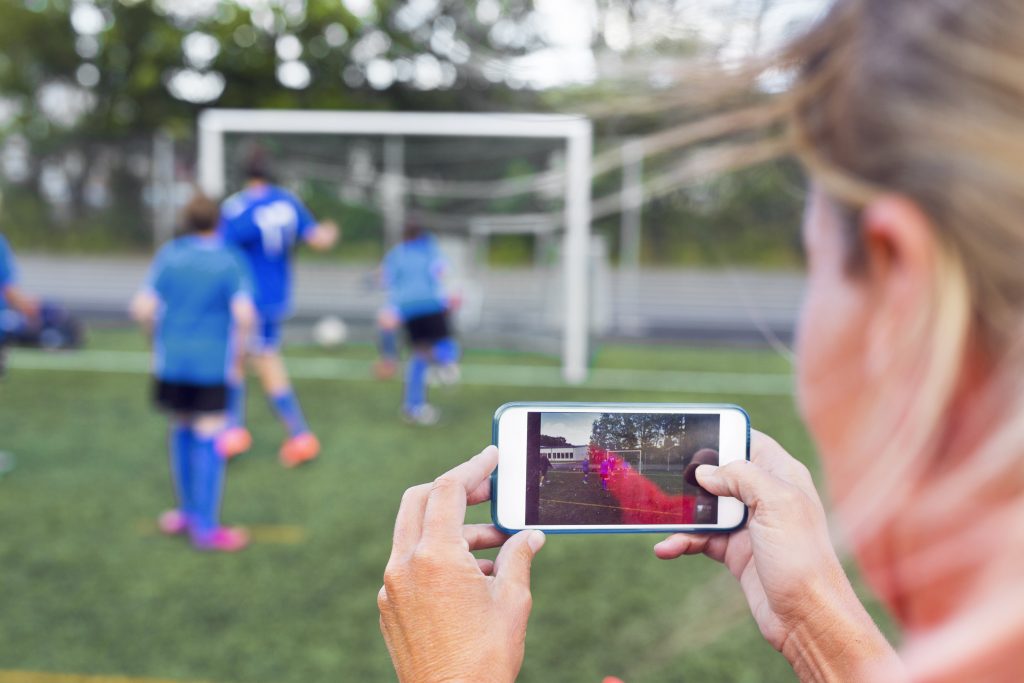
- Coaches and Staff: Coaches and staff are your go-to for photos from practices, or if they paid to have photos of the team players taken for a yearbook or posters. If you’re not sure where to find something ask the coach and they’ll point you in the right direction.
- Parents: Parents are your go-to for pages like “Meet the Seniors” or collage filler pages. If you’re sending a specific request to parents, say something like, “I’m looking for photos of your player in uniform and on the field for this page. I need them submitted by this date.”
You might get blurry photos when collecting these, and that’s kind of unavoidable for programs. Ideally, photos should be 300 DPI, but that doesn’t always happen. One option is to ask the yearbook club or a PTA member who’s already collecting photos for the yearbook. More than likely they’ll have a professional camera on hand, or photos you can use.
When collecting the photos, put them in one shared place to make it as easy as possible. Start with a shared email address, or have people drop them into a Google Drive folder labeled with the specific player or event name. Any photo submission needs a specific deadline. That deadline should be for the design itself, so set it two to three weeks before your design needs to be done and submitted to the printer.
How Do You Find Local Sponsors for a Sports Program?
Asking for sponsors can be an easy way to get involved in the community and for the community to give back to its schools and sports organizations. When a local business donates to your program, they are not only helping you, but they are utilizing cheap advertising and brand awareness.

You can even ask the parents and families if they’d like to recognize their athlete with a personal program ad! Though you should absolutely consider using the team or players for physical fundraisers like a car wash. Not contacting families and local businesses means missing out on community involvement and a lot of free money for your team.
How Do You Design a Sports Program With Your Team?
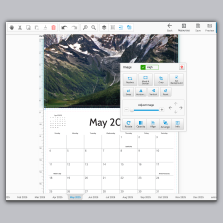
Sports programs are rarely a one-person job, so it helps to work from one shared file instead of everyone building their own version. PrintingCenterUSA’s free online design tool lets you build your program right in the browser, no software needed.
A shared canva design is also a great avenue for this. Pick one tool, agree on one final reviewer, and go from there.
How Many Programs Should You Print?
Most sports programs get printed once, before the first game, to cover the whole season, so this isn’t really something you can nail down with a formula. There’s no universal number, it depends on your specific team, school, and turnout.
We typically see quantities around 200, but it depends on the sport and the size of the school. Sports programs also tend to range anywhere from 40 to 100 pages. Checking with your printer to see how big similar orders have been in the past is a good starting point.
You’ll also want to decide upfront whether you’re selling programs, giving them away, or a mix of both. If some are free for students and family members and the rest are for sale, that changes your count. It also affects distribution, whether you’re handing them out at the gate or setting up a table.
Some teams print an extra 10 or so just in case someone misses the deadline and still wants one.

Ready to Print?
Creating a sports program might feel overwhelming at first, but once you know what to include, it all starts to come together. If you touch on all these points, we are sure your sports program printing will be a success! Whether you designing a program for football, baseball, basketball, soccer, tennis, wrestling, swimming, volleyball, cheerleading, track & field, or more, we can handle your printing needs.
For sizing, binding, and paper spec recommendations, check out PrintingCenterUSA’s guide, How to Design a Sports Program That Fans Will Love. Use our free templates, online design tool, or reach out to our amazing customer support at 800-995-1555 with questions. Finished with your design? Get an instant quote and check out our sports program printing options with this video:
Use our free templates, online design tool, or reach out to our amazing customer support at 800-995-1555 with questions. Whether you designing a program for football, baseball, basketball, soccer, tennis, wrestling, swimming, volleyball, cheerleading, track & field, or more, we’re here to make the printing part easy!
Frequently Asked Questions
What pages should a sports program include?
A well-rounded sports program includes a cover page, table of contents, game schedule, full player roster, coach and staff introductions, a “Meet the Seniors” page, booster club and mascot information, action photos, and a sponsor or advertiser section.
What do you put on empty or extra pages in a sports program?
Extra pages are a chance to add value instead of leaving blank space. Popular options include an autograph or notes page, a sport “101” page for new fans, booster club and volunteer shoutouts, a team quote page, or a full-page photo collage.
How many sports programs should you print for a season?
Base your quantity on average game attendance across the season, not just your biggest game, and add a small buffer for new fans and replacement copies. Single-game programs are simpler since you’re only printing for one crowd.
Who is usually responsible for putting together a sports program?
It’s typically a coach, a booster club, or a parent volunteer. Coaches usually handle the roster and staff bios, booster clubs manage sponsors, and parent volunteers often run design and print logistics.
How do you get local businesses to sponsor a sports program?
Reach out directly to local businesses and offer program ad space in exchange for sponsorship. This gives businesses affordable advertising and community visibility while helping fund your team’s printing and program costs. Families can also sponsor a personal ad recognizing their athlete.