



























World Building Software for Every Genre
World building is often immediately correlated with the fantasy genre, but it goes beyond that. When you think about it, every story has a world, even the ones that might seem a little small. World building gives you a place to hold up all of your characters, timelines, relationships, and the small details you might forget. Here are the top tools by genre, and their essential features to help you figure out what’s going to work best for your book.
Why do Different Genres Use Different Story Writing Tools? Do I Need One?
Each genre has unique storytelling needs, and it’s going to vary.
- Mystery and thriller benefit from the kind of plotting tools that can help manage suspense and clues.
- Fantasy and sci-fi authors need tools for world building, complex characters, and in-world history.
- Character-driven genres like romance rely on tools focused on emotional arcs to help build strong character relationships.
- Horror and mystery need tools that help create dramatic effects to help build the pacing for the suspense.
All of these will require different apps based on those needs. For example, sci-fi and fantasy need a tool to hold that detailed world building, whereas historical fiction needs something to help maintain accuracy. Those tailored apps help you meet the genre-specific demands with the essential story elements. For deeper plot and organized structure, you absolutely need a story writing tool that is specific to your genre.
What Is World Building Software?
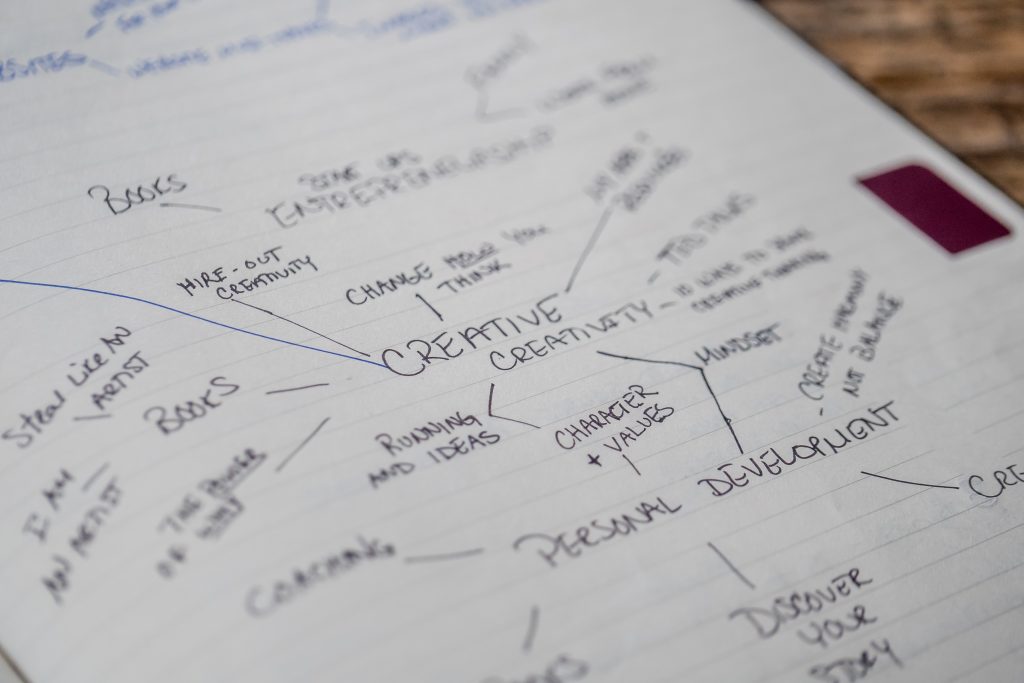
World-building software is a tool that stores everything important to your book, like the character, settings, history, and world details laid out for you. Most tools include some kind of combination of character profiles, timelines, interactive maps, and “story notes” that you can reference while you write. It’s almost like a sticky note or a brief with the important details for your book. You don’t need to be writing fantasy or sci-fi to get value out of it. There are specific tools for certain genres that are going to help make the most of your writing.
What Software Helps You Track Character Arcs and Relationships?
Campfire and MindMeister are the best options for tracking character arcs and relationships. Campfire has a dedicated relationship web built for this exact thing, whereas MindMeister works better for the early loose brainstorming. They both work, but for different parts of your writing stages.
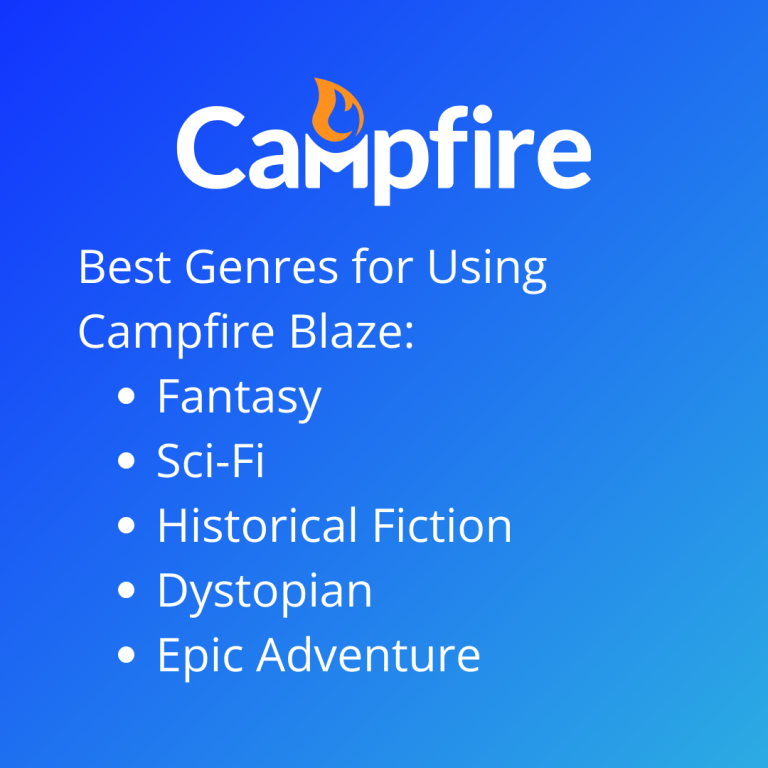
With Campfire’s relationship web, it lets you connect characters to each other and label the connection with notes attached to each link, so keeping track of who’s who, who knows what, who’s related, etc., is all built into that. With its character builder, it holds the deeper profile, like a character’s backstory, appearance, and motivations, that is searchable while you’re writing.
Mindmeister has a more open approach with a mind mapping canvas instead of a character system like Campfire’s. Some writers prefer to use it early on, when the relationships are still being determined and you want to sketch out some connections before actually committing to them. The important thing to note is that these tools can be used for different things across genres.
What’s the Best Plotting Software for Mystery and Thriller Writers?
The best plotting software for mystery and thriller writers is Plottr. Plottr has a timeline view that lays out your plot as a visual grid with separate lanes for different threads, almost like what you see in the thriller genre when people are trying to build out a mystery. These genre plots live or die on timing. Readers have to get their clues at the right moment. A visual timeline makes it a lot easier to manage than trying to keep it all straight in a normal outline. With Plottr, you build your main plot and your red herrings in separate lanes on the same grid so that you can see them side by side and catch anything that’s in the wrong spot. It also comes with a template library built around common plot structures like the Hero’s Journey, so you’re working from a starting skeleton instead of a completely blank grid, which can be hard to get into.
Plottr’s pricing has three tiers:
- Plottr Pro Plus Community adds a private Discord and an education vault for $14.99 a month, $129 a year, or $649 as a one-time lifetime buy.
- The base plan is $60 a year, or a $150 one-time buy, and it covers the core timeline and templates on desktop only. There’s manual syncing between devices through Dropbox.
- Plottr Pro adds a browser app, cloud sync, cloud backups, and collaboration. That’s $9.99 a month, $99 a year, or $599 as a one-time lifetime buy.
If you’re a solo writer just plotting out a mystery, the base plan is going to cover what you need. Don’t overthink it and get a plan that has just too much you don’t need.
What’s the Best Software for World and Lore Building in Fantasy and Historical Fiction?
The best software for world and lore building in fantasy and historical fiction is Campfire. Campfire has a Worldbuilding Canvas and Lore Keeper. The thing about these two genres is they don’t look anything alike, but they have the same problem, which is that they both have to have a world that holds up under scrutiny. Fantasy needs consistency, and historical fiction needs the real details to be right.
With Campfire’s Worldbuilding Canvas, it lets you map out physical geography with pins for location, and each pin holds its own notes and images. A city you might mention in chapter 2 looks the same by chapter 20 and provides you a visual, which will help you keep up with details and what is going on. The Lore Keeper is what holds the details of the world’s cultures, histories, any magic systems, and the rules of your world. They’re kept as their own modules, separate from your character and location info. Campfire also has a languages model, which is quite handy to let you build custom conlangs and link specific words directly in your docs for quick reference, and that is a pro that the majority of tools don’t offer. Campfire is free with limited elements per module, or $2 a month per module for unlimited use, or $12 a month for the whole suite.
Can I Keep My World Building and My Manuscript in the Same Program?
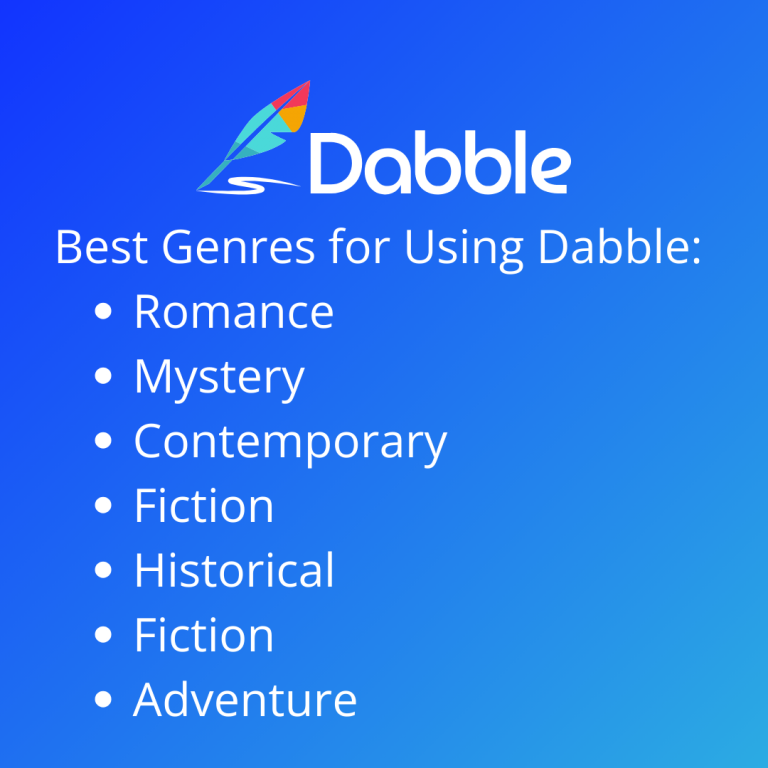
You can keep your world building and manuscript in the same program with Scrivener or Dabble. Both of these tools have organization features directly in your writing, so your notes can sit right next to your manuscript instead of living somewhere else.
Scrivener’s corkboard turns your scenes and characters into virtual index cards you can label, color-code, and rearrange. Its binder has specific folders for characters, locations, or families right with your chapters. It doesn’t have a dedicated relationship mapping like Campfire, so if a character’s backstory changes, you do need to update a text card by hand.Scrivener is a one-time purchase of $59.99 for Mac or Windows, and each platform needs its own license: $23.99 for iOS, or $95.98 if you want both Mac and Windows together.
Dabble has a plot grid tool that tracks subplots and character arcs in a spreadsheet-style view, and its story notes section is where world-building details, character bios, and research live. If you’re writing a series, it lets you carry your characters, locations, and lore across every book instead of rebuilding the world from scratch every single time.
Dabble’s pricing starts at a $9-a-month Basic tier that doesn’t include the plot grid or story notes, and a $19-a-month standard tier that has the features mentioned above.
What Are the Best Tools for Fast, Simple Story Planning?
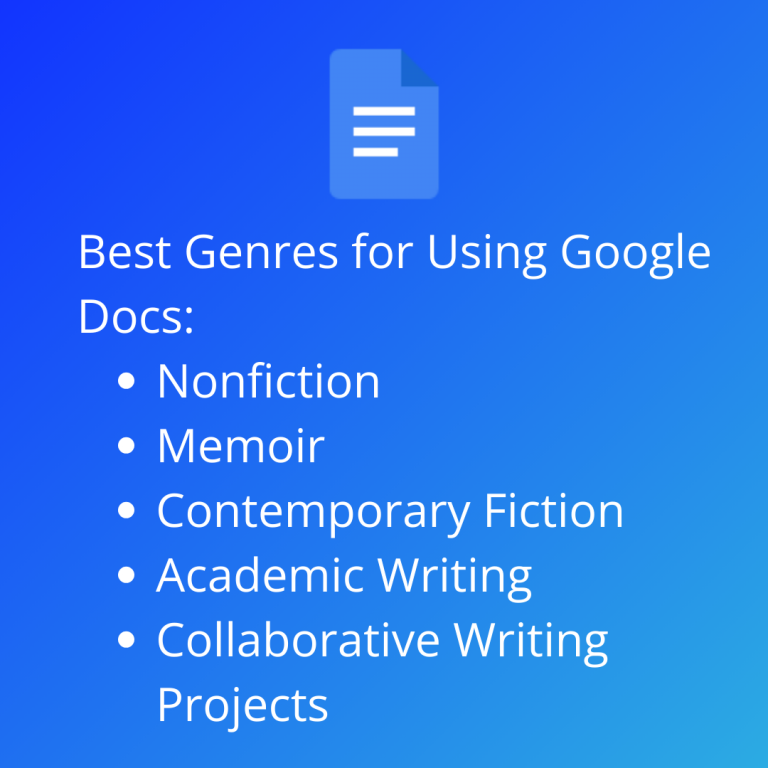
The best tools for fast, simple story planning are Google Docs or yWriter, if your project doesn’t need a full story outline. Serials, fan fiction, and shorter-form work tend to move a bit faster than a world-building tool is built for, which is why simple tools like Google Docs work just fine here. It’s free and likely something you already know how to use. It’s easy to share with somebody without a learning curve. There aren’t any dedicated world-building features, so you would be organizing certain details in a plain document rather than in an organized link system.
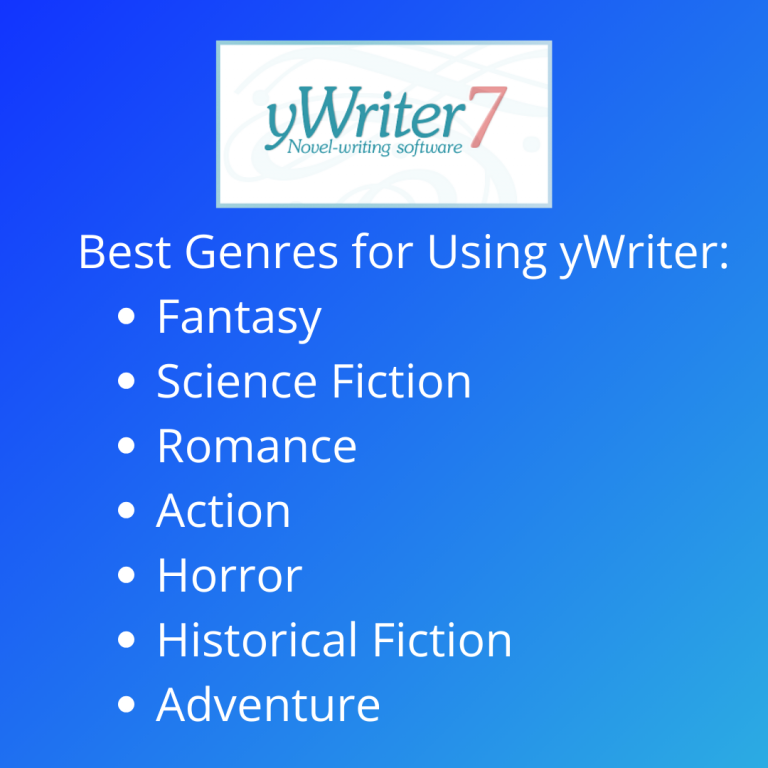
yWriter is simple but also has some of those tools you need for world building. For example, it splits your project into chapters and scenes and lets you build basic character and location profiles that are going to follow you in the scenes each one shows up in, which gives you a bit more structure than a blank document in Google Docs. It’s free to download with an optional donation and a few paid extra tools.
FAQ
What is world building software?
World building software is a tool that stores your story’s characters, settings, and timeline in one searchable place, so you can stay consistent as your story grows. Most tools include character profiles, maps, and a timeline.
Do I need world building software if I’m not writing fantasy?
Yes, if your story has multiple characters, a timeline, or a setting readers need to trust. World building tools like Plottr are built with romance, mystery, and historical fiction writers in mind, not just fantasy and sci-fi authors.
What software helps fantasy writers track character arcs and relationships?
Campfire’s Relationship Web and Character Builder are built for this. They let you connect characters to each other and keep a searchable profile for each one as your cast grows, starting at $2 a month per module.
What’s the best software for plotting a mystery novel?
Plottr is built for this. Its Timeline view lays out your plot as a visual grid with separate lanes for different threads, so you can check clue placement and pacing at a glance instead of losing track in a linear outline.
What’s the best free world building software?
Google Docs and yWriter are both free and cover basic organization, though neither has dedicated world-building features. Campfire also offers a free tier with limited access to all 18 of its writing and world-building modules, which is enough to test character and setting tools before paying for anything.
Is Google Docs good for world building?
It can work for simpler projects. Google Docs doesn’t have dedicated world building features, but it’s free, familiar, and easy to share with a co-writer or editor.
Can I use Scrivener for world building?
Yes, though it doesn’t have dedicated relationship-mapping or lore tools the way Campfire does. Scrivener organizes character and location notes through its Corkboard and Binder for a one-time fee, and works best for writers who want everything in one file. Dabble takes a similar all-in-one approach, but its world-building features require the $19-a-month Standard tier or higher.
Find Your Perfect Writing Tool and Get Started!
Did you find the best story writing tool for your genre? Whether it’s Scrivener for complex novels, Plottr for multi-layered thrillers, or Campfire for immersive fantasy worlds, you have many options to help bring your story to life. Start writing and turn your ideas into a self-published book that you can hold in your hands! Check out PrintingCenterUSA.com for more helpful resources like a free sample pack to make your publishing journey easy and rewarding. Let’s get your story into the world!