











How to Design a Sports Program That Fans Will Love
A great sports program is more than a roster and a schedule. It’s what parents, teachers, and coaches save for years, perfect to pull out at graduation or the athlete’s wedding. Designing a sports program with intention is easy and fast. Heres how to design a sports program fans, families, and athletes will treasure. From files to gameday ready, here’s the full how to. Ready to start your project now? Get your sports program printed today!
Start With a Plan Before You Design Anything
The best thing you can do before starting your design is to map out your pages like a table of contents. Grab some blank printer paper sheets and staple them together to get a quick mockup of what you are creating. Cover, welcome letter, roster, schedule, photos, sponsor ads, and anything else you want to include. This will give you a sense of how much space you have for everything and how many pages you will need for your program.
One note worth having upfront: if you are printing with saddle stitch binding, which is the most common and affordable option for sports programs, your total page count must be a multiple of four. That means 8, 12, 16, 20 pages and so on. Plan your layout around that from the start and you will not have to add or cut pages in the end.
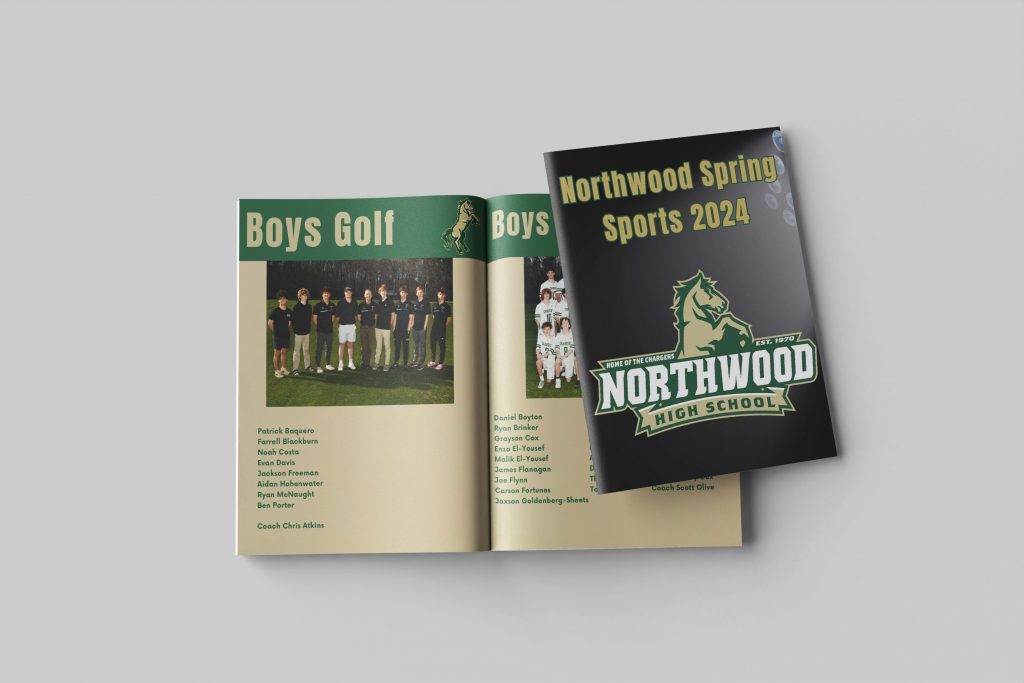
How to Design the Best Sports Program
Designing a great sports program comes down to a handful of decisions made in the right order. Here is what separates a program fans keep from one that ends up on the bleachers.
- Map out your pages before you design anything. Grab blank sheets, fold and staple them, and sketch out what goes on each page. Cover, roster, schedule, photos, ads. Do this before you open any software.
- Nail the cover first. One strong action shot or team photo paired with the team name, event, and date is all you need. Let the image do the work.
- Use your team’s existing brand. School colors, mascots, and logos should run consistently through every page. A program that looks like your team creates more pride than a generic template.
- Put the roster somewhere obvious. The centerfold or back cover are both strong placements because fans can find them instantly without flipping through the whole booklet.
- Use high-resolution photos only. Every image should be at least 300 DPI. Photos pulled from social media or texted to you are usually 72 DPI and will print blurry.
- Plan your sponsor ad space early. Decide how many ads you are selling and how big they will be before you design your pages. Trying to fit ads in after the fact always looks forced.
- Keep page count in multiples of four. For saddle stitch binding, your total page count must be 8, 12, 16, 20 and so on. Plan for this from the start.
- Triple-check every player name. Share a proof with coaches or team parents before you send to print. A misspelled name in a keepsake program is the kind of thing families remember.
- Add the extras that make it a keepsake. Autograph sections, player quotes, season highlights, and mascot features are what fans actually talk about.
- Submit your file for review before ordering. PrintingCenterUSA’s automated 43-point inspection catches common file issues before your order goes to press so nothing goes wrong on gameday.
A well-designed sports program does not have to take weeks. With the right plan and the right tools it can come together in a weekend and be something your community is genuinely proud of.
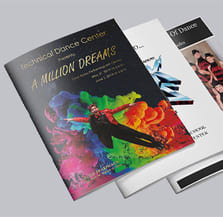
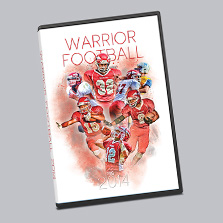
Your cover should have a bold statement without being too busy, but what does that mean? A strong action shot or a bold team photo paired with the team name, event name, date, and location is all you need. Keep it clean and let the image carry the weight.
One of our program customers here even does a competition with her students for the cover photo and celebrates the winner with their program featuring that student on the cover.
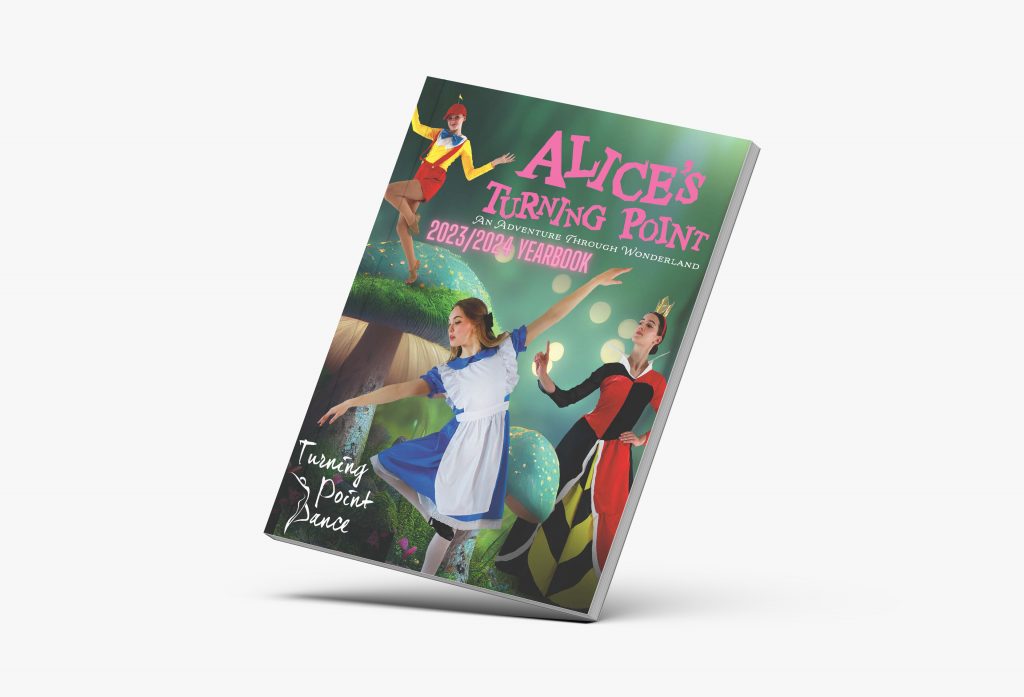
Resist the temptation to put too much on your cover. One strong image and clear bold font and you will always outperform that cover who tries to say everything at once.
What to Include Inside Your Sports Program
The content of your sports program should follow the common format fans are expecting. Here are the sections of what to include in your sports program and in what order.
- Welcome letter from the coach, athletic director, or school principal. It does not need to be long, a few genuine sentences sets the tone and opens the program with warmth.
- Table of contents so fans can navigate quickly. Roster and schedule pages get referenced constantly during the game, so making them easy to find is worth the one page it takes.
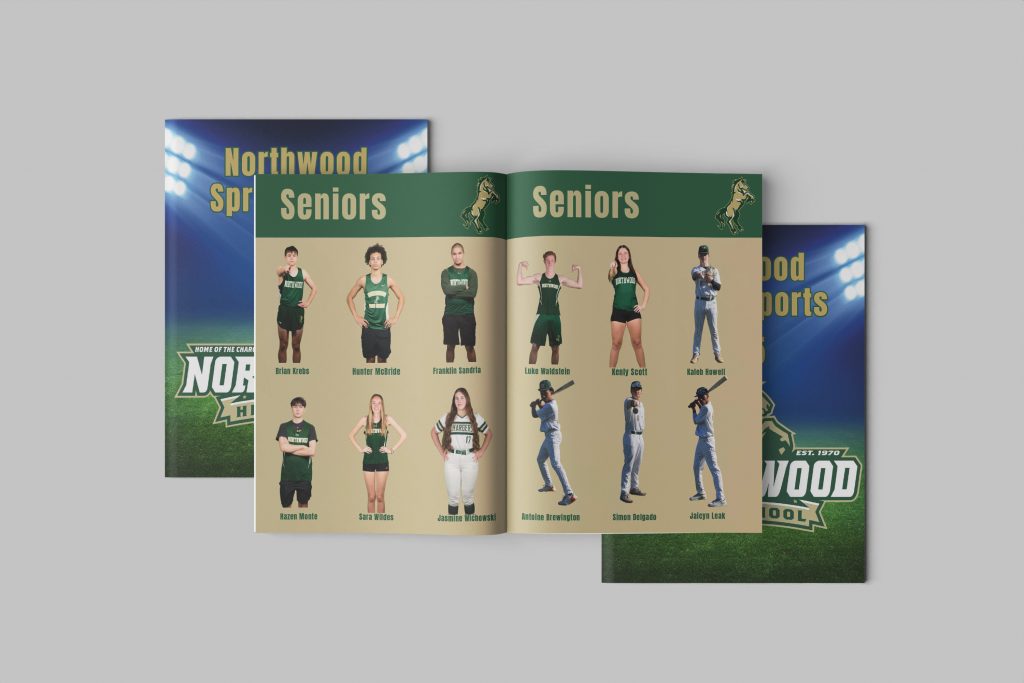
- Team roster with player names, jersey numbers, and positions at minimum. Adding headshots, player bios, and stats makes it genuinely engaging rather than just functional.
- Team and individual photos including action shots, team photos, senior features, and candid moments from the season. These give families something to hold onto long after the final whistle.
- Game or season schedule so fans can plan ahead. Include future game dates, opponent names, and locations.
- Coach and staff bios to add credibility and give fans a sense of the people behind the team. Even a short paragraph per coach goes a long way.
- Sponsor ads to offset your printing costs. Leave designated space for them from the start of your layout so they integrate naturally rather than feeling like an afterthought.
- Extras like standout player quotes, season highlights, interview snippets, team mascot features, and an autograph section are what turn a functional program into a keepsake fans never throw away.
Map all these sections out before you start designing and your layout will come together much faster than starting from a blank page.
How to Build Your Design Around Your Team’s Brand
How do you match your program theme and spirit with the team it represents? Your team already has an identity. Use it. Think of the school colors, mascots, their logos, and the fonts your school or team uses. A program that feels visually connected to your team creates a stronger sense of pride and belonging than one that looks like a generic template with names dropped in.
If you are designing a booklet for multiple sports or events, consider a two-in-one booklet with dual covers and upside-down sections so both teams get equal billing in a single printed piece. We see this quite often with programs and it is a creative and cost-effective way fans always find memorable.
PTA Mom Looking for Help?
Sometimes schools hire a graphic designer or recruit a PTA mom for a project like this. If that is you, here’s some helpful info for before, during, and after creation and production.
Before you start, make sure you have a signed contract, confirmed budget, page count, trim size, deadline, and a clear point of contact for approvals.
Assets to collect:
- Photos (300 DPI minimum)
- School logo in vector format (AI or EPS)
- Exact school colors (hex, CMYK, and Pantone)
- Fonts or brand guidelines if they exist
- Written copy, captions, and rosters
- Examples of prior years or designs they liked
- Existing templates or InDesign files if available
Once the project wraps, deliver print-ready PDFs, confirm quantity and paper specs with the printer, and make sure you have written sign-off from the approving contact before sending files to press.
Give us a call! We can help you in every step of the way or check out our free online design tool, Adobe templates, free file review, printing guides, or order a sample. Looking to skip the design process? Check out our Find a Designer program and get paired with one of our partnered graphic designers to ensure your files are professional and perfect for print!
How to Choose the Right Size for Your Program
Size affects how easy the program is to carry and how much content you can fit on each page. The two most common sizes for sports programs are 8.5 x 11 and 5.5 x 8.5.
8.5 x 11 gives you the most room for photos, rosters, and sponsor ads. It is the standard for programs that need to feel substantial and comprehensive. It will also naturally accommodate a larger page count and flow well for a year wrapped program or something with a larger page count.
5.5 x 8.5 is the pocket size option. It is easier for fans to carry around during the game and costs less to print, which makes it a smart choice for shorter programs or tighter budgets.
Both sizes are available at PrintingCenterUSA and both print beautifully in full color or black and white depending on your budget.
How to Use Sponsor Ads to Offset Your Printing Costs
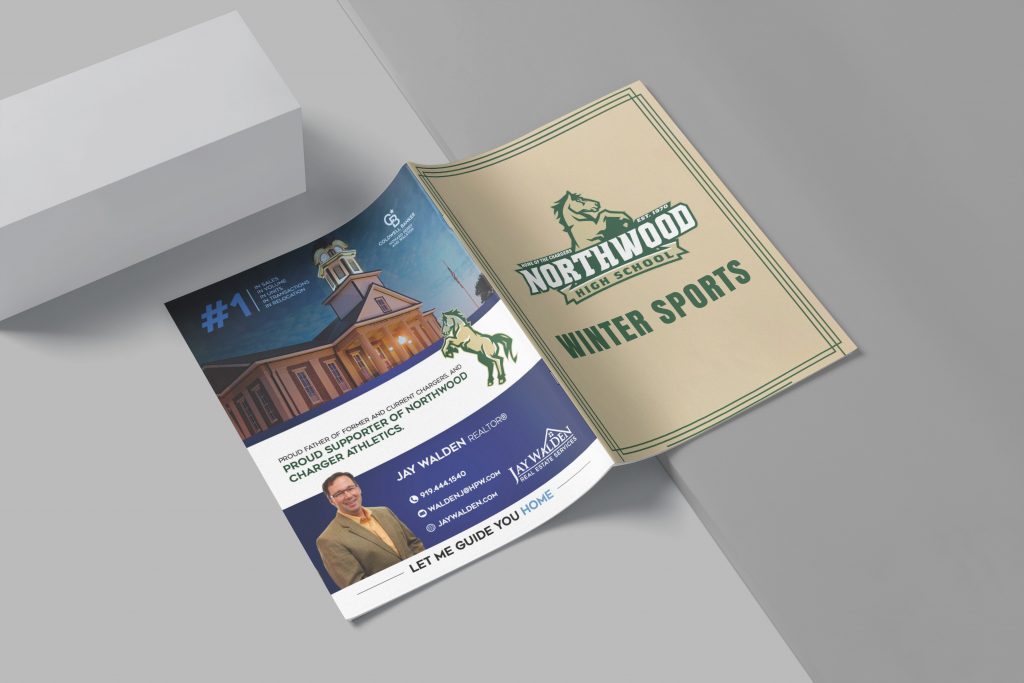
Local businesses are your best friend? Yep! Reach out to the previous year’s list of sponsors and see if they are interested in being featured again. They get affordable advertising in front of their local target audience and your team gets funding for gear, travel, print, or other events! The community will see the local businesses showing up for youth sports and it will strengthen those relationships for future fundraising.
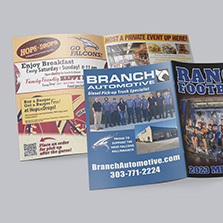
Once you have last year’s list, create a simple rate card with sizes and pricing for the businesses to select from. Even the smallest of placements can compound into large ROI. Think coupon strip or business card sizes, most business owners are excited and willing to get shown at any avenue.
Learn more in our blog about Advertising and Marketing Strategies for Sports Program Fundraising!
How to Triple-Check Every Player Name in Seconds
This one is simple but worth saying clearly. Think about who will see this; players, grandparents, coaches, and teachers. Nothing is more embarrassing than missing a simple typo on a large run publication that everyone will see.
Here’s how to triple-check every player name with just a few clicks. Before you send your file to print, share a pdf proof with coaches and team parents for a final review. They will catch things you never could have spotted and they are usually happy to help and appreciate being included in the process with behind the scenes.
Best Paper, Binding, and Print Specs for Program Printing
For most sports programs, saddle stitch binding is the right call. It is the most affordable option, lays flat when open, and works well for the typical page counts involved. Remember that your page count must be in multiples of four for saddle stitch.
For paper, a gloss cover with a gloss or matte interior is the most popular combination. Gloss cover stock protects the program and gives it a professional feel. Interior paper choice comes down to whether your program is more image-heavy (gloss) or text-heavy (matte).
All images should be at least 300 DPI. Images pulled from social media or downloaded through email are typically 72 DPI and will print blurry. Pull photos directly from a camera or original source file every time.
Sports Program Design: Key Facts for Reference
What is a sports program: A printed booklet distributed at sporting events containing team rosters, player photos, schedules, sponsor ads, and season content.
Most common sizes: 8.5 x 11 for comprehensive programs, 5.5 x 8.5 for pocket-sized programs
Most common binding: Saddle stitch
Page count requirement for saddle stitch: Must be a multiple of 4, minimum 8 pages, maximum 92 pages
Recommended image resolution: 300 DPI minimum
Standard program sections: Welcome letter, table of contents, team roster, photos, schedule, coach bios, sponsor ads, autograph section
Sports commonly using printed programs: Football, basketball, soccer, track, wrestling, cheerleading, lacrosse, marching band, rodeo, and racing
Turnaround at PrintingCenterUSA: 3 to 4 business days after proof approval
File review: Automated 43-point inspection checks your file before it goes to press
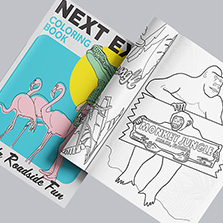
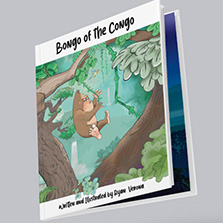
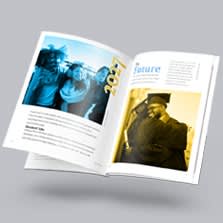
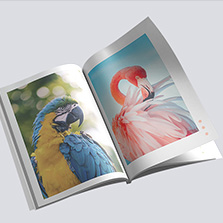
Additional print products for sports teams: Posters, calendars, photo books, coloring books, and yearbooks for gifts, fundraising, spirit week, and year-end banquets
Frequently Asked Questions
What should a sports program include?
A well-designed sports program typically includes a welcome letter, table of contents, team roster with player names, numbers, and positions, coach and staff bios, action and team photos, a game or season schedule, season highlights, sponsor ads, and a section for autographs or notes.
What size should a sports program be?
The two most popular sizes are 8.5 x 11 for a full-size program with room for photos and detailed rosters, and 5.5 x 8.5 for a portable pocket-size program that is easier for fans to carry during the game.
What binding is best for a sports program?
Saddle stitch is the standard for sports programs because it is affordable, lays flat when open, and works well for typical program page counts. Page counts must be in multiples of four for saddle stitch binding.
How many pages should a sports program be?
Most sports programs run between 8 and 32 pages depending on the number of teams, the amount of content, and the budget. For saddle stitch binding, your page count must be a multiple of four.
How do I get sponsors for my sports program?
Start with businesses that sponsored your program in previous years. Reach out to local shops, restaurants, and service providers with a simple rate card showing available ad sizes. Most local business owners are happy to support youth sports when asked directly.
Can I design a sports program without design software?
Yes. PrintingCenterUSA’s free online design tool lets you build your program directly in the browser with no software required. Free downloadable Adobe templates are also available if you prefer working in Illustrator, InDesign, or Photoshop.
What resolution do images need to be for sports program printing?
All images should be at least 300 DPI for professional print quality. Images downloaded from social media or email are typically 72 DPI and will print blurry. Always pull photos from original source files or directly from a camera.