















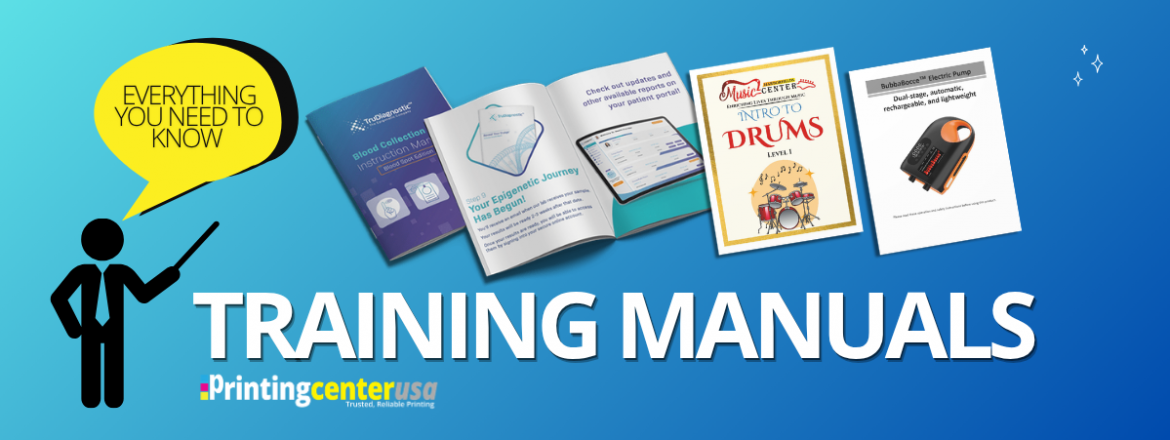
What to Know About Training Manual Printing
Tired of answering the same questions over and over again? Are your employees coming to you for things they should already know? Do you need faster onboarding? Do you need a reliable reference guide a customer can use?
Well you’re in the right place! Printed training manuals are one of the most practical investments a business can make. Lets help put the right information in the right hands! Here’s everything you need to know before starting your manual project.
What are the Different Types of Manuals?
Internal Business Manuals
Manuals can be created for internal or external purposes, depending on what you are trying to convey.
Internal manuals are resources your employees use to do their jobs. They become the go-to reference for the equipment, software, or practices your business uses internally. Training manuals can outline the different procedures by department or separate ones by department within your organization. Think about:
- Training Manuals
- Employee Handbooks
- Onboarding Guides
- Procedure Manuals
- Equipment Guides
- Software Guides
- Safety Manuals
- Customer Service Manuals
These internal business manuals can help increase the effectiveness of each employee within your organization because it will become their go-to resource. Ideally, if your company is able to create an effective and encompassing manual it should reduce lag time for employees and increase productivity throughout the company.
External Business Manuals
External manuals are instruction manuals for the products or services you provide to your customers. This helps grow your customer base and reduce the number of calls you receive in regard to using your products. It’s vital your team knows who the end user is when it comes to external business manuals. Establishing who the audience receiving the manual is will make it easier to tailor the resources inside the manuals. Think About:
- Product Manual
- Instruction Manuals
- User Guides
- Customer-Facing Handbooks
If you are providing instructions for a product you sell, you may want to translate those steps into multiple different languages, as most companies do.
User manuals, product manuals or instruction manuals often have some legal requirement depending on your industry. There may be extensive safety guidelines that need to be included in all manuals sent to customers. The United States Consumer Product Safety Commission has outlined guidelines to help manufacturers with their instruction manuals, so there is a starting point!
What is the Best Binding for a Training Manual?
The best binding for a training manual depends on page count, how it will be used, and your budget. Since manuals are frequently referenced and opened it needs a binding that lays flat and is durable. The four most popular binding types for custom manual printing are saddle stitch, perfect, spiral and wire-o bound.
| Saddle-Stitch | Perfect Bound | Spiral | Wire-O | |
| Page Range | 8 to 92 pages | 28 to 800 pages | 8 to 800 pages | 8 to 800 pages |
| Lay Flat | Yes | No | Yes- 360 degrees rotation | Yes- 360 degrees rotation |
| Durability | Moderate | High | High | High |
| Best For | Shorter manuals, handouts, external manuals, orientation packets | Thick training manuals, reference materials | Manuals that need to be hands-free at a workstation | Heavy daily use |
| Cost | $ | $$ | $$$ | $$$ |
Manual Pricing varies by quantity, page count, and paper stock. Use PrintingCenterUSA’s instant quoting tool for current pricing.
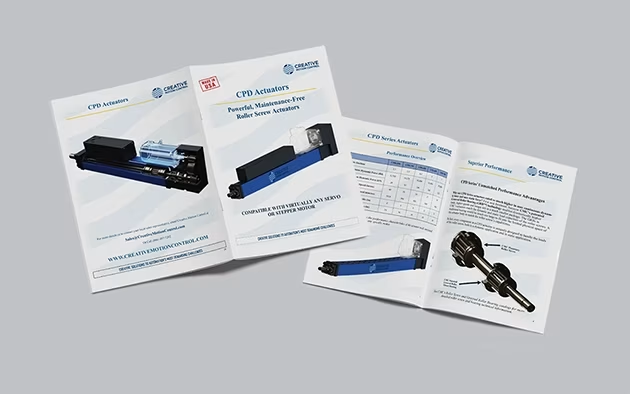
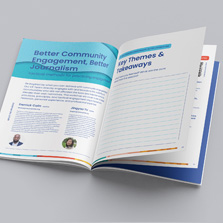
Saddle Stitch is PrintingCenterUSA’s most affordable and popular binding option. Printed sheets are folded and stapled together at the spine that’s lightweight and lays flat when open. If your manual has under 28 pages, saddle stitch is definitely the binding we recommend. This is also the best option if you’re working for a start-up business and are limited by budget.
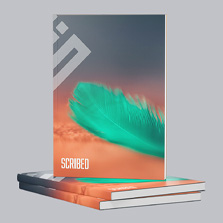
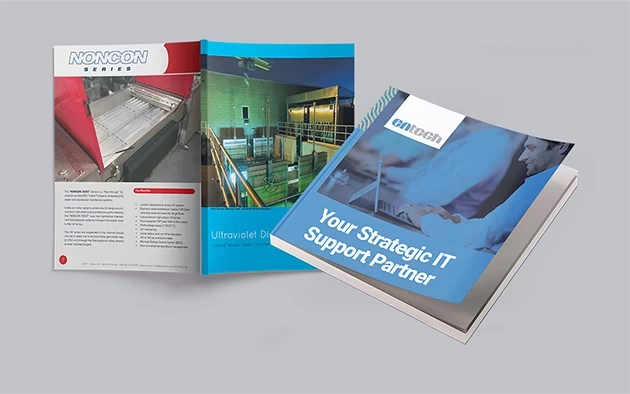
Perfect binding is the other popular binding option for manuals that PrintingCenterUSA produces. Pages are glued together along a flat spine, creating the professional finish you see on paperback books. If your handbook has over 28 pages, we highly recommend perfect bound to give your manual that high quality look and feel. It’s also much more durable than our other binding options, making it more resistible to regular wear and tear.
The one tradeoff is that it does not lay completely flat when open.
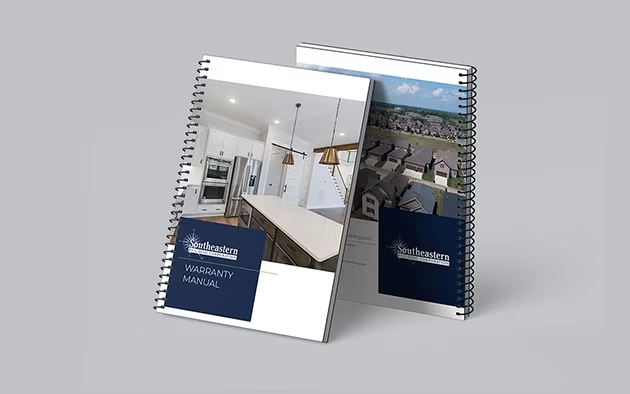
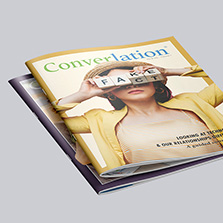
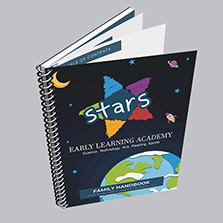
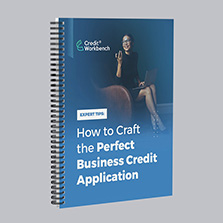
Spiral Binding uses a plastic coil that is threaded through punched holes along the spine. It lays completely flat and can fold all the way back on itself. Many companies choose spiral binding for training manuals because it makes it easy for employees to take notes during group training sessions.
Wire-O binding works the same as spiral but it uses a double-loop metal wire instead of the plastic coil. It has the same lay flat benefit but with the metal wire it makes it more professional. Wire-O is an excellent choice for manuals that get heavy daily use.
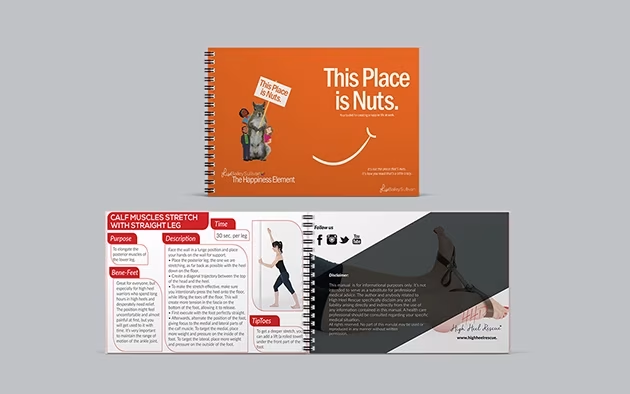
Both spiral and wire-o cost more than saddle-stitch or perfect bound due to the handwork involved.
Expert advice: Use uncoated paper on the inside pages for ease of writing!
What Size Should a Training Manual Be?
Manuals are almost always sized at 8.5″ x 11″ or 5.5″ x 8.5″. It’s just the reality of manual printing. Custom sizes exist, but they’re rarely worth the extra cost for a manual. A manual isn’t where you put your money toward custom dimensions, it prioritizes content.
8.5″ x 11″ is the standard for a reason. It gives you room for everything you need like images, step-by-step instructions, tables, diagrams. If your manual is detailed, this is your size.
5.5″ x 8.5″ is the move when portability matters. If you go to trade shows and hand them out, this is something to think about. It’s easy to take home and still professional. It’s also more affordable than 8.5″ x 11″, so if you’re putting manuals in product boxes or pairing them with a product, this is the size to look at. A lot of product manuals are smaller, but going smaller than 5.5″ x 8.5″ is not really standard. You’ll pay a hefty cost trying to go even smaller than that.
Ultimately, pick your size based on where the manual is going to live and who’s going to be holding it.
Should You Print Your Training Manual in Color or Black and White?
Like most things with printing, the right choice depends on your audience and how the manual is going to be used.
If the manual is for internal use only, you typically don’t need color, and that can save you money. Black and white printing costs less per page and works well for manuals that are mainly text, procedures, or checklists. That being said, if your manual has images, think about whether the color is needed to effectively explain or show the information being presented.
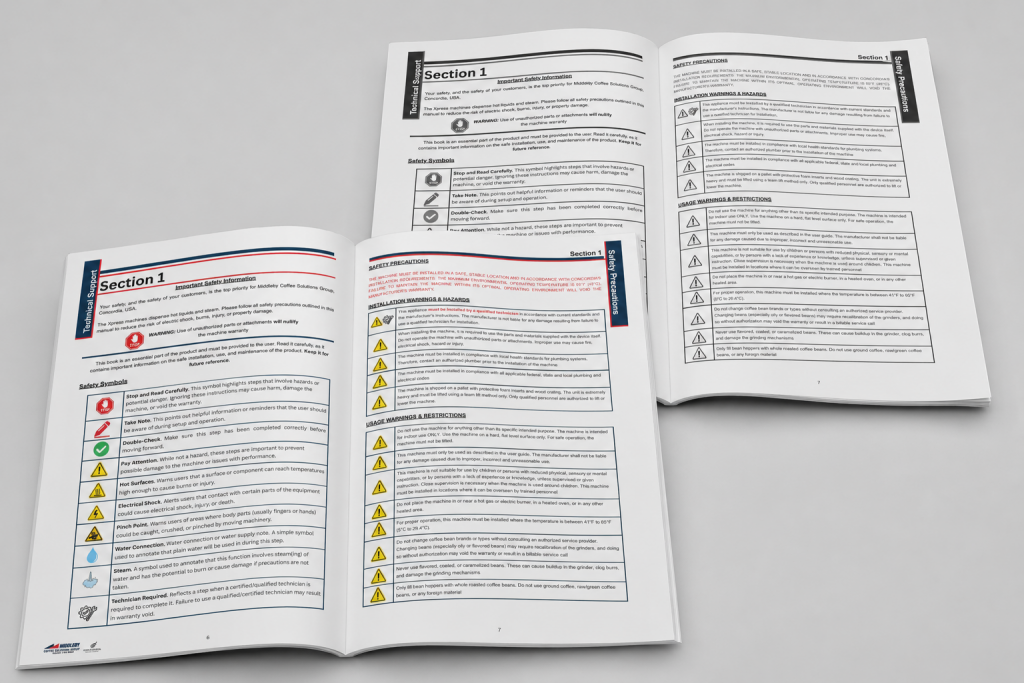
If the manual is being distributed to customers, color is recommended. It just looks more professional. A lot of the times, manuals contain diagrams, brand elements, or color-coded sections that help people navigate the content. In this case, color is needed for the overall usability.
But ultimately, ask yourself whether color is actually going to change the information you’re presenting. Think about the last time you held a manual, they’re usually black and white, and that’s just the standard.
Remember, you don’t have to choose one or the other. PrintingCenterUSA prints color covers with black and white interiors so you can have a professional outside but affordability of just black and white ink on the inside.
How Many Copies Should You Print?
Print the quantity you need now, not the quantity you might need later.
When it comes to manuals, nailing down quantity is genuinely hard because training procedures change so often. Walk through it in a practical way.
For internal manuals, get with leadership before you print. Find out if there are any upcoming changes to policies or procedures and set a deadline for the final version. A lot of companies land on updating their manuals twice a year or quarterly. Four print runs a year is not a lot, especially if you’re working with a smaller internal team.
For external manuals paired with a product, look at your historical sales for that product and use that as your baseline. A safe approach is to start at about half that number, see how the year goes, and adjust your next print run from there.
If you have a one-time training event or a set number of new hires, it’s simple, match your print quantity to that number. Don’t overcomplicate it!
Training Manual Example:
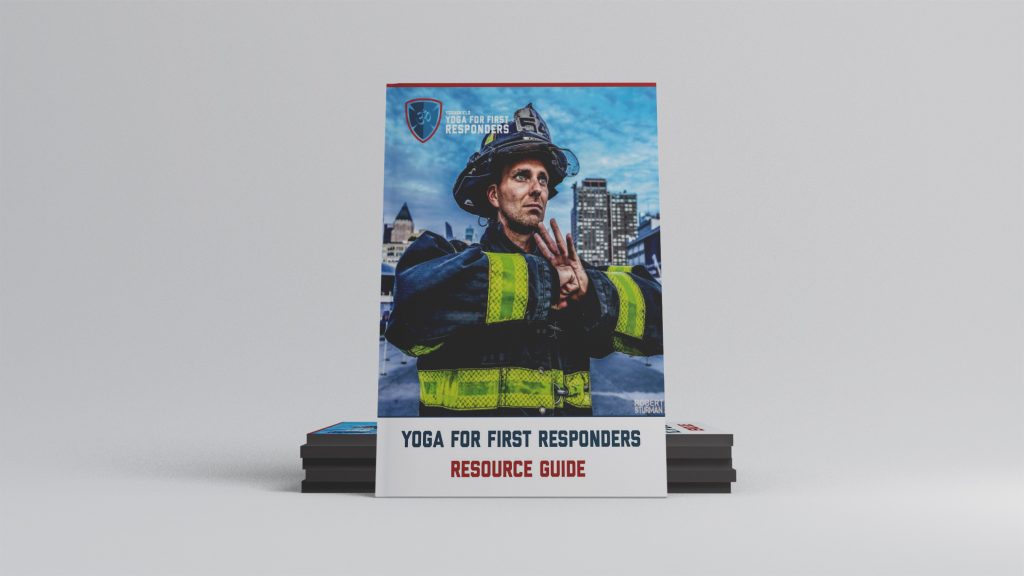
Yoga for First Responders provides neuroscience-based yoga training to public safety professionals nationwide. They started with basic black and white manuals and eventually rebuilt everything from the ground up. They tried going fully digital in 2023 and 2024 — and came back to print. As Eric Brenneman, put it: “We tried digital, but print is what delivers real learning outcomes.”
They now use a 360-page instructor manual and a quick reference book for certified trainers. Read their full podcast transcript with us.
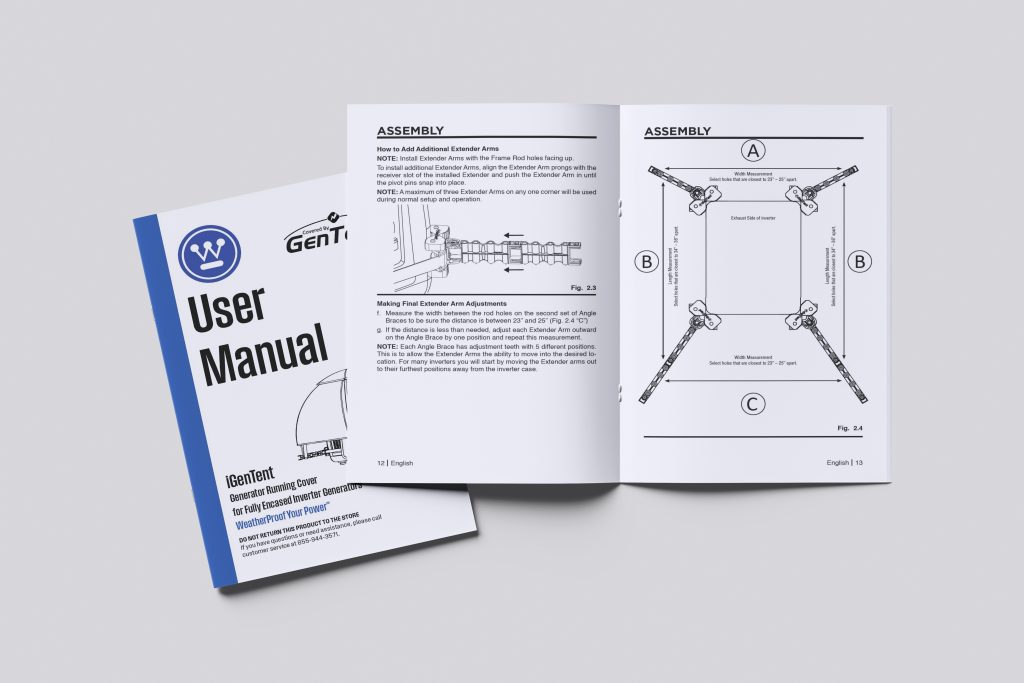
GenTent, the world’s first generator tent, relies on print to educate customers on safe generator use.
“When you’re designing for customers, you need to think about their experience. Our manuals and safety guides are printed in a way that’s easy to read, clear, and actionable because when the power is out, customers need information fast.”
Frequently Asked Questions
What is the best binding for a training manual? Spiral and wire-O binding are the most practical choices for training manuals that need to stay open hands-free. Saddle stitch works well for shorter manuals under 92 pages and is the most affordable option. Perfect binding is the right call for thick, high-page-count reference manuals. PrintingCenterUSA offers all four binding types: saddle stitch, perfect bound, spiral, and wire-O.
What size should a training manual be? The most common training manual sizes are 8.5″ x 11″ and 5.5″ x 8.5″. 8.5″ x 11″ gives you more space for diagrams and detailed content. 5.5″ x 8.5″ is more compact and works well for handbooks employees carry with them or manuals shipped with a product.
Can I print a training manual in black and white? Yes. PrintingCenterUSA prints training manuals in both full color and black and white. Black and white costs less per page and works well for internal manuals that are mostly text. Color is recommended for manuals with diagrams, brand elements, or color-coded sections.
What is the difference between a training manual and an employee handbook? A training manual teaches specific skills or procedures and is typically used during onboarding or job training. An employee handbook covers company policies, benefits, and workplace expectations.
How many copies should I print?
Match your quantity to your current need — a training event, a new hire class, or a product run. Since content changes often, smaller print runs reduce waste and make it easier to update when procedures change.
Free Tools & Resources To Get Started with Manual Printing
PrintingCenterUSA has everything you need to get your manual project started!
- Get an Instant Quote — price out your manual in seconds
- Request a Free Sample Pack — see and feel the paper and binding options before you commit
- Free Online Design Tool — build your manual design online
- Free Adobe Templates — download and set up your file the right way
- Free File Review — submit your file before you order and catch any issues early
- Find a Designer — connect with a professional if you need design help
- Canva Templates — prefer Canva? Find a template and follow our step-by-step tutorial on how to set it up correctly for print.
PrintingCenterUSA has been printing manuals for businesses nationwide for over 50 years. When you’re ready, start your order today.