











10 Tips for Turning your Magazine into a Trust-Building Experience
If you’re looking for a powerful way to tell your brand’s story, a professionally printed magazine is just what you need. Its more than just quick and easy promotions, it builds a lasting impact and connection. For brands built on trust, experience, and visual impact, a magazine becomes more than marketing. It becomes a statement.
Brochures can be an effective marketing tool, but they can be somewhat limited and feel too transactional.
Many businesses want something deeper. Something that reflects who they are and what they stand for.
In this blog, we’ll walk you through how to create a magazine that both looks good and creates an actual connection with your readers.
A professionally made magazine is perfect for interior designers and furniture brands. It allows them to build trust and tell actual stories than just brochures.
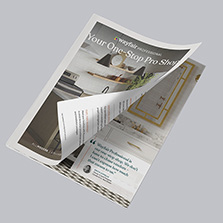
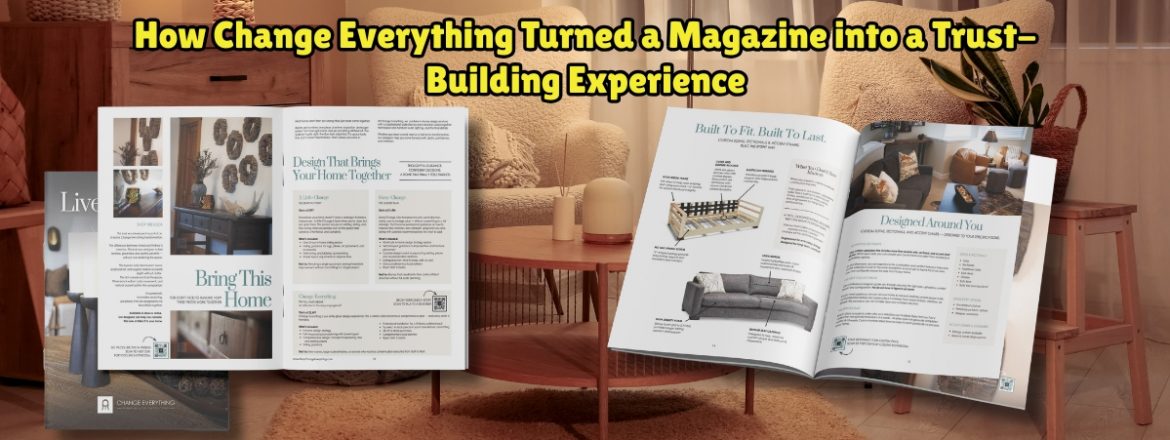
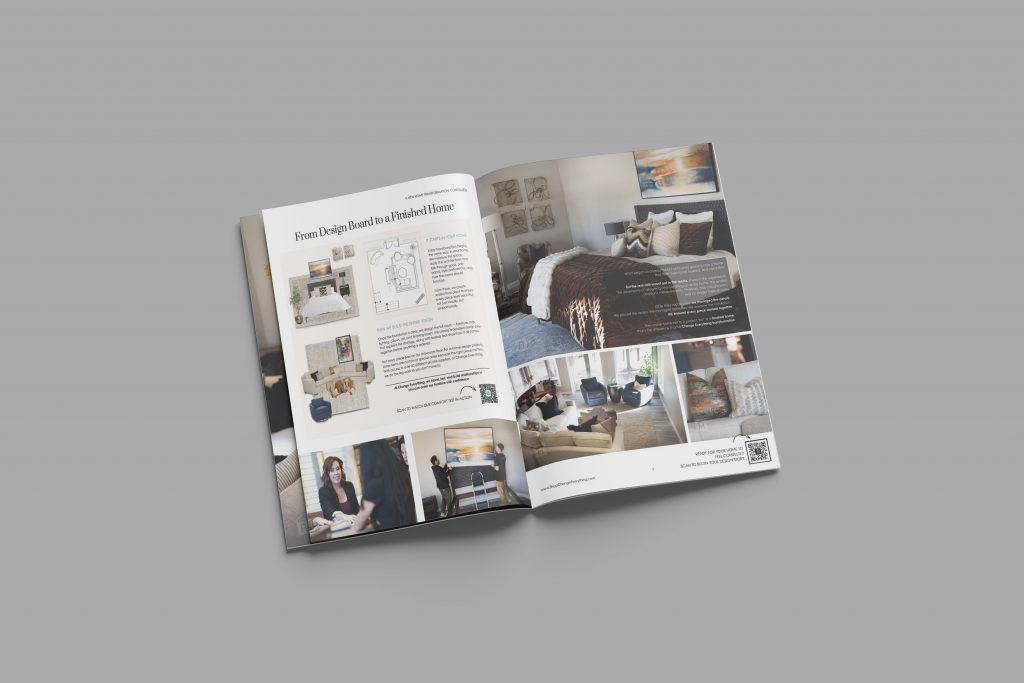
The brand Change Everything created a beautifully designed magazine to that allowed them to create a lasting first impression that reflects their brand experience.
Top 10 Tips for Creating Your Own Magazine
When you have a well-designed magazine, you’re doing
A well designed magazine does more than display content. It tells a story, builds trust, and invites readers into your brand. These tips will help you create a magazine that feels intentional, polished, and impactful.
1. Start with Your Purpose:
Before you start your design, you need to think about what you want your magazine to achieve.
Are you trying to build trust? educate your readers? Inspire them?
For the brand Change Everything, their goal was crystal clean: form a deep connection with their customers and foster trust before they offer their services.
2. Tell Real Stories:
Stories create emotional connection. Try promoting real experiences, client journeys, or transformations, rather than just listing products. This is what sets magazines and brochures apart.
3. Design for Visual Impact:
When it comes to furniture retailors and interior designers, strong visuals are key. Make use of full page imagery and clean layouts. You should also let your spacing speak for your work.
You can start with customizable layouts like this Canva template to simplify the design process.
4. Focus on Brand Feeling:
A magazine needs to do more than to just show your products, it needs to reflect how your brand feels.
Consider factors like your tone, textures, and the colors you use. All of your elements need to align with the experience you want your clients to have.
5. Keep Layouts Clean and Readable:
Remove any clutter. And make sure your hierarchy, font, and spacing is consistent. This ensures your audience can easily move through your magazine
Keep your design simple to make your magazine feel more premium.
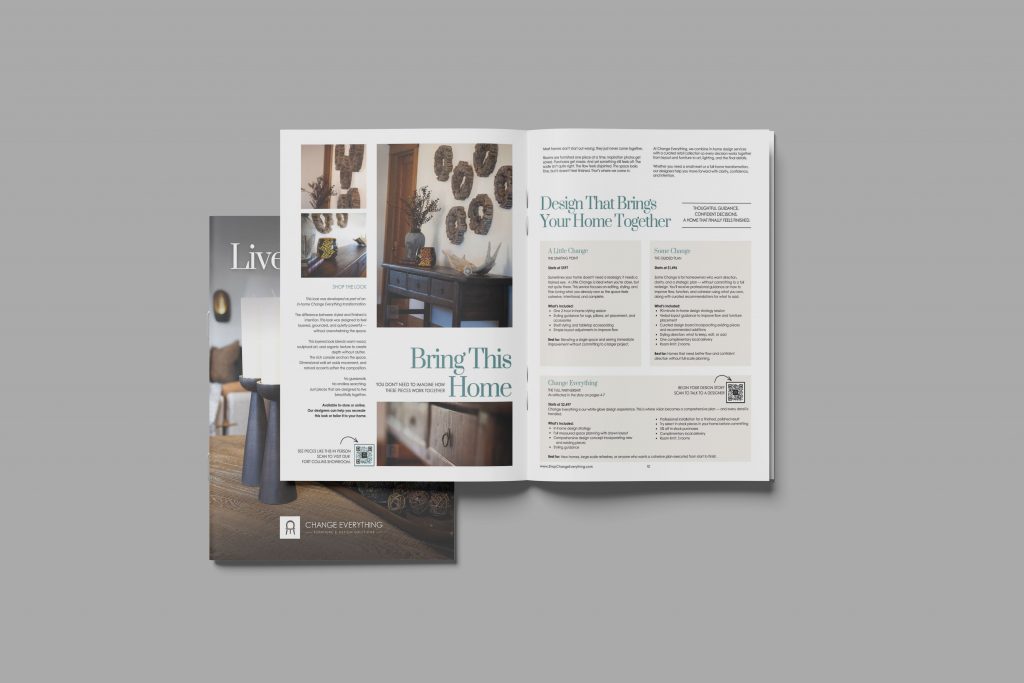
6. Choose the Right Paper:
Don’t underestimate the power of paper choice.
Try using a UV gloss finish. This delivers a polished, high end feel. On the other hand, uncoated paper provides a natural, warm, and easy read. The combination of glossy covers and uncoated pages can seriously elevate your customer’s entire experience.
7. Use Professional Print Tools:
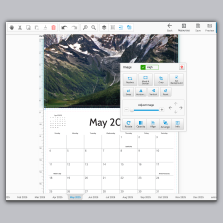
Prior to starting your design, consider using resources like the Free Online Design Tool or Free Adobe Templates to ensure your file is set up correctly.
You can also get yourself a Free File Review to catch any issues before production.
8. Think Beyond Sales:
A magazine should not feel like a sales pitch. It needs to feel like an experience.
If your readers actually enjoy your content, they build trust with your brand in a natural way.
9. Create a Strong First Impression:
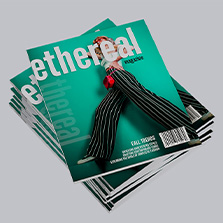
Understand how important your cover is. Considering its the first thing your audience sees, your cover sets the expectation for all of your inside pages.
Choose a compelling image and a simple, confident headline.
10. Plan for Distribution:
Think about where your magazine will live. In store, mailed to customers, or handed out at events.
A well placed magazine can continue working for your brand long after it is printed.
What Is a Magazine?
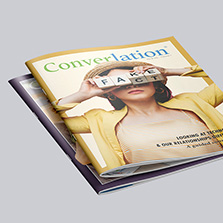
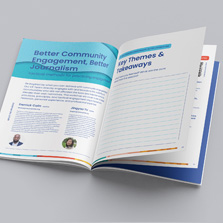
Put simply, a magazine a printed piece with multiple page publication that combines visuals, stories, and info in a structured and engaging format.
Most magazines include:
Editorial style content or storytelling
High quality images and visual layouts
Branded messaging and themes
Multiple sections or features
Contemporary businesses use magazines in more intuitive and creative ways. Rather than just promotional materials, many businesses utilize actual customer stories, immersive visuals, and behind the scenes insights. This approach transforms the magazine into a powerful brand experience that builds trust and leaves a lasting impression.
Real Customer Example
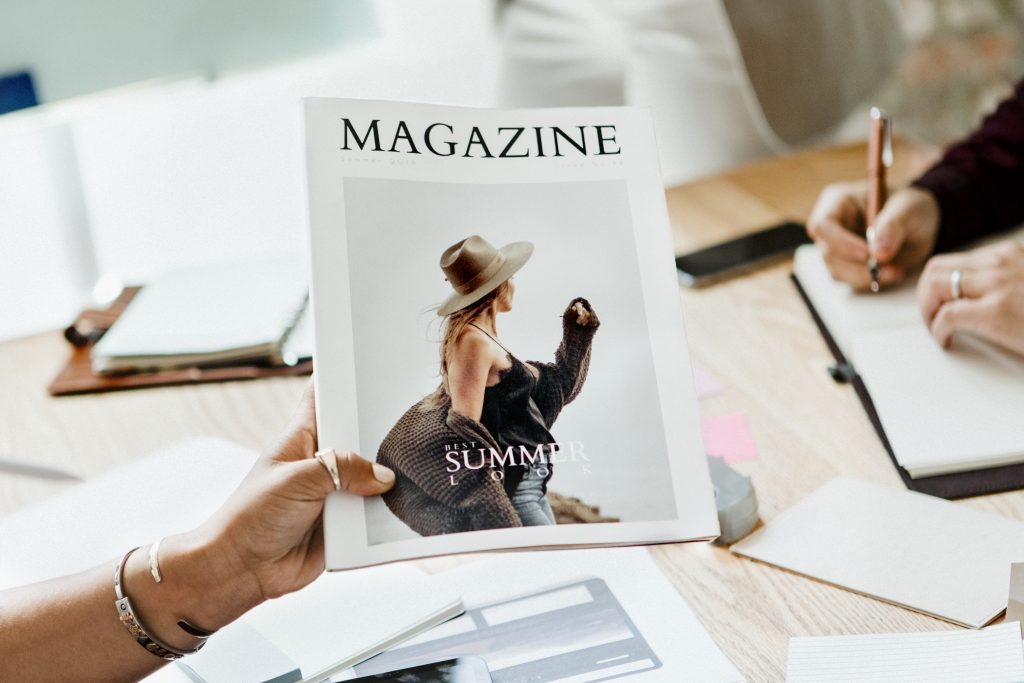
The founder of Change Everything, Jamie Cawthorn, built the brand around emotional connection, intention, and transformation
You can explore their work at Change Everything: Luxury Furniture & Design in Fort Collins and connect with them on Instagram, Facebook, Pinterest, and YouTube.
At Change Everything, the mission goes beyond selling furniture. It is about creating spaces that influence how people feel in their homes. Every piece is selected with purpose, helping customers create environments that feel calm, complete, and aligned with their lifestyle.
The Inspiration
Jamie initially considered a brochure, but that felt too limited and too transactional. Jamie came to the conclusion that a brochure didn’t reflect the true depth of her work and wouldn’t be able to generate the trust required to enter someone’s home and transform their space.
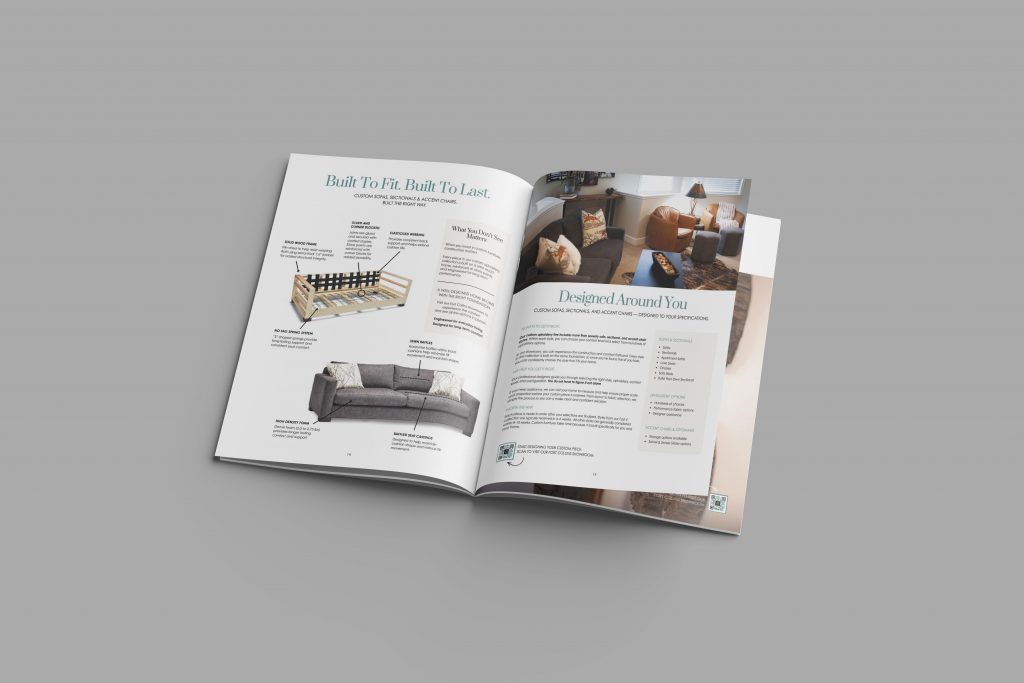
Instead of a brochure, Jamie opted for a magazine. Something that could tell stories, showcase real projects, and invite customers into the experience.
“Being allowed into someone’s home is a privilege and requires a great deal of trust.”
The Challenge
In the beginning, Jamie’s greatest obstacle was the need to design a print piece that felt authentic and elevated at the same time.
It needed to communicate quality, intention, and emotional connection while still being easy to read and visually compelling.
The Solution
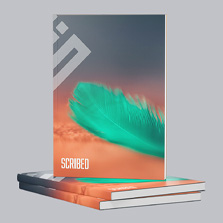
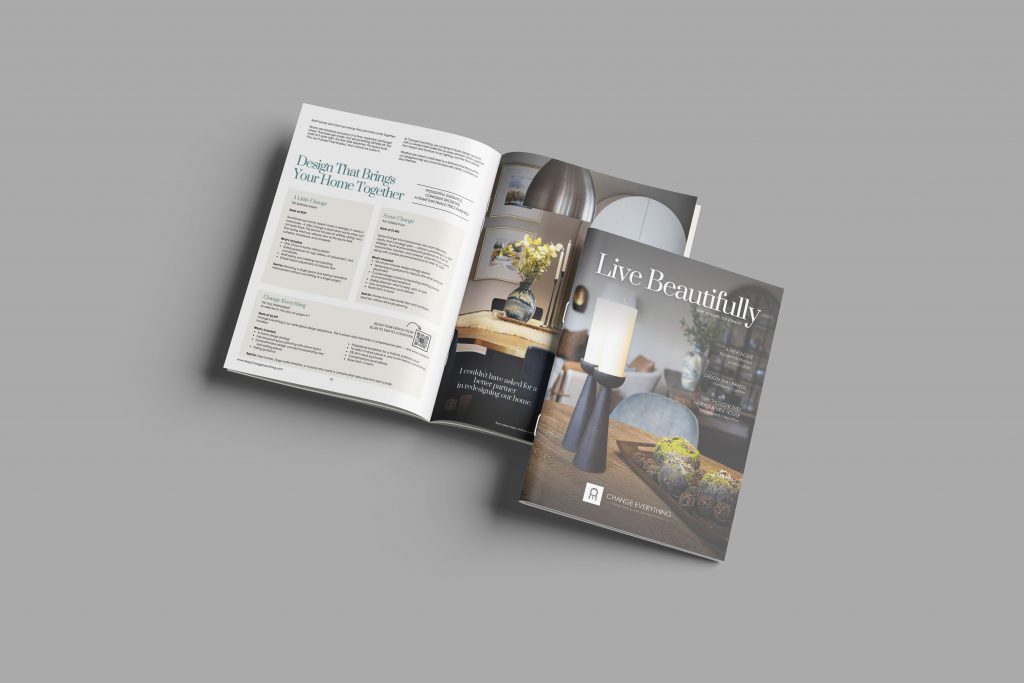
The final product was a beautifully printed 8.5 x 11 saddle stitch magazine with 16 pages.
- Full color printing on both sides
- Gloss cover for a polished first impression
- Uncoated interior pages for a softer, more natural reading experience
- Clean layout that highlights both imagery and storytelling
This format allowed Jaime to combine visuals and narrative in a way that felt immersive and personal.
The Impact
The magazine became more than a marketing piece.
It became a trust builder.
The magazine allowed readers to actually see real spaces, comprehend the philosophy behind Change Everything. And from there the reader can begin forming a connection before ever stepping into the store.
It set the tone for the entire customer experience.
“I wanted to share real stories with my customers and connect with them on a deeper level.”
Popular Magazine Print Specs
Here are the specs used in this project:
Specs:
Size 8.5 x 11 (8.5 x 11 Inch)
Binding Saddle Stitch
Pages 16 Pages (Cover + 12 Inside)
Cover Ink (4/4) Full Color Both Sides
Inside Ink (4/4) Full Color Both Sides
Cover Paper 80# Paper Gloss (4 pt.)
Inside Paper 80# Paper Uncoated (5.8 pt.)
Other Popular Options
- Perfect bound for thicker magazines
- Matte cover finishes for a softer look
- Heavier paper stocks for a premium feel
- Smaller sizes for mail friendly formats
Timeline for Creating Your Magazine
Before Production
Plan your content, gather images, and finalize your design. Use tools like the Free Online Design Tool or Canva templates to streamline the process.
During Production
Submit your files and request a Free File Review to ensure everything prints correctly. Production timelines vary based on quantity and specs.
After Distribution
Track how customers interact with your magazine. Use it in store, at events, or as a leave behind to continue building brand awareness.
Design Tips for a Better Magazine
Strong design makes your magazine memorable.
- Use high resolution images
- Maintain consistent branding
- Balance text and visuals
- Keep layouts clean and intentional
If you need help, consider using Free Adobe Templates or working with a professional through Find a Designer.
You can also explore ready made layouts like Canva templates to speed up your design process.
Related Print Products
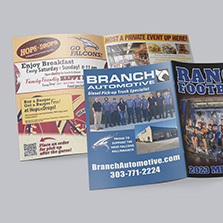
If you are creating a magazine, you may also want to consider:
These can work together to create a cohesive brand experience.
Planning Your Magazine? Download Our Free Checklist
Creating a magazine involves many moving parts. From design to printing to distribution.
A simple checklist can help you stay organized and avoid common mistakes. It ensures your project stays on track and delivers the results you want.
FAQ Section
What is the difference between a magazine and a brochure?
A magazine is larger with multiple pages, and focuses on storytelling and fosters a deeper engagement with your readers.
What is the best paper for a magazine?
For the cover, lots of brands choose a gloss cover – it provides a visual impact and makes the images “pop”. For the interiors, uncoated paper is a great choice for readability and a more natural feel.
How many pages should a magazine have?
Magazines typically have a page count between 8 to 100 pages. If you’re looking for a starting point, a 16 page magazine is a popular choice for many businesses.
Is a magazine a good marketing tool?
Absolutely. Magazines are great at building trust, showing off your work, and developing a lasting impression that digital content simply can’t match.
How long does it take to print a magazine?
After proof approval, most magazines take just a few business days to print, in addition to shipping time.
Create Your Own Magazine
Ready to create something that truly represents your brand?
A custom magazine can help you tell your story, showcase your work, and build meaningful connections with your audience.
With PrintingCenterUSA, you have everything you need to get started. Use the Free Online Design Tool, explore Free Adobe Templates, or start with a customizable layout like this Canva template. You can request a Free File Review, Find a Designer if needed, or order a Free Sample Pack to see paper options in person.
Your story deserves more than a brochure. Create your own magazine today and bring your brand to life.