

















Presentation Folders
Presentation folders are used as tools in many forms of business. A strong design with quality materials speaks highly to your business and meeting. We will cover what presentation folders are, how to choose the right pockets, paper, and finish, how to design them, and what to put inside so they get used instead of thrown away.
What Is a Presentation Folder?
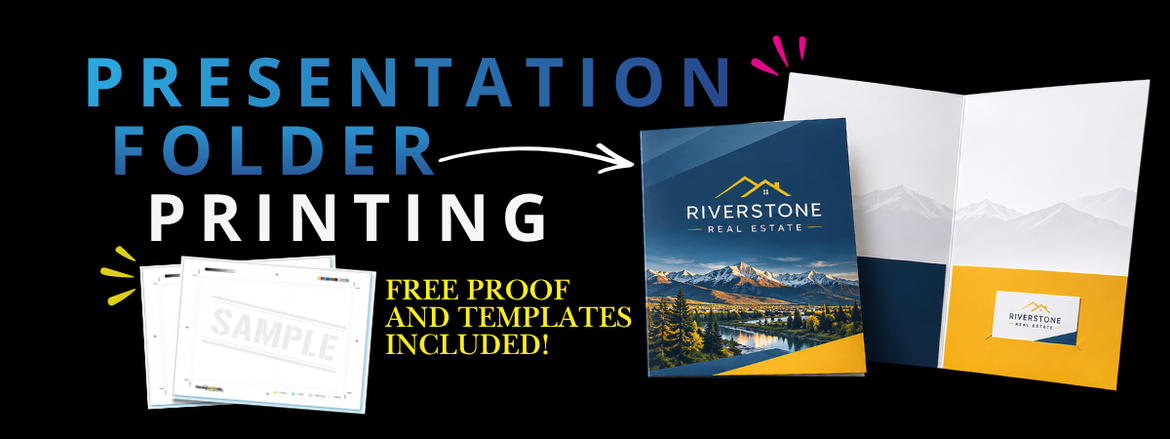
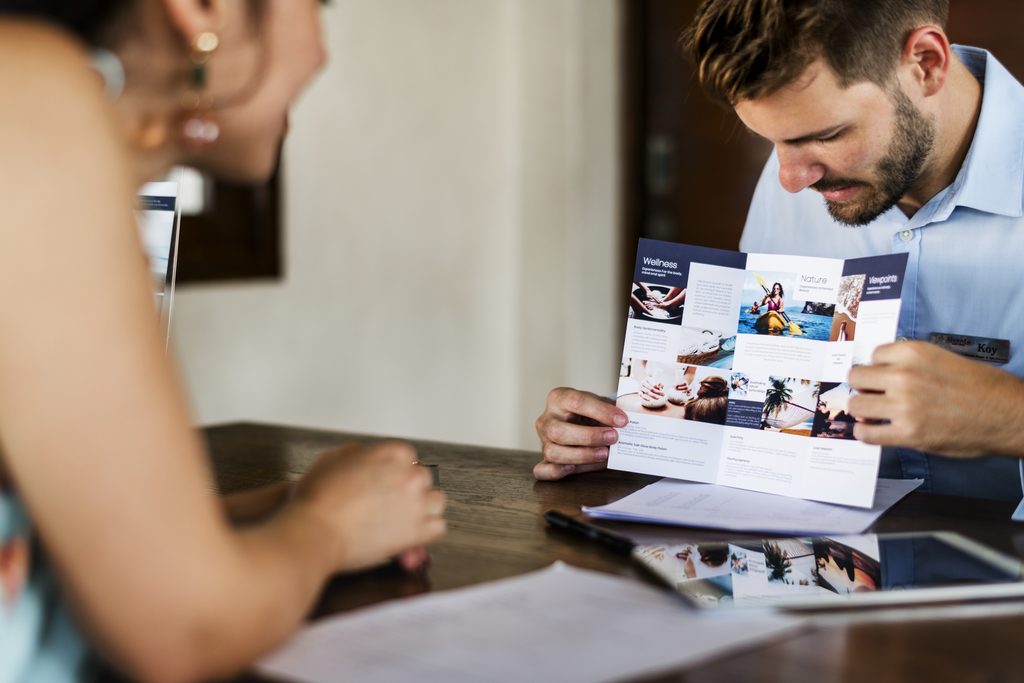
A presentation folder is a printed folder with inside pockets, made to hold documents like proposals, brochures, price sheets, and contracts. Most are branded with a logo and a custom design. Many use them for sales meetings, new client packets, medical info, onboarding employees, conferences, real estate listings, and donor kits. No matter what you are using them for, if you have more than 3 printed items to show off, bring a presentation folder to organize everything in a clean format. This will elevate your business ventures. Presentation folders are also great, branded materials to leave behind after the meeting.
Presentation Folders at PrintingCenterUSA
Here are all the different options we offer for presentation folders and what you can order so you can plan ahead of designing.
- The Best Size is 9 x 12 open end, which fits letter-size 8.5 x 11 sheets
- Quantity: 50 to 5,000 folders is what we are capable of
- Ink: Full color on both sides
- Paper stock: 12 pt or 14 pt cardstock gloss, or gloss front with an uncoated back
- Finish: Aqueous gloss (free), aqueous dull (free), or flood gloss UV which these are always fun to add to your project to make the colors pop and feel unforgettable
- Pockets: Both sides or inside right for pockets and business card holders.
- Proof: Electronic PDF proofing is what we offer.
- Production time: 6 to 9 days plus shipping
Get an instant price by entering your options into the pricing tool here!
Which is Best? One or Two Pockets for Presentation Folders
With us you can have pockets on the right side or both sides and the right side will have your business card holder. This can be helpful to add more info or create a heftier packet.
- Both sides: The classic two-pocket folder. Best for sales kits, proposals, and packets with several documents. This can also be especially useful if there are documents that need before and after sections. One side could hold the “sign now” documents and the other could be the “already signed”. Little thoughts like that elevate the experience for your users and show the real thought behind your business or project.
- Inside right: A simpler single-pocket folder. Best for lighter packets, like a brochure and a price sheet. This is also great for stapling paper to one side of the folder while the other side holds the info. Nothing gets lost and all documents are still in one place.
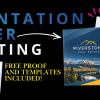
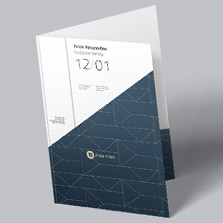
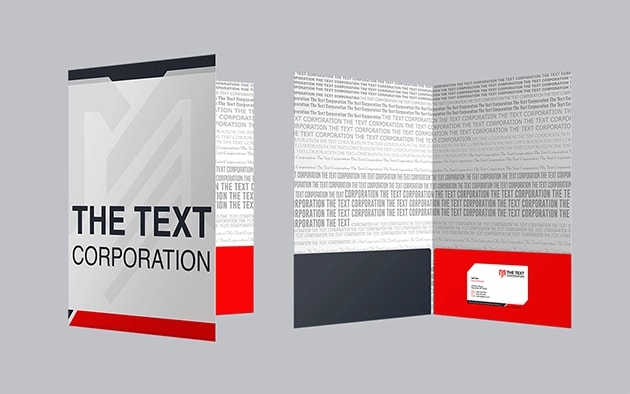
The pockets are the most visible part when the folder opens, so design them on purpose. As you see below, the Text Corp created a muted but branded cover and let the pocket covers
Paper Stock for Presentation Folders: 12 pt vs 14 pt
We have two main paper stocks for presentation folders. 14 pt. cardstock gloss is studier and thicker. it holds shape really well and can withstand many trips in the backpack. Use this paper when client meetings are frequent! 12 pt. cardstock gloss is lighter and budget friendly. It is good for handouts and leaving with your clients. The final paper choice is gloss front, uncoated back and this is perfect for when you want a nice clean look on the outside but writable inside for notes, names, info, and text. Each stock has different uses and following this paper guide will help your project fit perfectly within; time, budget, looks, and feel.
Finish Options for Presentation Folders
Your finish controls the look and the feel.
- Aqueous gloss (free): A shiny, protective coating that makes colors and photos look deeper and more vibrant.
- Aqueous dull (free): A softer, low-shine finish with a more refined look while still being subtilty elegant.
- Flood gloss UV: A UV coating over the whole surface for a high-shine, high-impact finish. Think professional magazines in line at the grocery store!
If you want a clean, subtle look, go with dull. If you want bold color, go with gloss or flood gloss UV.
Presentation Folder Design Tips
Design the pockets on purpose. Put strong imagery or branding there instead of leaving them blank. Make your folder as useful as possible by adding the little things. include a QR code for more advanced engagement with your audience.
Keep your logo clear throughout the entire project. This branding sticks in your client’s mind like glue and can help resurface your products the next time they think about them. Place it where it cannot be missed, with enough space around it to not feel overcrowded.
Stay consistent. Match your colors, fonts, and photography to the rest of your marketing so the folder looks like part of your brand.
Use a template. Folders have folds and pockets that have to line up. A template shows you exactly where everything goes. Download one for free on our site. To use it, drag and drop into your favorite design program and start creating!
What to Put Inside Your Presentation Folder
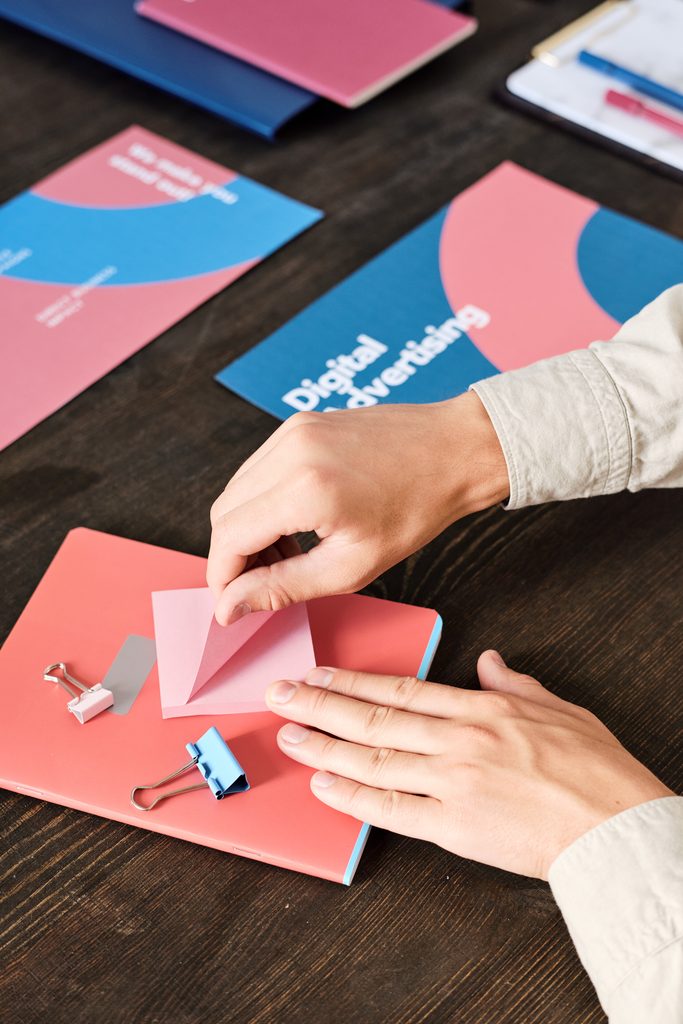
A great folder is only half the job. Here is what makes people keep it.
- A one-page company overview
- A brochure or booklet that tells your story
- A price sheet or proposal
- A case study or customer testimonial
- A next step, like a call to action or a promo code
For sales meetings, build the kit in the order you plan to talk through it.
Add extra things for your audience to engage with like stickers, labels, qr codes, linktrees, and more fun additions for them to learn more about you and your brand!
How to Set Up Your Folder File
A few basics keep your folder from printing with surprises.
- Use the free template for your folder size.
- Add bleed. Extend any background or image past the trim line, using the template as your guide.
- Keep text inside the safe zone so nothing gets trimmed.
- Use 300 DPI images. Anything from social media or email is usually 72 DPI and will print blurry.
- Design in CMYK.
- Export a print-ready PDF.
Presentation Folders: Key Facts for Reference
What is a presentation folder: A printed folder with one or two inside pockets used to hold documents like proposals, brochures, and contracts.
Size at PrintingCenterUSA: 9 x 12 open end, which fits 8.5 x 11 sheets.
Quantity: 50 minimum, 5,000 maximum.
Ink: Full color on both sides.
Paper stock: 12 pt or 14 pt cardstock gloss, or gloss front with an uncoated back.
Finish options: Aqueous gloss (free), aqueous dull (free), and flood gloss UV.
Pocket options: Both sides or inside right.
Proof: Electronic PDF.
Production time: 6 to 9 days plus shipping.
Templates: Free.
Image resolution: 300 DPI.
Color mode: CMYK.
File format: Print-ready PDF.
File review: Every file goes through an automated 43-point inspection before it goes to press.
Frequently Asked Questions
What is a presentation folder?
A printed folder with inside pockets for holding documents like proposals, brochures, and contracts. Most are custom branded.
What size are presentation folders at PrintingCenterUSA?
9 x 12 open end, which fits letter-size 8.5 x 11 sheets.
What is the minimum order for presentation folders?
50 folders. You can order up to 5,000.
How long does it take to print presentation folders?
Production takes 6 to 9 days, plus shipping.
What paper is best for presentation folders?
14 pt cardstock is the sturdier choice. 12 pt is lighter and more budget friendly. Both are available in gloss, or gloss front with an uncoated back.
Should I choose gloss or dull?
Gloss makes colors and photos pop. Dull has a softer, more refined look. Aqueous gloss and aqueous dull are both free.
What is flood gloss UV?
A UV coating applied over the entire surface for a high-shine, high-impact finish.
Can I get a folder with one pocket?
Yes. Choose pockets on the inside right for a single-pocket folder, or both sides for two pockets.
Do you offer free templates?
Yes. Download a free template to set up your file correctly.
Do I get a proof?
Yes. You will receive an electronic PDF proof to review before your order goes to press.
Ready to Start Your Presentation Folder?
Not sure how to get your file print-ready? Download a free template, or connect with a professional through our Find a Designer service. Every file goes through our automated 43-point inspection before it goes to press.
Get an instant quote
Download free templates
Request a free sample pack
Explore all printing options at PrintingCenterUSA