













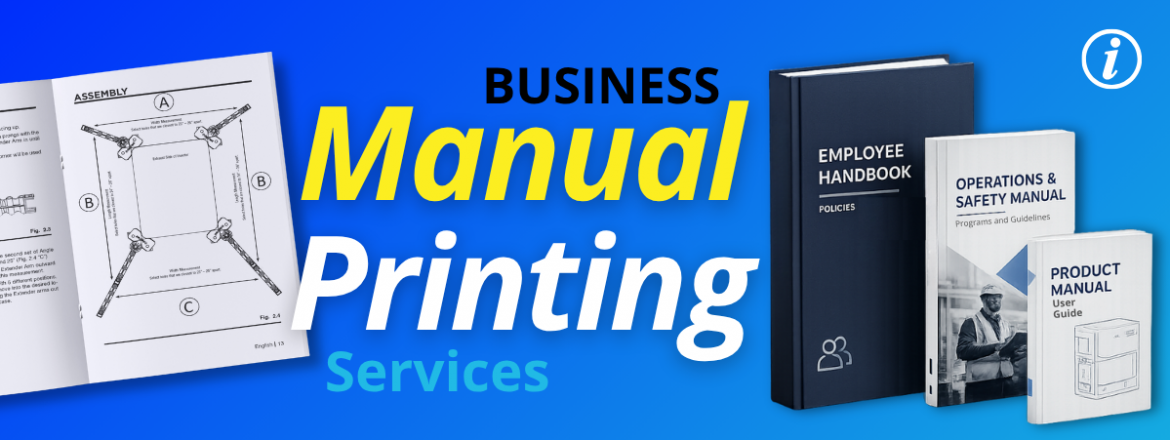
Business Manual Printing Services
Every business uses manual printing services in the past to standardize onboarding, help customers, and keep teams aligned without a manager. Most businesses don’t even think to print their manual until the files are complete. Here’s what you need to know to make smart decisions about your next manual print.
What Is Manual Printing?
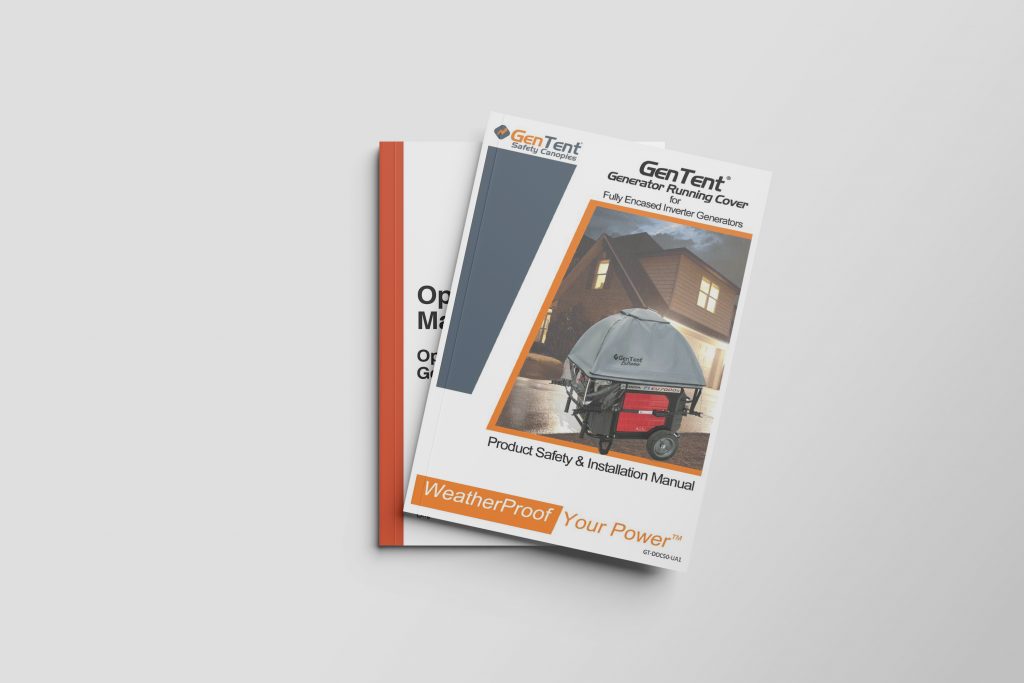
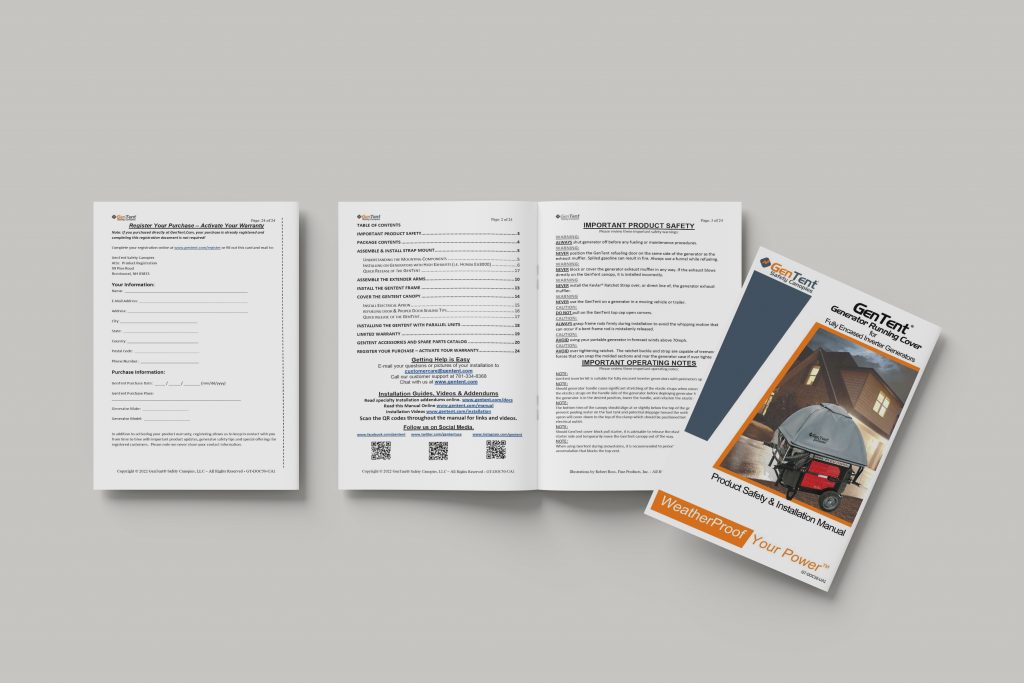
Manual printing is when you print a process of instructions used for employee training, product instructions, operational procedures, safety guidelines, and business documentation. Printed manuals are bound books with different binding types depending on what the manual is used for.
How to Print a Manual in 2026
When it comes to training materials, product instructions, and operational procedures, physical print has advantages over digital. You might be finishing up files thinking it’s okay for them to just live on the server but people learn better from prints and a printed manual is accessible because it never crashes, never requires a login, and does not disappear when someone changes the file permissions.
For compliance-sensitive industries, printed manuals also create a physical paper trail. It’s good to have these on hand and to revise them at least every 6 months to ensure all processes are up to date. And for product manuals, printed instructions carry legal weight in many industries and markets for products distributed internationally.
What are the Types of Manuals?
Once you have a purpose for your manual. Different uses will accommodate different manual types. Here’s the breakdown for understanding different types of manuals.
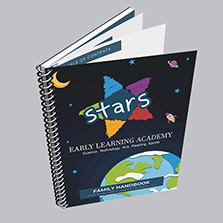
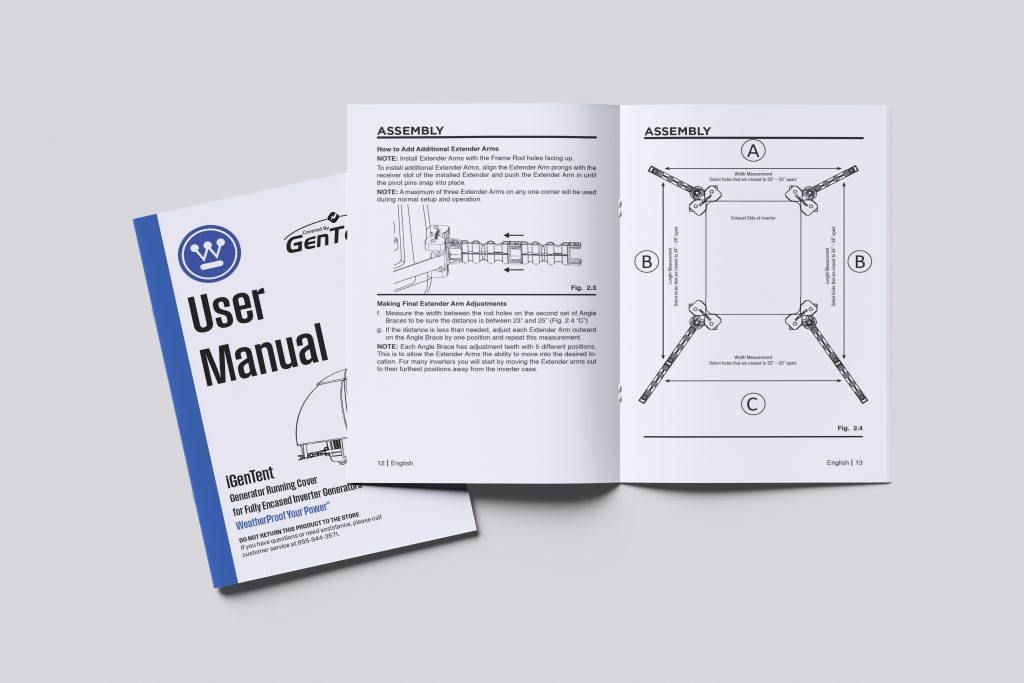
Training manual printing is one of the most common manual printing requests we see at PrintingCenterUSA. They are used for onboarding employees and development. They can be written in, referred back to, and hold up to daily use. Spiral and wire-o binding are the most popular choices for training manuals because they allow the booklet to lay flat on a desk during work.
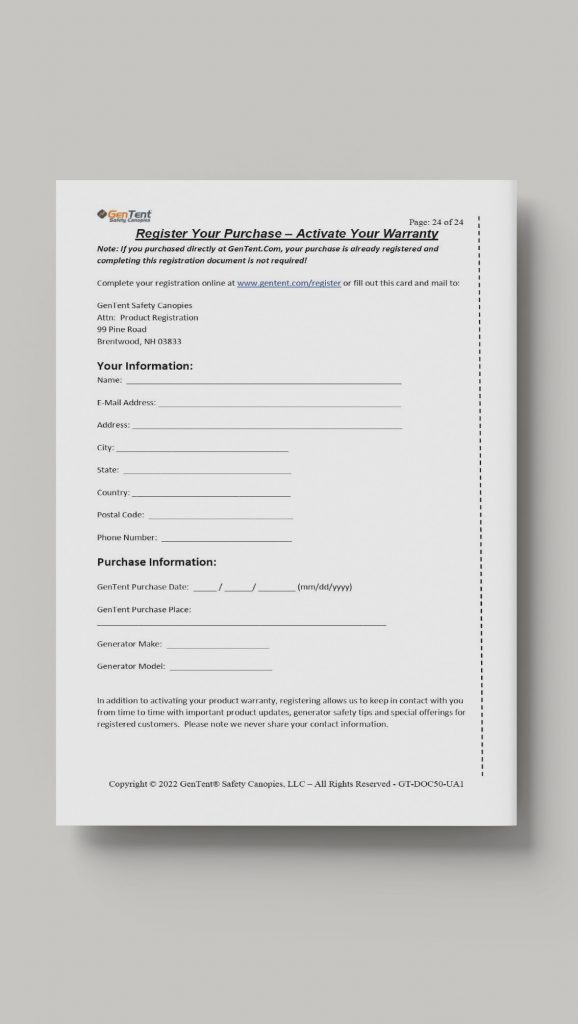
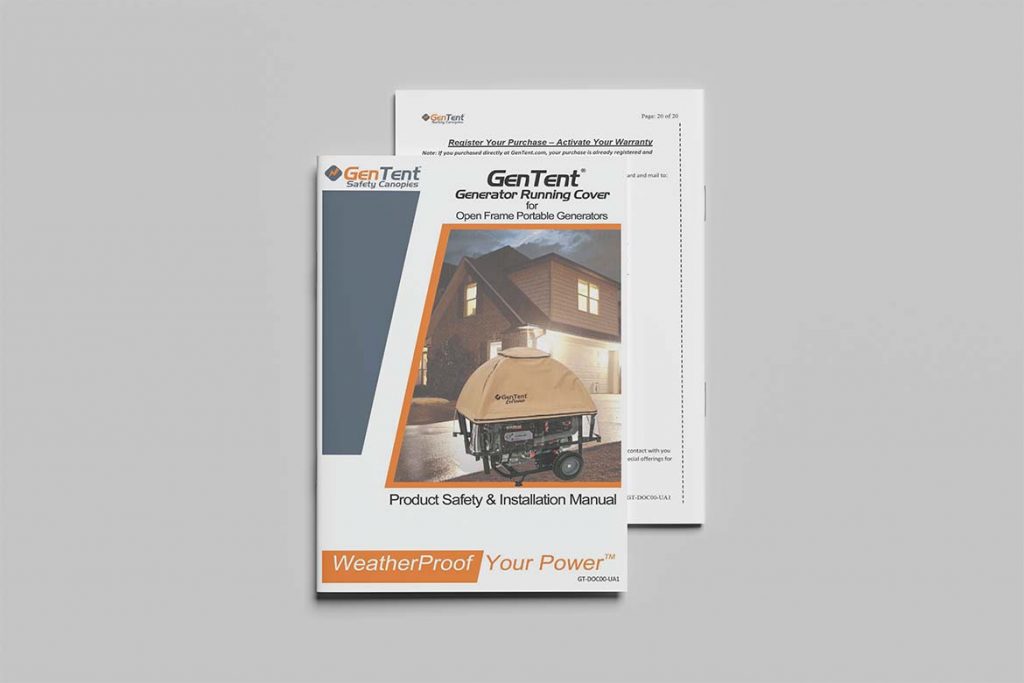
Instruction manual printing and product manual printing serve customers rather than employees. They are all informational and produced typically in black and white printing. (1/1) This helps keep printing costs low and they are printing using saddle stitch binding for shorter page counts and perfect bound printing for larger page counts. Don’t forget if you are distributing in multiple markets, different language additions can create a larger page count.
Employee handbooks and policy manuals need to look professional and authoritative. Perfect binding gives them a bookstore-quality appearance with a printable spine that can be labeled for easy shelf reference. Use a heavier cover stock for the cover to create a serious feeling. These will be looked back on so quality matters.
Operations and safety manuals are reference documents used in the field, on job sites, or in environments that are not always clean or controlled. Durability is the priority. Heavier cover stock, a UV gloss or soft touch laminate cover finish, and spiral or wire-o binding that allows hands-free use are all worth the investment for a manual that will be carried around a job site or referenced daily on a production floor.
Choose the Right Binding for your Manual
Binding is the most important spec decision you will make for a manual because it determines durability, usability, and cost. Here is how the four main options compare specifically for manual printing.
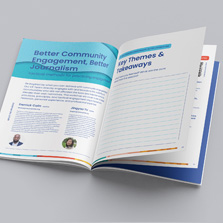
Saddle stitch is the most affordable option, and the stapled binding is great for manuals around under 92 pages. Cost savings is a main point of saddle stitch, but the quality will follow.
Perfect binding gives you a square printable spine and a professional appearance that is great for 28+ page manuals. It is the standard for employee handbooks, policy manuals, and any manual that needs to look authoritative on a shelf.
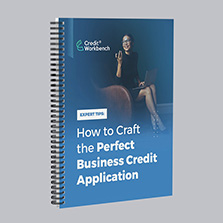
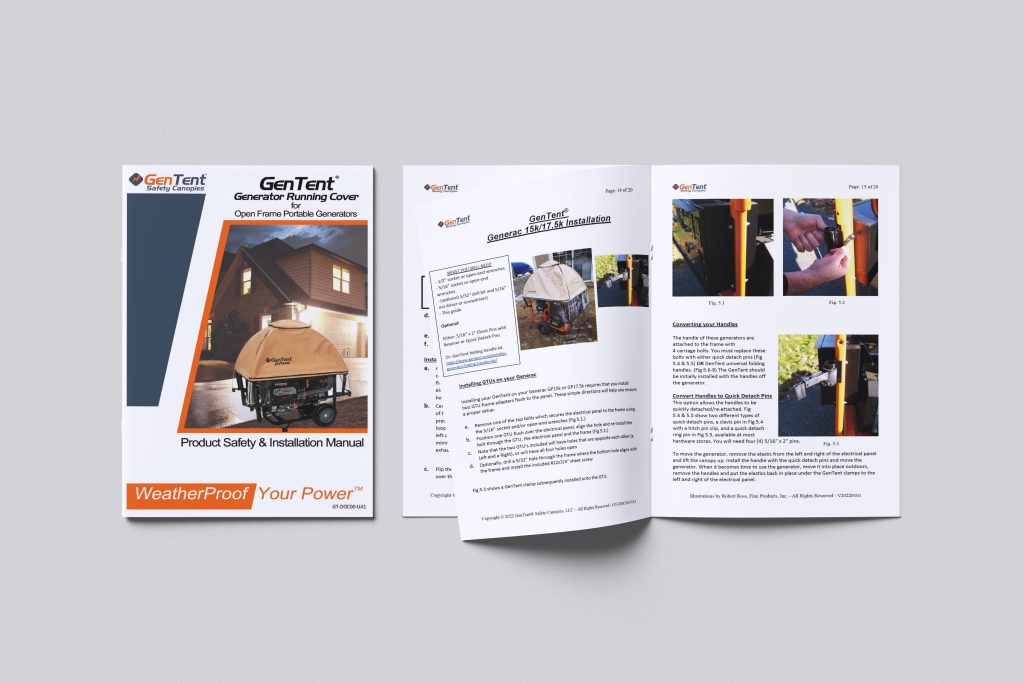
Spiral bound manual printing is one of the most popular choices at PrintingCenterUSA for training guides, workbooks, and field manuals. The plastic coil allows the manual to lay completely flat and rotate a full 360 degrees. Pages can fold completely back on themselves for compact one-handed use. Interior pages can use uncoated paper for easy note-taking. The coil is durable and holds up well to daily use in most environments. Minimum page count is 8 pages with a maximum thickness of 2.75 inches.
Wire-o binding is the same as spiral but uses a metal wire instead of a plastic coil, giving it a more professional appearance. It is the best choice when your manual needs spiral-style functionality but a more polished look, for client-facing materials, executive training guides, or corporate handbooks where presentation matters as much as practicality. Maximum thickness is 1.25 inches.
Best Paper for Manual Printing
Paper choice affects readability, durability, and whether users can write in the manual. Here is how to match paper to the type of manual you are producing.
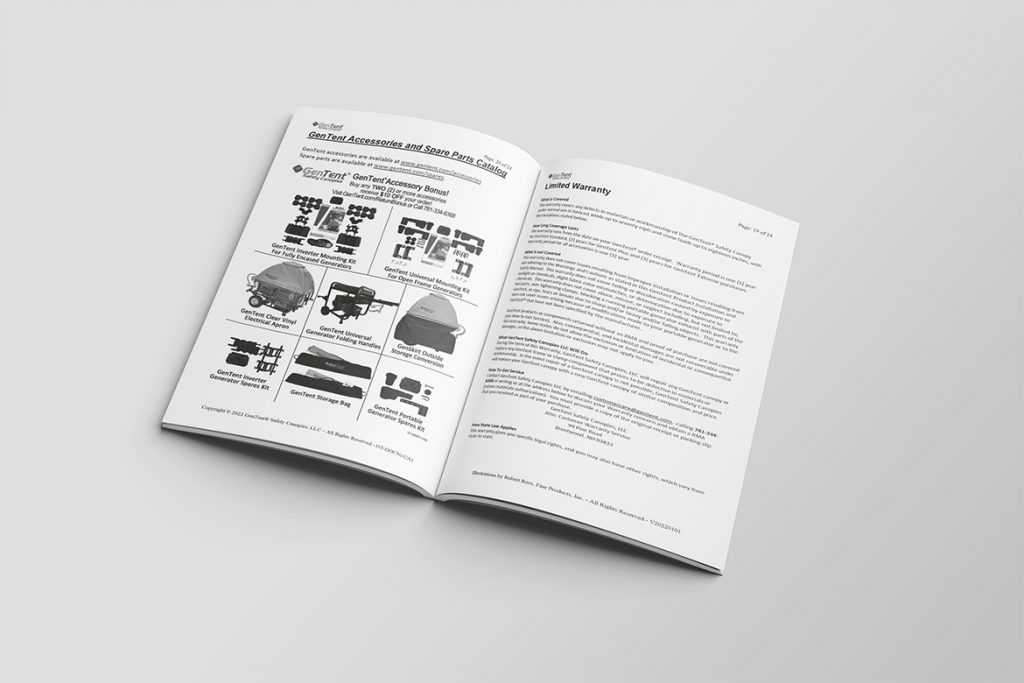
For note taking manuals us 60 lb to 70 lb uncoated text paper. For reference manuals with no writing, matte text paper is the best choice. When creating a photo heavy manual use gloss paper to boost the color of the images and create a clear format for the book.
For covers, heavier stock always makes the right impression. 80 lb or 100 lb cover stock with a UV high gloss finish protects the cover against scratching, scuffing, and the daily wear that actively used manuals take on. Matte or soft touch cover finishes suit materials where a premium understated feel better matches the audience.
Not sure which paper is right for your project? Order a free sample pack from PrintingCenterUSA and feel the difference between weights and finishes before you commit.
What are the Best Manual Printing Sizes
The right size depends on how the manual will be used and how much content it contains.
8.5 x 11 is the common for most business manuals, training guides, and employee handbooks. It is familiar, practical, and the most cost-effective size because it uses standard sheet dimensions without custom cutting.
5.5 x 8.5 is great for shorter manuals, product guides, and any manual that needs to be portable. It fits into a bag or work vest pocket and costs less to produce than the full letter size.
6 x 9 works best for manuals that need to feel more like a book than a business document. It suits training materials and guides where a slightly more editorial format fits the content.
Custom sizes are available at PrintingCenterUSA for projects where standard dimensions do not match the product or packaging requirements.
How Much Does it Cost to Print a Manual?
Manual printing cost depends on four main variables: page count, binding type, paper choice, and quantity. Here is a practical overview.
Saddle stitch manuals are the cheapest manual printing option. A short saddle stitched manual under 32 pages in black and white at standard quantity can run as low as $2 to $4 per unit. Full color and higher page counts push that number up.
Perfect binding manuals cost more because of the additional materials and production steps. A standard perfect bound employee handbook or training manual typically runs $4 to $12 per unit depending on page count, paper, and quantity.
Spiral bound manual printing costs more than saddle stitch or perfect binding because of the additional production steps involved in hole punching and coil insertion. The investment is justified for manuals that will be used daily and need to lay flat during use.
Bulk manual printing at higher quantities lowers your cost per unit significantly. A run of 500 manuals will always cost less per unit than a run of 100 at the same specs. If you know you will need manuals regularly, ordering in larger quantities upfront is almost always more economical.
Short-run manual printing is available at PrintingCenterUSA for organizations that need smaller quantities without sacrificing quality. Short-run digital printing keeps per-unit costs reasonable even at low quantities, which makes it practical for organizations that update their manuals frequently and need to reprint regularly.
Cheap manual printing does not have to mean low quality. Choosing saddle stitch binding, standard paper stocks, black and white interior pages, and a standard size like 8.5 x 11 or 5.5 x 8.5 are all ways to keep costs low while still producing a professional finished product. Use PrintingCenterUSA’s instant pricing calculator to get an exact cost for your specs before you commit.
How to Print your Manual at PrintingCenterUSA
Ordering manual printing from PrintingCenterUSA is super easy. Just select your specs, upload your PDF, review your proof, and approve your proof to send your manual into production. Orders ship depending on your shipping selection.
Our team will review and prep your files for production but if you aren’t sure about preparing your files, try one of our free Adobe templates or our free online design tool to ensure margins, bleed, and safety are preset to save you time. Skip the design and check out our hire a designer program!

Best Manual Printing Specs
- Binding for manuals: Saddle stitch for shorter guides under 92 pages, perfect binding for longer documentation.
- Paper for writable manuals: 60 lb or 70 lb uncoated text.
- Paper for reference-only manuals: 80 lb matte text.
- Standard sizes: 5.5 x 8.5, 6 x 9, 8.5 x 11.
- Cover stock: 80 lb or 100 lb cover with UV high gloss or soft touch matte finish.
How to Keep Manual Printing Costs Low
Order at standard sizes. Custom sizes cost more. Sticking to 8.5 x 11 or 5.5 x 8.5 keeps your per-unit cost lower without compromising quality. Order small quantities when you are making multiple revisions in a year or one large order if revisions happen once a year. Consider black and white printing to save on ink costs. Uncoated paper is the functionally correct choice and costs slightly less than coated stock.
Design Tips for Readable, Effective Manuals
- Use numbered steps for any procedural content.
- Use visual aids wherever complexity allows. Diagrams, flowcharts, and annotated images significantly improve comprehension for technical content and reduce the support calls.
- Use clear typographic hierarchy.
- Use color strategically. Red for warnings, yellow for cautions, and green for tips or best practices creates a visual language readers learn quickly and use intuitively.
- Keep binding margins in mind during design. For spiral and wire-o binding set your binding-side margin to at least 7/8 inches so no content gets punched through or hidden behind the coil. For perfect binding keep important content at least 0.8 inches from the binding edge.
Frequently Asked Questions
What is the best binding for a training manual?
Spiral binding is the most popular choice for training manuals because pages lay completely flat, the manual can be used hands-free, and uncoated paper options allow employees to write notes directly in the manual. Wire-o binding offers the same functionality with a more polished professional appearance, both are offered at PrintingCenterUSA.com.
What is the best binding for a product instruction manual?
Saddle stitch is the standard for shorter product guides under 92 pages. For more complex documentation with a higher page count, perfect binding gives you a professional finish with a printable spine.
What paper should I use for a manual employees will write in?
Use 60 lb or 70 lb uncoated text paper. Uncoated paper accepts pen and pencil cleanly. Coated papers whether gloss or matte do not work well for handwriting and are the wrong choice for any manual with fillable sections or note-taking areas.
How much does manual printing cost?
Manual printing cost depends on page count, binding type, paper choice, and quantity. Saddle stitch manuals can run as low as $2 to $4 per unit for short black and white guides at standard quantities. Perfect bound and spiral bound manuals run higher depending on specs. Use PrintingCenterUSA’s instant pricing tool to get an exact cost for your project.
What is the cheapest way to print manuals?
Saddle stitch binding with standard paper stock, black and white interior pages, a standard size like 8.5 x 11 or 5.5 x 8.5, and a quantity of 250 or more will produce the lowest cost per manual. Short-run printing is available for smaller quantities at reasonable per-unit rates.
Can I order bulk manual printing online?
Yes. PrintingCenterUSA offers bulk manual printing online with nationwide shipping. Upload your file, choose your specs, approve your proof, and receive your order in three to four business days. There is no need to visit a print shop in person.
How do I submit my file for manual printing?
Submit your file as a print-ready PDF with pages in consecutive single-page order. All images should be at 300 DPI minimum with fonts embedded and margins set correctly for your binding type. Every file submitted to PrintingCenterUSA goes through an automated 43-point inspection before production begins. Free Adobe templates with pre-set margins and bleed are available for every standard manual size and binding type.
Is short-run manual printing available?
Yes. PrintingCenterUSA offers short-run digital printing for organizations that need smaller quantities without sacrificing quality. Short-run is ideal for manuals that are updated frequently or organizations that need to test a new version before committing to a larger print run.
Can you print manuals in multiple languages?
Yes. Submit your files with the translated content already incorporated and PrintingCenterUSA will print exactly what you upload. For product manual printing that requires multiple language versions, plan your page count and binding choice around the total content for all language versions combined or as separate individual print runs.
What is the turnaround time for manual printing?
PrintingCenterUSA ships manual printing orders in three to four business days after proof approval. Rush production is available for orders that need to move faster.
Ready to Start Your Manual Printing Project?
Not sure how to get your file print-ready? Use our free online design tool, download a free Adobe template for your manual size and binding type, or connect with a professional through our Find a Designer service. Our automated 43-point file inspection checks your file before it goes to press. Start your manual today!