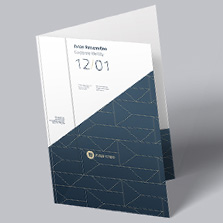













Event Programs
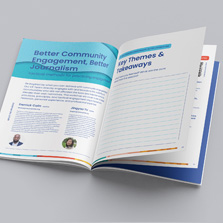
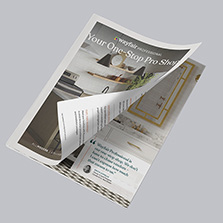
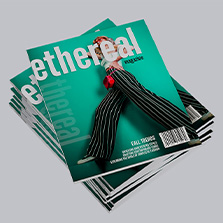
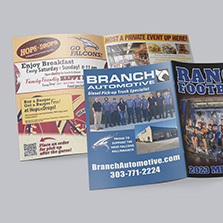
Each person at your event will have a program in their hands at some point. Generate more revenue with every program with advertising sponsors to cover production costs and even turn a profit. Sponsorships are just the beginning! Here are the top strategies in design, printing, profit, inclusions, structure, paper options, sizing, and sponsorship revenue strategies for ordering and creating a successful event program at PrintingCenterUSA.
What Is an Event Program?
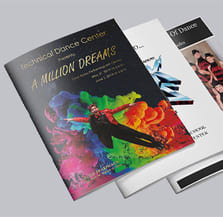
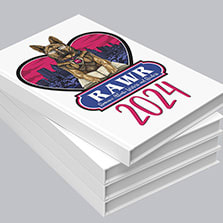
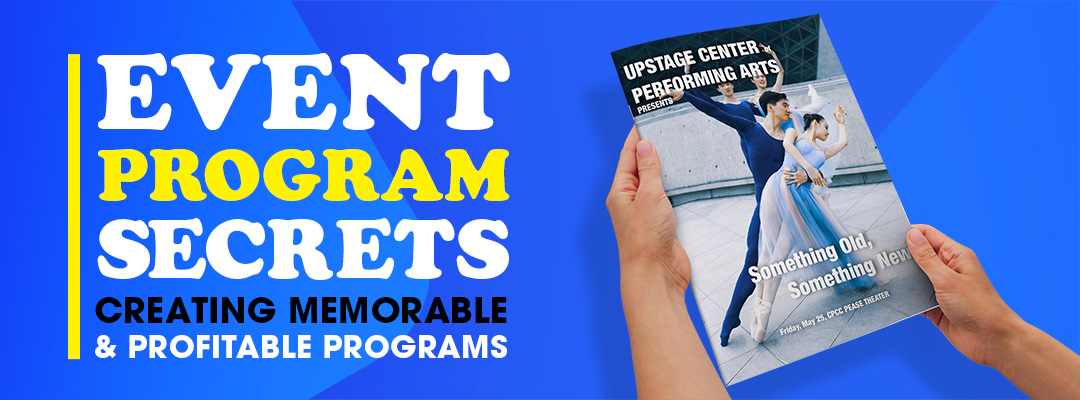
The event program is given to attendees so they can see all the essential information. Often a printed booklet or leaflet with a schedule of events, participant or performer names and bios, sponsor acknowledgments, and organizational information. They are useful and also fun keepsakes to take home after the event is over.
Types of Events That Use Printed Programs
At PrintingCenterUSA, we’re here to help you find the perfect pageant program style. Explore our vast selection, get expert design advice, and tailor your program to make a lasting impression.
Pageants & Recitals
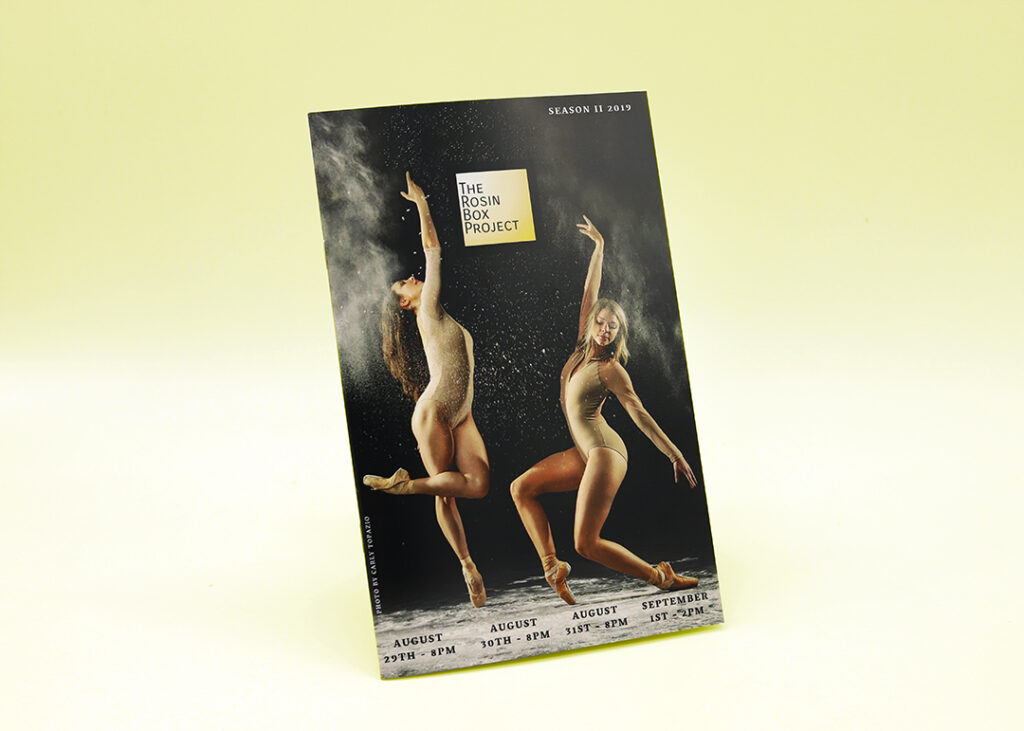
Dance Recitals, Ballet, Tap, Hip-Hop
Beauty Pageants, Child, Scholarship, Bathing Suit
Sporting Events
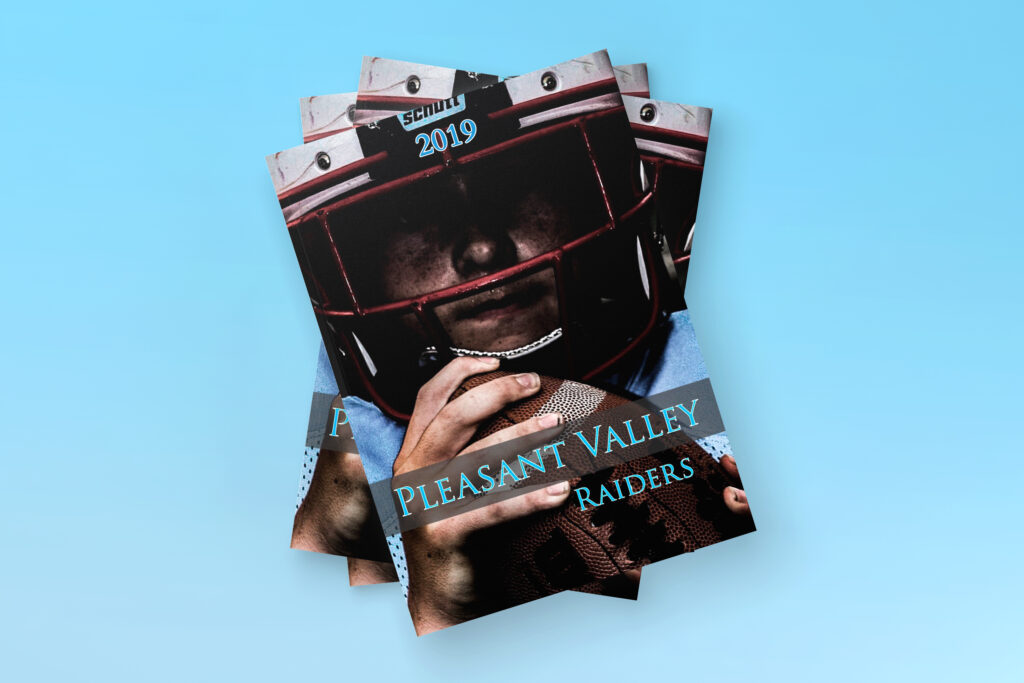
Football, Baseball, Basketball, Soccer, Tennis, Wrestling, Swimming, Volleyball, Cheerleading, Track & Field, Hockey, Marching Band, Lacrosse, Softball, Cheer, Rugby, Boxing, Ice Skating, Triathlon, Roller Derby, Horse Shows, Rodeos, Car Shows, Racing
Event Programs
Art Exhibits, Cinema, Theatre, Concert, Music, Fundraising, Plays, Conference, Convention, Trade Shows
Don’t forget Wedding Program Photobooks & Funeral Program Photobooks!
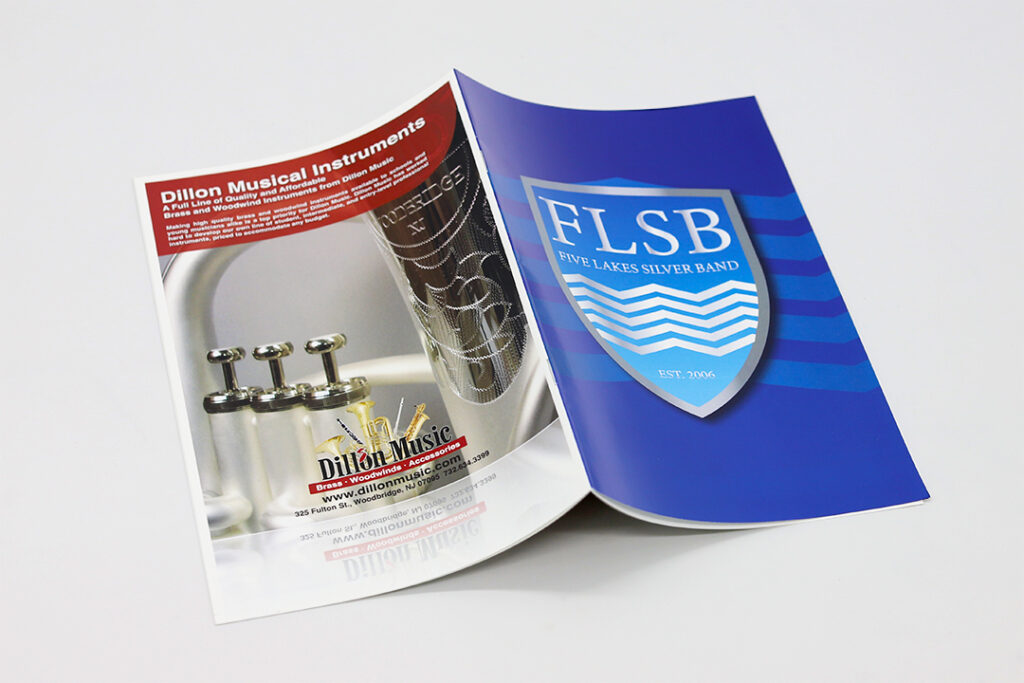
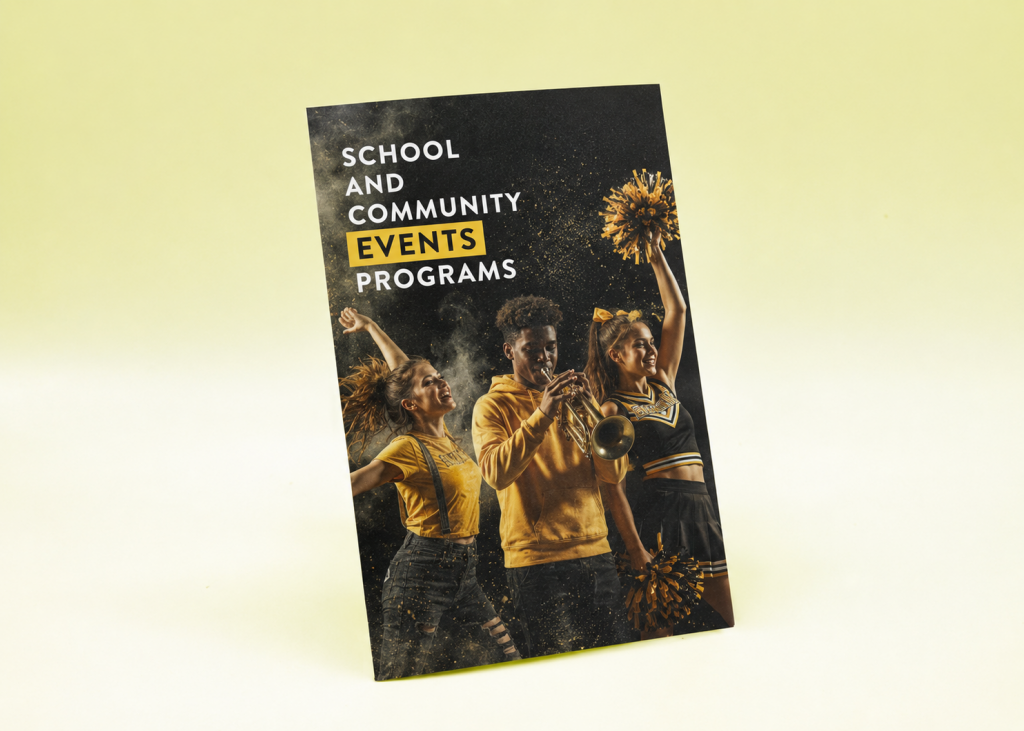
School and Community Programs
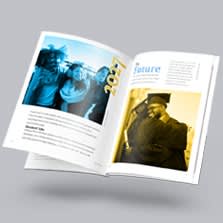
Graduation ceremonies, awards nights, fundraising events, art exhibits, and year-end banquets all benefit from a printed program that gives attendees structure and a lasting memento.
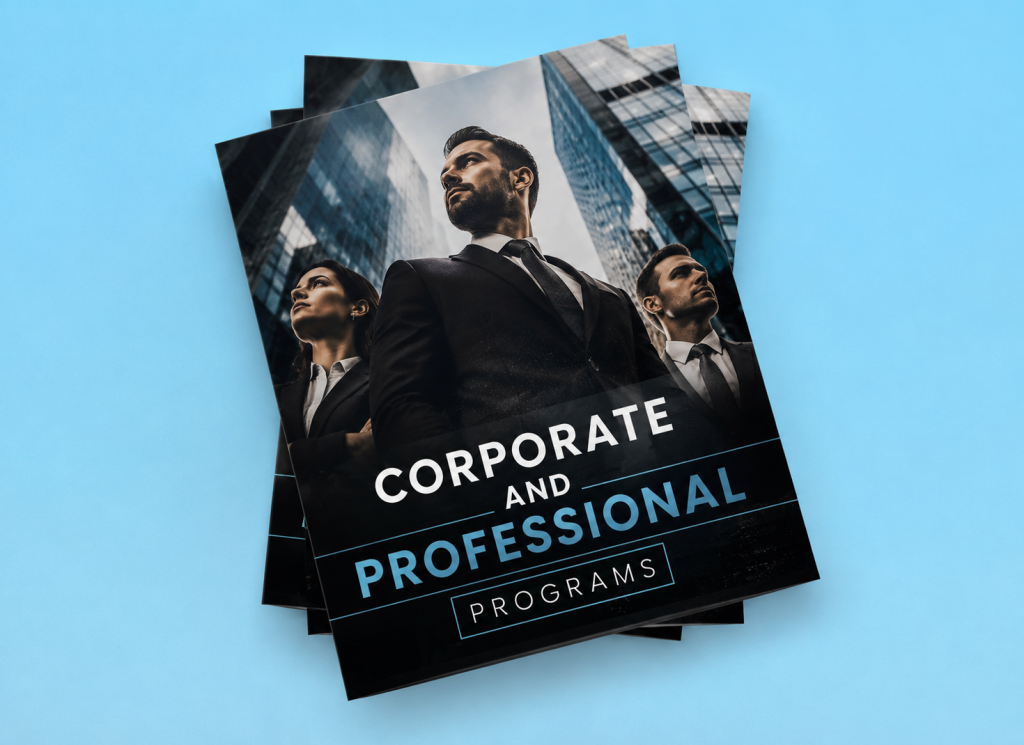
Corporate and Professional Programs
Conferences, conventions, trade shows, and professional development events use programs to guide attendees through sessions, introduce speakers, and communicate sponsor and exhibitor information.
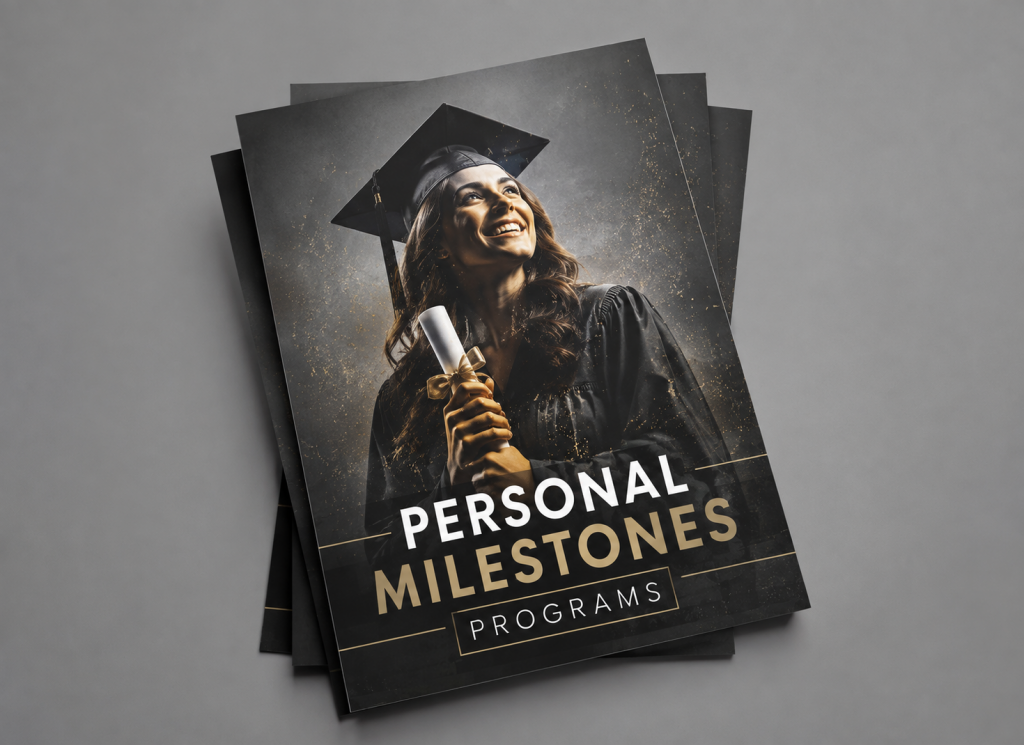
Personal Milestones Programs
Weddings, funerals, memorial services, and anniversary celebrations use programs as both practical guides and meaningful keepsakes that guests treasure long after the event.
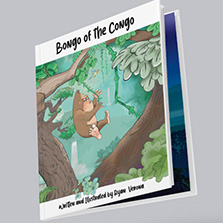
Don’t forget hardcover books and children’s books!
What Should Be Included in an Event Program?
Here is what to include in your event program and why each element should be included.
Cover page: First impressions are made. Add event name, org, date and location.
Welcome or introduction: Add a short welcome note from a higher up to set the tone.
Table of contents: For longer programs with multiple sections, a table of contents helps attendees navigate quickly. Even a simple one-line list of sections makes the program organized and professional.
Schedule of events: The schedule is the practical heart of the program. List each activity, performance, or session with its time, description, and location. For multi-venue or multi-track events, clarity is everything. Attendees should be able to find exactly where they need to be at any given moment without confusion.
Participant, performer, or speaker bios: Include names, photos, titles, and short bios for the key people involved in the event. For sports programs this means player and coach profiles with jersey numbers, positions, and stats. For performing arts, it means dancer, performer, and instructor bios. For conferences it means speaker credentials and session summaries. This is the section attendees spend the most time reading.
Team and group photos: For the emotional connection and visual interest. Add previous year’s photos to add a level of nostalgia.
Sponsor acknowledgments: A dedicated sponsor page or consistent placement of sponsor logos throughout the program acknowledges their contribution and fulfills your obligation to them as partners.
History, accomplishments, and important information: For organizations, a brief section on history, milestones, records, or achievements gives context to the audience on how far you’ve come and builds pride.
Rules of the game or event guidelines: For sporting events, a brief rules section helps parents and casual fans understand what they are watching. For complex multi-session events, a quick reference section on logistics like parking, Wi-Fi, and venue layout reduces confusion and questions during the event.
Autograph or notes page: An autograph page transforms a program into a fun keepsake.
Thank you page: Acknowledging the volunteers, parents, coaches, sponsors, and staff who made the event possible closes the program on a warm and grateful note.
Event Program Sizes and Dimensions
Select the perfect size using your audience. Think about how much content fits on each page and how they will hold the program. This can help you navigate costs down the line. Use our free instant pricing quote tool to estimate your costs or save a quote today!
5.5 x 8.5 inches is the most popular size for event programs. It is small and packs a colorful punch when paired with a uv coating. It is easy to hand out and cheaper than larger formats.
8.5 x 11 inches is the largest program size and it gives you a lot of space to show graphics and records with detailed info.
4.25 x 5.5 inches is a compact pocket-size option that’s perfect for travel or programs with less content.
Custom sizes are available at PrintingCenterUSA when your event calls for something outside the standard dimensions.
Page Count and Binding for Event Programs
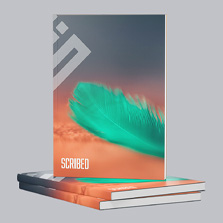
Saddle stitch binding the best choice for programs. They are booklets that are easiest to hold and read in a busy environment. Saddle stitch pages must be printed in multiples of four. Standard increments are 8, 12, 16, 20, 24, 28, and 32 pages.
Saddle stitch is affordable, lays flat when open, and produces a clean, finished result that looks professional. It is the right choice for most programs and can be professionally elevated with UV high gloss coating.
How to Generate Revenue From Your Event Program
Cover the entire printing cost with sponsorships before you even start distribution. Here’s the most effective way to do it.
Who to approach for sponsorships
First, start with local businesses because their customers overlap with your audience. For example if you create a sports program, sell ads to doctors, gyms, grocery stores, and restaurants.
Large corporations like banks, sporting goods stores, fast food chains, pet supply stores, and phone stores all have community advertising budgets and local goals to be seen locally.
What advertising space to sell
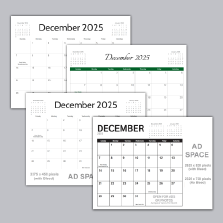
Full-page ads, half-page ads, quarter-page ads, and individual date or roster sponsorships are all sellable. Ads can run throughout the program, appear on the back cover, or be placed on specific pages adjacent to relevant content. Back cover placement commands the highest price because it is the most visible position.
Suggested pricing starting points: full page $50 to $200, half page $25 to $100, quarter page $15 to $50. Adjust based on your distribution size and audience.
Who should do the selling
Team members and performers are your best salespeople because they are the reason people care about the event. Before they start selling teach them what organization they represent, what the money supports, what ad sizes are available and what they cost, and when the deadline is for submitting ad content.
How to present the opportunity to sponsors
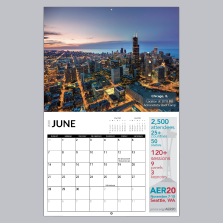
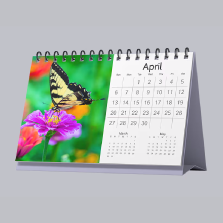
The best way to do this is to show a past years calendar but if you don’t have one with ads, show the pricing structure and share with them that they can add a coupon to the graphic if they would like.
At the end of the year record who all purchased sponsorships and make a list to send thank you cards to. Save this list to reach out to next year for a repeat sponsor.
Photo Tips for Event Programs
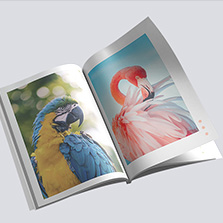
With camera in hand and laptop at home, crafting an event program is easier than you think. For the cover images of your program, use your own photos and ask attendees for the images they took. To save money, you can design the program yourself or let students create their own event program. We have an easy online designer to get you started and it’s FREE!
Don’t forget the best resolution for printing photos is 300 dpi (dots per inch). Anything below will print pixelated on your event program. Most images displayed on a monitor has a resolution between 72 dpi and 96 dpi, which means it may look great on your monitor but will not look great when printed.
You, your fellow designers, and even attendees can take dynamic digital photos that showcase your event’s energy. Here’s what to look for in the perfect shot:
| Individuals, coaches, players, participants, etc. | Teams, groups, classes, staff, teachers, cheerleaders. | Activities, action pictures, products, whatever you want to convey, etc. | Pictures from previous years or other past events. |
| Bring laughter by showing people in funny situations and funny sayings to go with the picture. | Events, places or things that relate to your cause or organization. | Points of interest, such as people, landmarks from your school, organization, community, sports team, etc. | Audience or participants having a good time participating. |
If your event happens regularly, photos from past years are a goldmine! They’ll spark excitement and anticipation for this year. And once this year’s event is in full swing, don’t forget to snap pictures for next year’s event program to make the design process easy year after year!
How to Design Your Event Program
Here are several ways to a finished event program design depending on your skill level, budget, and timeline.
Free downloadable Adobe templates are available at PrintingCenterUSA for every standard program size. The margins, bleed, and safe zones are already configured so you can drop in your content without worrying about file setup. Templates are available for Adobe InDesign, Illustrator, and Photoshop.
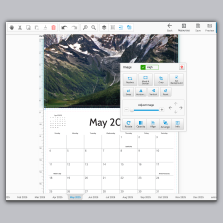
The free online design tool at PrintingCenterUSA lets you build your program directly in the browser with no software required. Upload your photos, add your text, and the tool handles the technical file preparation automatically.
Canva is a popular option for program design. Set your document dimensions to your chosen program size, design each page in order, and export as a PDF Print file with bleed enabled before uploading. Follow PrintingCenterUSA’s guide on exporting Canva files for print to make sure your file is press-ready.
Professional design help is available through PrintingCenterUSA’s Find a Designer service for organizations that want expert help from the start.
For any design tool, set your bleed to 0.125 inches on all sides, keep important content at least 0.125 inches inside the trim line, use CMYK color mode, and export as a print-ready PDF with fonts embedded.
Frequently Asked Questions
What is an event program?
An event program is a printed booklet or document that guides attendees through an event by providing schedules, participant information, speaker or performer bios, sponsor acknowledgments, and organizational content. It serves as both a practical reference during the event and a keepsake afterward.
What should be included in an event program?
A strong event program includes a cover with event name, date, and location, a welcome message, a table of contents, a schedule of events, participant or performer bios and photos, team or group photos, sponsor acknowledgments, historical information, rules or guidelines, an autograph or notes page, and a thank you section.
What size should an event program be?
The most popular size is 5.5 x 8.5 inches, which fits comfortably in one hand and is easy to distribute. For events with more content or higher-quality photo requirements, 8.5 x 11 gives you more space. For simpler programs, 4.25 x 5.5 is a compact and cost-effective option.
How many pages should an event program have?
Most event programs run between 8 and 32 pages. For saddle stitch binding, your page count must be a multiple of four. 8, 12, 16, 20, 24, and 28 are all standard options.
How do I make a program for an event?
Collect all your content including schedule, participant names and bios, photos, sponsor information, and organizational details. Choose your size and page count. Design your layout using PrintingCenterUSA’s free templates, free online design tool, or Canva. Submit your file for our automated 43-point inspection. Approve your proof and receive your order in three to four business days.
How do I sell advertising in my event program?
Create a simple rate card with available ad sizes and prices. Approach local businesses, past sponsors, and community-connected business owners first. Have students or organization members do the selling because they are the most compelling representatives of the cause. Keep a list of all past sponsors for easy outreach next year.
What resolution do photos need to be for event program printing?
All images must be at least 300 DPI. Photos from social media or downloaded through email are typically 72 DPI and will print blurry. Use images taken with a digital camera and transferred directly from the memory card.
Can I design my event program in Canva?
Yes. Set your Canva document to your chosen program size, design pages in order, and export as a PDF Print file with bleed enabled. Follow PrintingCenterUSA’s guide on exporting Canva files for print before uploading.
How far in advance should I order my event programs?
PrintingCenterUSA ships orders in three to four business days after proof approval. For most events, ordering one to two weeks in advance gives you enough time to review your proof, make any corrections, and receive your programs before event day. For larger events or those requiring more design time, start the process three to four weeks out.
Create Your Own Program
And that is it! You got our smart secrets and quick tips to make this year’s event program the best one yet. It all boils down to organization, engagement and choosing the right printer. With PrintingCenterUSA, you not only get all the tools you need to design, you get exceptional customer service and printing experts. We have affordable prices for all of your printing needs. So go ahead, spread the word!