

















Top 10 Tips for Creating Your Own Magazine
Creating a magazine might sound like a big step. For many businesses, brochures feel like the safer choice. They are quick, familiar, and easy to distribute. But they also have limits.
If you want to tell real stories, show depth, and build genuine trust with your audience, a magazine opens up entirely new possibilities. It gives your brand room to breathe. Room to connect. Room to feel human. In this guide, you will learn practical magazine tips for creating a magazine that not only looks beautiful but actually works as a powerful marketing tool.
A custom printed magazine helps businesses share real stories, build trust, and showcase their work in a more engaging way than traditional brochures. Interior design brands benefit most by creating deeper emotional connections through storytelling, visuals, and thoughtfully designed layouts that reflect their brand experience. Start yours today!
Top 10 Tips for Creating Your Own Magazine
Before diving into production, it helps to understand what makes a magazine effective. These tips will guide you through planning, designing, and printing a magazine that truly represents your brand.
1. Start With a Clear Purpose:
Before designing anything, define what your magazine is meant to achieve.
Are you educating customers, showcasing projects, or building trust? A strong purpose keeps your content focused and meaningful.
2. Tell Real Stories:
Magazines shine when they feel authentic.
Instead of listing services, share real experiences, client transformations, and behind the scenes moments. This creates a connection that brochures often miss.
3. Design for Flow, Not Just Pages:
Think of your magazine as a journey.
Each page should naturally lead to the next. Use consistent fonts, colors, and spacing to create a smooth reading experience. You can start with a ready layout using a Canva template (CANVA TEMPLATE LINK).
4. Use High Quality Imagery:
Your visuals do a lot of the talking.
Invest in professional photography whenever possible. Clear, well lit images elevate your brand instantly and make your magazine feel premium.
5. Keep Content Balanced:
Avoid overwhelming readers with too much text.
Break content into sections:
- Short paragraphs
- Pull quotes
- Image captions
This keeps the magazine easy to read and visually engaging.
6. Choose the Right Paper:
Paper choice affects how your magazine feels in hand.
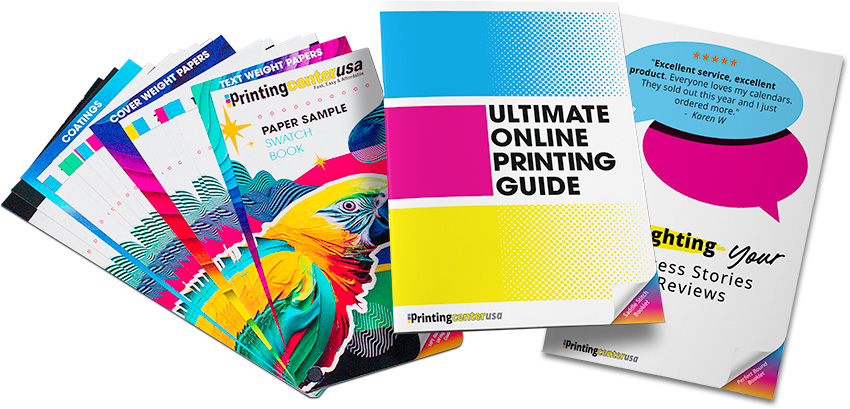
Glossy covers add polish, while uncoated interior pages create a softer, more natural reading experience. The right combination enhances both look and usability. Order a free sample pack to explore our options!
7. Pick a Binding That Fits Your Format:
Saddle stitch binding works great for shorter magazines.
It keeps production affordable while still delivering a clean, professional finish.
8. Focus on Emotional Connection:
People remember how something makes them feel.
Use your magazine to build trust, especially if your business involves personal spaces or services.
9. Plan for Distribution:
Think about how your magazine will be used.
Will it sit in your store, be mailed to clients, or handed out at events? Your distribution strategy should shape your design decisions.
10. Use Available Design Resources:
You do not have to start from scratch.
Tools like the Free Online Design Tool, Free Adobe Templates, and Canva templates (CANVA TEMPLATE LINK) make the process faster and more approachable. You can also use the Free File Review to ensure everything prints perfectly.
What Is a Magazine?
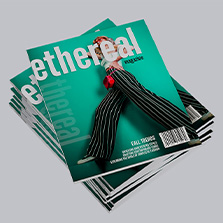
A magazine is a multi page printed product designed to share stories, visuals, and information in a structured and engaging format.
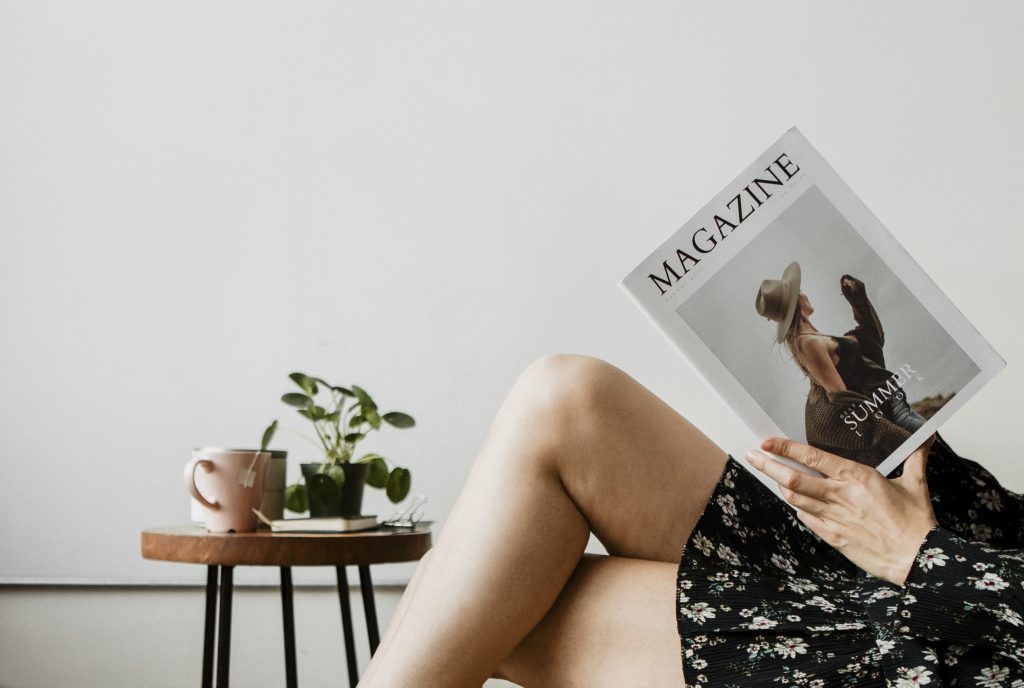
Businesses use magazines to:
- Showcase products or services
- Tell brand stories
- Build trust with customers
- Provide educational or inspirational content
Unlike brochures, magazines allow for deeper storytelling and stronger engagement.
Real Customer Example
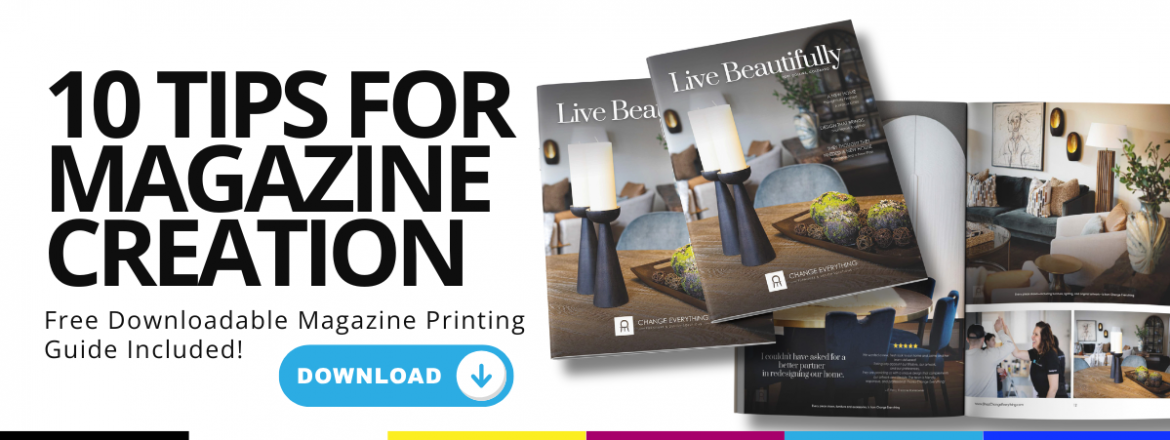
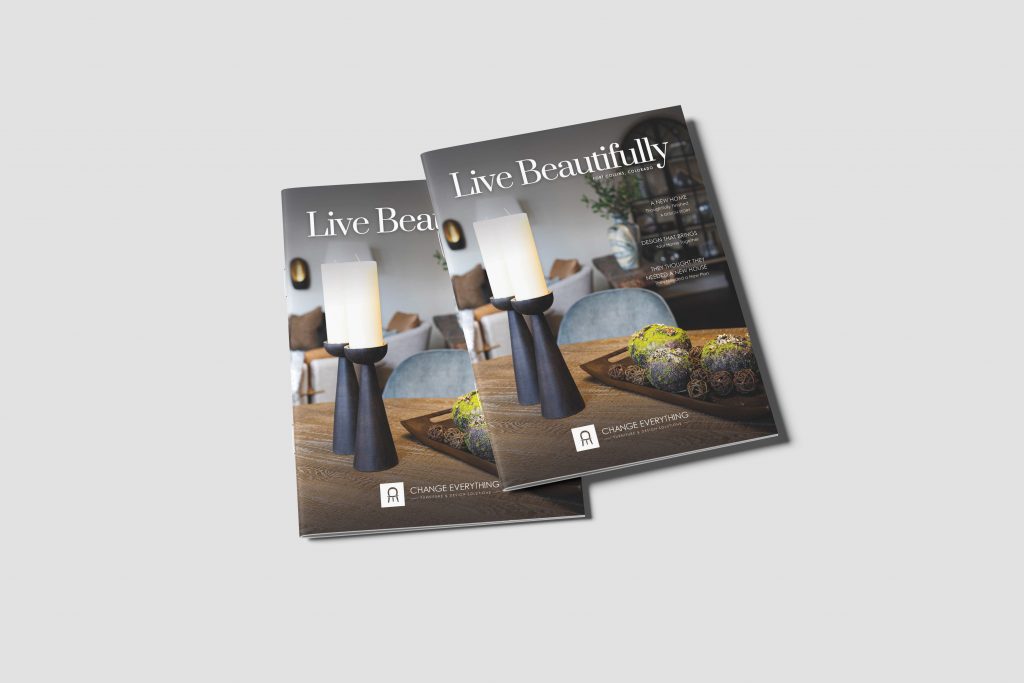
Change Everything Furniture & Design Solutions, led by Jaime Cawthron, is a home decor and interior design business based in Fort Collins, Colorado. You can explore their work at www.ShopChangeEverything.com.
Located in the Front Range Village Shopping Center, the brand focuses on helping clients fall in love with where they live, every piece, every room, every day. Their work goes beyond furniture. It is about transformation.
The Inspiration
Jaime made a deliberate decision to move away from a traditional brochure.
She wanted something deeper. Something more personal.
A magazine gave her the space to share real stories, showcase her design philosophy, and connect with customers in a way that felt genuine.
The Challenge
Interior design is built on trust.
Being invited into someone’s home is not a small thing. It requires confidence, credibility, and emotional connection. A simple brochure was not enough to communicate that level of trust.
The Solution
Jaime created a custom printed magazine that highlighted her work through storytelling.
Instead of listing services, she focused on real experiences. The magazine allowed her to present her brand in a more immersive and meaningful way.
“Being allowed into someone’s home is a privilege and requires a great deal of trust.”
The Impact
The result is more than just a marketing piece. It is a relationship builder. The magazine helps customers feel comfortable before they even walk into the store. It sets expectations, builds credibility, and creates an emotional connection from the very first page.
Popular Magazine Print Specs
Before you start designing, it helps to understand the most common print specifications used for magazines like this one.
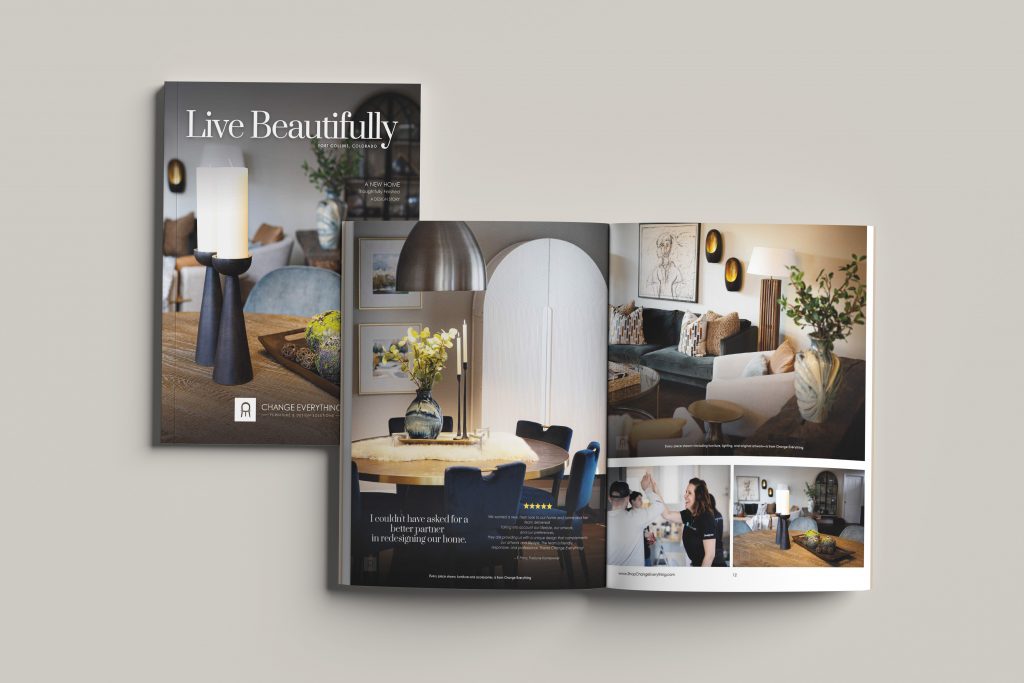
Here are the specs used for this featured project:
- Size: 8.5 x 11 inches
- Pages: 16 pages total
- Binding: Saddle stitch
- Cover: 80# gloss text
- Inside Pages: 80# uncoated text
- Ink: Full color throughout
- Quantity: 100 copies
Other Popular Options
- Perfect bound for thicker magazines
- Matte cover finishes for a softer look
- Heavier paper stocks for a premium feel
- Larger page counts for editorial style content
These options help match the program to the wedding style. Not sure which specs are right to match your project? Order a free sample pack from PrintingCenterUSA today and explore the options!
Timeline for Creating Your Magazine
Before Production
Plan your content, gather images, and finalize your layout. Use our Free Online Design Tool or Canva templates to streamline the process.
During Production
Submit your files and take advantage of our Free File Review to catch any issues before printing.
After Distribution
Share your magazine in store, at events, or through direct mail. Track how customers respond and use feedback to improve future editions.
Magazine Tips for Better Design
Good design makes your magazine easier to read and more enjoyable to explore.
Focus on:
- Clean layouts with plenty of white space
- Consistent branding
- Strong image placement
- Clear hierarchy of text
These simple techniques make the program easier and more enjoyable to read. Use our Free File Review to ensure your prints will turn out perfect every time! Would you rather enjoy the programs without the hassle of design? Explore our partnered designers and find the perfect designer for your project today!
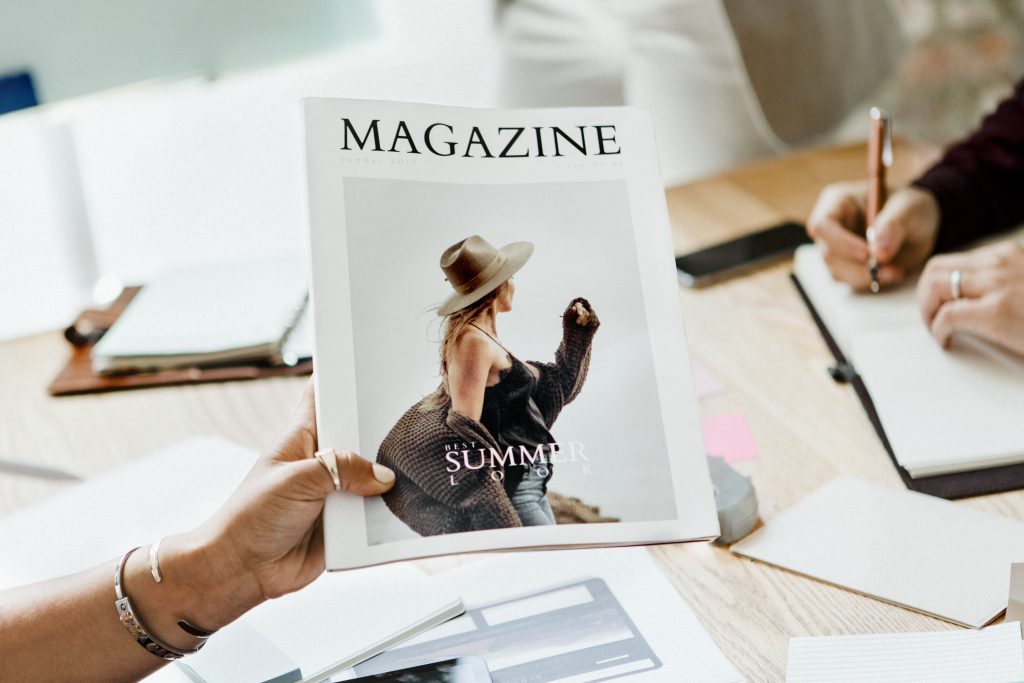
Many of our customers design their magazines in Canva because it is one of the easiest tools for creating. To make printing simple, we found a ready to use magazine template you can customize in minutes. Just drag and drop your wedding photos, add your ceremony details, and your design is ready for print. Start with the template here: CANVA TEMPLATE LINK.
When your design is complete, make sure you download the file correctly for professional printing. Follow our step-by-step guide here to learn how to export your Canva design for print.
Related Print Products
If you are creating a magazine, you may also benefit from:
- Lookbooks
- Product catalogs
- Postcards for promotion
- Business cards
- Event handouts
These pieces can work together to create a complete marketing system.
Planning Your Magazine? Download Our Free Magazine Guide!
From content planning to file setup, having a clear roadmap helps you avoid delays and stay organized. It is one of the easiest ways to make your first magazine project feel manageable. Download here!
FAQ Section
What is the difference between a brochure and a magazine?
A brochure is typically shorter and focuses on quick information, while a magazine allows for storytelling, multiple sections, and deeper engagement with readers.
How many pages should a magazine have?
Magazines often start at 8 to 16 pages, but they can be much longer depending on your content and goals.
Is saddle stitch binding good for magazines?
Yes, saddle stitch is ideal for shorter magazines. It is cost effective, clean, and widely used for projects under 64 pages.
What paper is best for a magazine?
Gloss paper works well for covers, while uncoated paper is great for interior pages that need a softer, more readable finish.
How long does it take to print a magazine?
Production time varies, but most magazines can be printed within a few business days after files are approved.
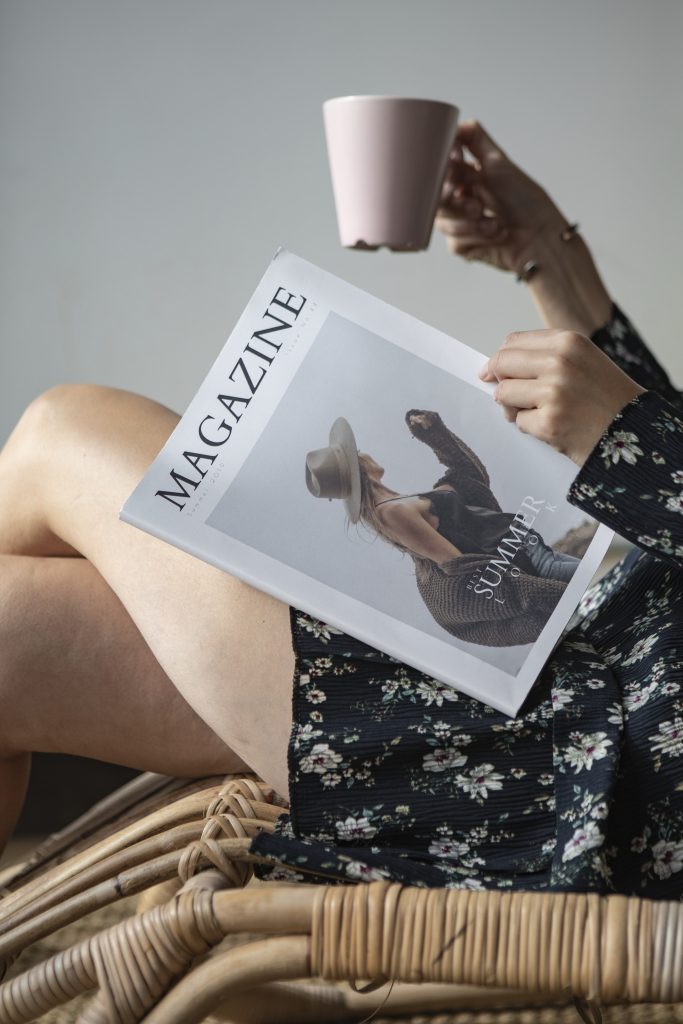
Create Your Own Magazine
If you are ready to bring your ideas to life, now is the perfect time to start. A custom magazine can elevate your brand, tell your story, and build real trust with your audience.
You can begin today using the Free Online Design Tool, explore layouts with Free Adobe Templates, or jumpstart your design with a Canva template. Make sure to use the Free File Review before printing, and if you need extra help, you can always Find a Designer or request a Free Sample Pack. Your story deserves more than a brochure. Create a magazine people will actually read!