













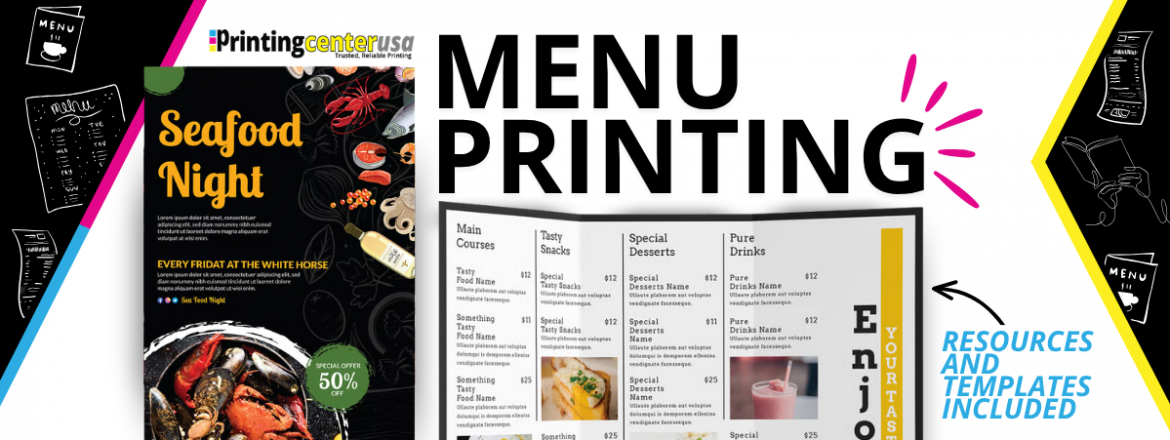
Menu Printing
First impressions matter. Reinforce your brand and everything you have built with the first thing a guest holds when they visit. Communicate your message before they take their first bite. Here is everything you need to know about printing a menu for your restaurant that represents your brand in the way it deserves. Start your menu today!
What Is a Menu?
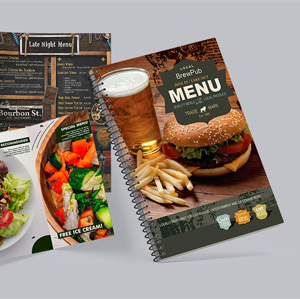
Menus present services to guests in a professional printed premium cardstock or other text paper with specialty finishes. Folded menus are also common and single sheets are great for kid’s menus.
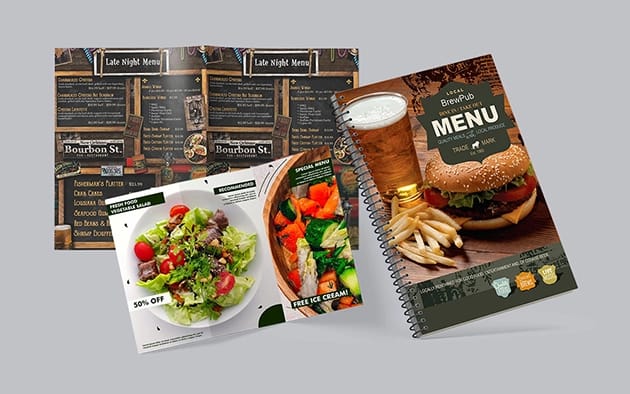
Here are different types of menus:
- Dine-in restaurant menu
- Takeout and delivery menu
- Bar and cocktail menu
- Wine list
- Beer and craft brew menu
- Dessert menu
- Brunch menu
- Prix fixe menu
- Seasonal menu
- Daily specials insert
- Catering menu
- Event and banquet menu
- Room service menu
- Hotel restaurant menu
- Spa and wellness menu
- Food truck menu
- Cafe and coffee shop menu
- Bakery menu
- Kids menu
- Tasting menu
Why Print Your Menu?
Copy paper might be your first go to for menu printing but is that the quality you’d like to represent your brand? Most owners prefer professional printing because the menus are vibrant, heavy, spill proof, and can withstand hundreds of daily uses.
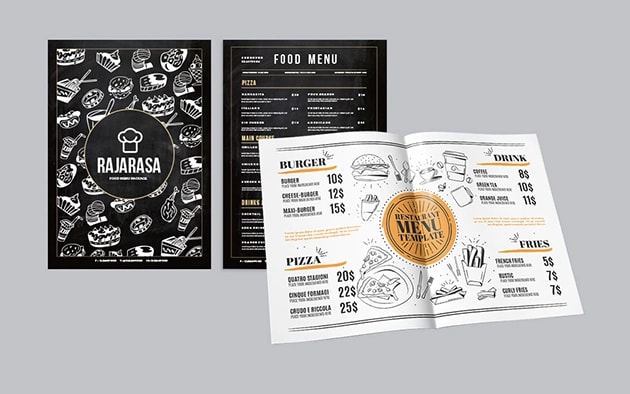
Not only will you get better color and more durable finishes, you also have binding options that can accommodate your themes and style. The cost difference for professional printing vs. home printing is a lot smaller than people expect. The impact guests experience is not.
Menus are also the best sales tools. Physical quality of a menu influences how valuable your products are perceived based on what they plan to order. Great menus carries professionalism. Cheap feeling menus do the opposite.
Does PrintingCenterUSA Offer Digital Menus?
Yes! At PrintingCenterUSA we offer free digital flipbooks with every order which are digital versions of your menu, guests can visit remotely or on demand from their phone. Digital menu options have grown since 2020 but printed menus demand attention and showcase value.
Types of Menus and When to Use Each
Single-sheet menus
A single flat sheet printed on one or both sides is the most affordable menu option. It is easy to update which makes it ideal for regularly changing menus. It is also the go to option for kid’s menus or coloring pages.
Folded menus
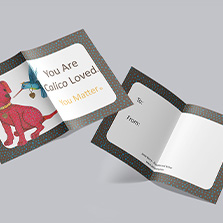
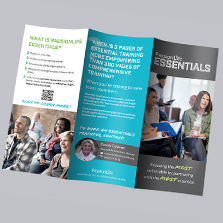
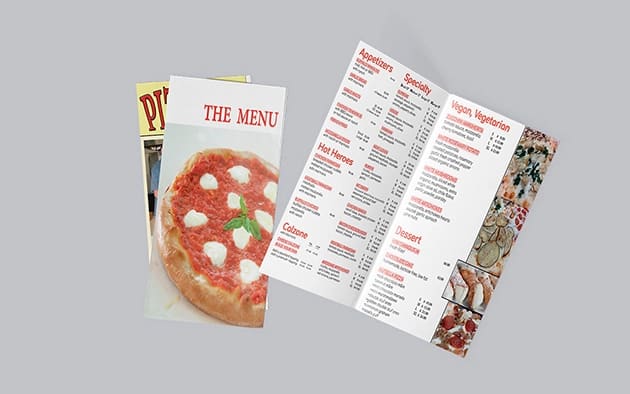
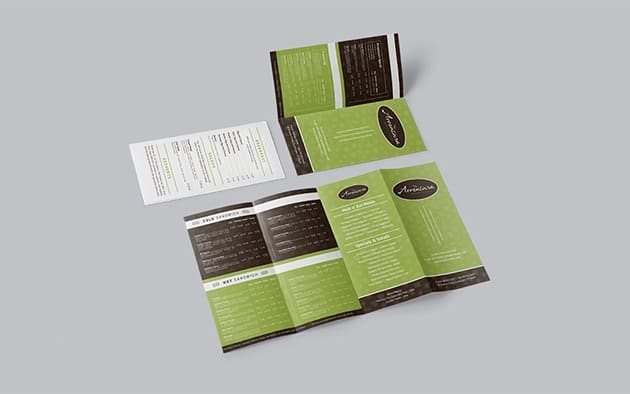
A single sheet folded to create two, three, or four panels is one of the most popular formats for restaurants, with more space and similar costs. Bi-fold menus work well for cafes, bars, and venues.
Booklet menus
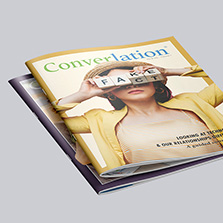
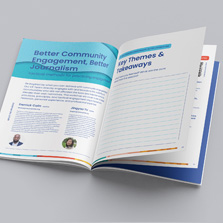
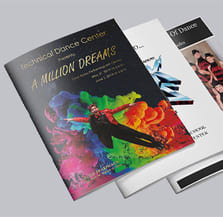
A multi-page booklet bound with saddle stitch, spiral, or wire-o binding is the right choice for restaurants with extensive offerings or large lists that single sheets can’t cover. Booklet menus feel professional and substantial in a guest’s hands. Most booklet menus run between 8 and 32 pages which creates an opportunity to create section-based layouts to make navigation while flipping through easier.
Takeout and delivery menus
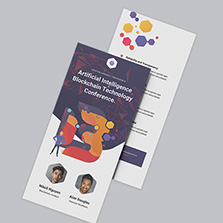
Takeout menus are printed as single sheets or trifolds on lighter paper stock. They are meant to be taken home to revisit. They can be mailed, inserted into orders, displayed at the counter, or distributed to local businesses and hotels.
Specialty menus
Wine lists, cocktail menus, dessert menus, and catering menus are often printed separately from the main menu and presented at the appropriate moment during service. These are perfect when you add a slightly heavier weight for paper in print and signal that what is being shown is worth considering.
Menu Formats by Business Type
The right menu format depends on your type of business and how guests interact with it.
Full-service restaurants typically use booklet menus or bi-fold menus because they need enough space to organize food, drink, and dessert sections clearly. A heavier cover stock with a saddle stitch or wire-o binding gives the menu the best menu feel that matches the dining experience.
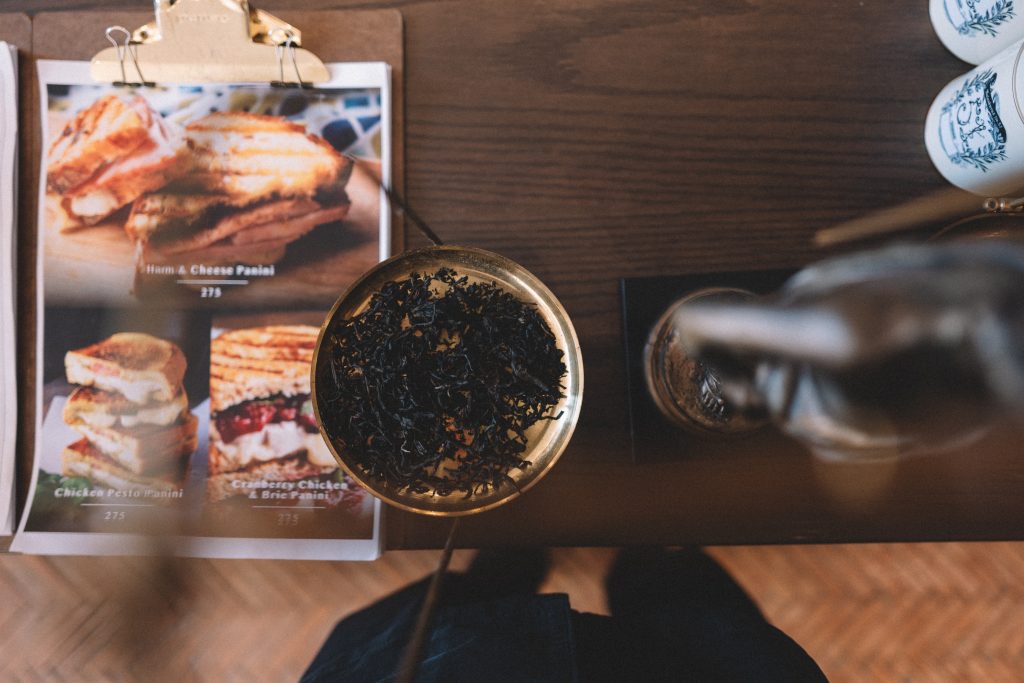
Cafes and coffee shops often work well with a single laminated sheet or a simple bi-fold because guests order at a counter rather than sitting with the menu at a booth.
Bars and cocktail lounges benefit from a compact booklet or a multi folded format that showcases the drinks program with enough detail to make ordering decisions easy. A smaller 5.5 x 8.5 format works well here.
The catering menu is a little different than traditional menus. They are often part of a proposal or consultation packet. They need to look polished and professional enough to influence or support a buying decision.
Food trucks benefit from simple, bold single-sheet or laminated menus that communicate the offering quickly to customers who are standing and deciding in real time outside the truck.
Hotels and resorts often have multiple menus. Room service menus, restaurant menus, bar menus, and spa menus. Each benefit from a consistent visual identity with format and finish choices tailored to the specific service context. Keep the format the same but change the products or offerings on each menu.
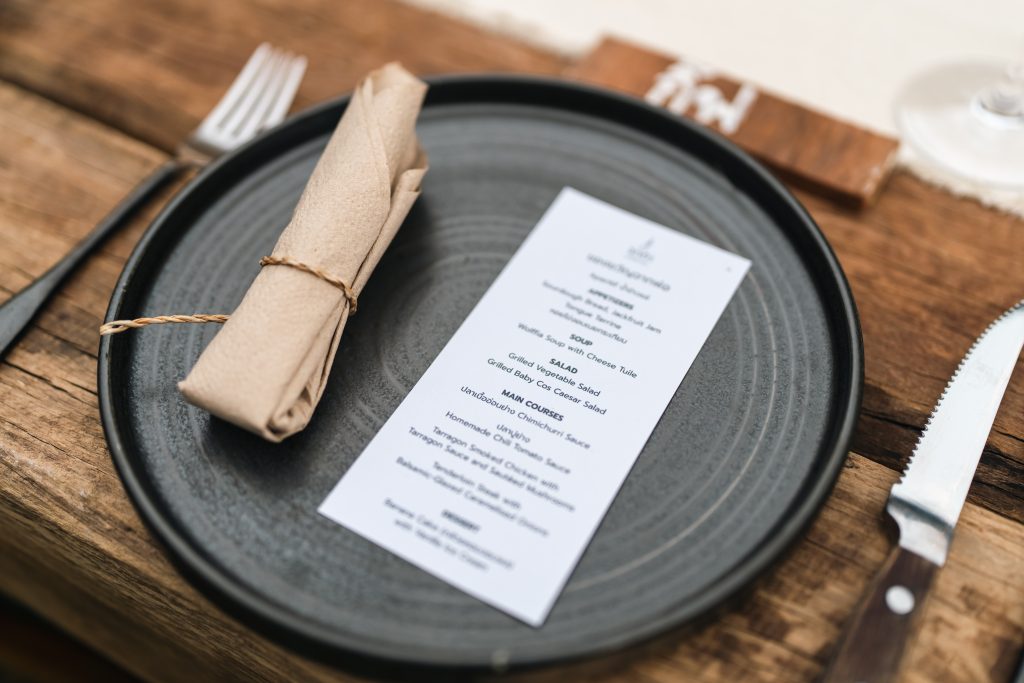
Event venues use menus as part of the event experience itself. A beautifully designed single-sheet menu at a place setting is a simple, elegant addition to any event table that guests often keep as a memento. They can be kept as keepsakes or doubled as promotional materials.
Paper Options for Menu Printing
The paper you choose determines how your menu feels in a guest’s hands and how long it holds up in daily use which makes this a really important decision.
80 lb or 100 lb gloss cover stock is the best and most popular choice for restaurant menus. It is sturdy, holds up to repeated handling, and the gloss finishes making food photography and full-color design appear vibrant and appetizing. Gloss paper is easy to wipe clean, which matters in a restaurant environment. Think about popular restaurants!
80 lb or 100 lb matte cover stock is the best choice for restaurants where the brand tone is more understated and refined. Matte menus feel premium and sophisticated, resist fingerprints better than gloss, and suit fine dining, farm-to-table, and minimalist restaurant aesthetics beautifully. The tradeoff is that matte paper is slightly less resistant to moisture than a gloss or UV-coated surface. Think about bars and speakeasies.
For inside pages of multi-page booklet menus, 80 lb or 100 lb text weight paper in gloss or matte is the standard choice. Heavier inside pages feel more substantial and communicate quality on every page, not just the cover. We also have recycled options with post-consumer waste.
Order a free sample pack from PrintingCenterUSA to compare paper weights and finishes before you commit to a menu spec.
Cover Finishes for Menus
UV high gloss coating is one of the most popular cover finish choices for restaurant menus because it adds a protective layer that is water resistant to spills and easily stands up to daily use. Gloss also makes images stand out with vibrancy. UV coating will always be worth the investment.
Soft touch lamination gives the cover a velvety, tactile finish that screams luxury in the guest’s hands. It is the premium choice for fine dining restaurants, boutique hotels, and coffee shops. The brand statement you make with soft touch lamination is unforgettable.
Aqueous coating is a lighter protective finish that adds some water and scratch resistance without the dramatic sheen of UV gloss. It is a good middle-ground option for menus that need basic protection without a heavy gloss appearance.
Binding Options for Multi-Page Menus
Saddle stitch is the most affordable binding option for booklet menus. Pages are folded and stapled along the spine; perfect for menus up to 92 pages. Considering the lower unit cost, it is a practical choice for menus that will be reprinted regularly.
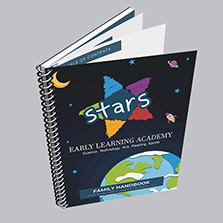
Spiral binding is the most popular choice for multi-page dine-in menus in high-use environments. Pages lay completely flat on the table and flip easily. The durable plastic coil holds up well through hundreds of daily uses.
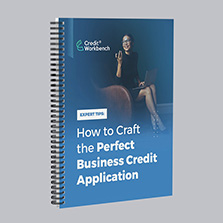
Wire-o binding offers the same lay-flat functionality as spiral but uses a metal wire for a more professional appearance. It is the preferred choice for fine dining menus, wine books, and small format printing. Wire-o typically costs slightly more than spiral but the visual difference is significant.
Menu Sizes
The right menu size depends entirely on your format and how many items you need to present.
8.5 x 11 inches is the best and most common size for single-sheet and folded restaurant menus. It is the standard letter size which keeps production costs low and is familiar and comfortable for most guests.
5.5 x 8.5 inches is a popular compact size for booklet menus, bar menus, dessert menus, and specialty lists. It fits comfortably in one hand and feels more like a curated presentation with its fun size.
6 x 9 inches is a popular booklet format that feels slightly more like a published book than a standard menu. It works well for catering menus, event menus, and editorial feeling menus.
11 x 8.5 inches landscape is used for menus where the content is organized in columns across a wide format, which works well for wine lists and cocktail programs with multiple categories. The unique landscape format is really attention grabbing and is an excellent choice.
Custom sizes are available at PrintingCenterUSA for restaurants that want a distinctive format.
How Often Should You Reprint Your Menus?
If your menu is seasonal or updated regularly, choose single-sheet or saddle stitch for a lower unit price so you can order at quantities that make the most sense for you.
If your menu is used year round and updated every other year or more, it is easy to justify a higher print run initially. Higher print run lowers your per-unit cost significantly making your one time order a smart decision. A premium finish like UV gloss or soft touch lamination makes the menu more durable so it lasts longer between reprints.
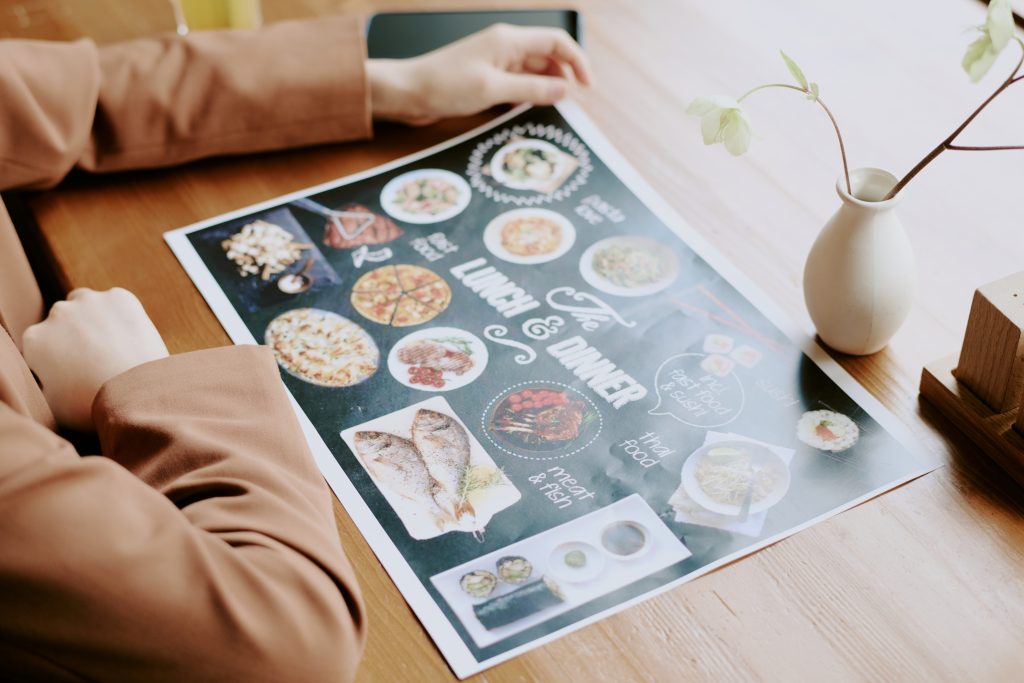
Many restaurants use all these in combination. Main menu with longer print run, a single sheet for daily specials, and a half sheet insert for seasonal changings.
How to Design Your Menu for Print
A menu that is beautifully designed but set up incorrectly for print can cause problems that are expensive to fix after the fact. Here is what to get right from the start.
Set your bleed to 0.125 inches on all sides. Any background color, image, or design element that is intended to run to the edge of the page needs to extend 0.125 inches beyond the trim line to prevent white edges after cutting.
Keep all important text, logos, and design elements at least 0.125 inches inside the trim line in the safe zone. Anything outside the safe zone risks being trimmed off.
Set your color mode to CMYK before you start designing. RGB color is optimized for screens and produces unpredictable color shifts when printed.
All images should be at least 300 DPI. Food photography at lower resolutions will print blurry regardless of how sharp it looks on screen.
Export your final file as a print-ready PDF with fonts embedded and bleed included.
For multi-page booklet menus, save pages in single-page consecutive order rather than spreads. PrintingCenterUSA handles page imposition during production.
Download a free Adobe template for your menu size from PrintingCenterUSA and the bleed, trim, and safe zones are already configured before you start designing.
If you prefer to design in Canva, set your document to your menu size, design front and back on separate pages, and export as a PDF Print file with bleed enabled. Follow PrintingCenterUSA’s guide on exporting Canva files for print before uploading.
How Much Does Menu Printing Cost?
Professional menu printing typically ranges from $0.50 to $10 per menu for standard options, with premium features like specialty finishes pushing costs higher.
At PrintingCenterUSA, menu printing cost depends on size, paper choice, finish, binding, and quantity. Single-sheet menus at larger quantities can run well under $2 per unit. Multi-page booklet menus with premium finishes at smaller quantities run higher per unit but cost significantly less per unit at larger print runs.
The most cost-effective approach is to determine your reprint frequency first, then choose your specs and quantity accordingly. Use PrintingCenterUSA’s instant pricing tool to get an exact cost per menu for your specific configuration before you order.
Menu Printing: Key Facts for Reference
What is menu printing: The professional production of printed menus for restaurants, cafes, bars, catering companies, food trucks, hotels, and other hospitality businesses. Menus are produced on premium cardstock or text paper with protective finishes and bound using folding, saddle stitch, spiral, or wire-o binding depending on the format.
Most popular menu formats: Single-sheet, bi-fold, trifold, saddle stitch booklet, spiral bound booklet, wire-o bound booklet
Most popular paper for menus: 80 lb or 100 lb gloss cover stock
Most popular cover finish for high-use menus: UV high gloss coating
Most popular binding for multi-page dine-in menus: Spiral binding for lay-flat functionality, wire-o for a more professional appearance
Most popular menu sizes: 8.5 x 11, 5.5 x 8.5, 6 x 9
Recommended image resolution for menu printing: 300 DPI minimum
Bleed setting: 0.125 inches on all sides
File format for upload: Print-ready PDF with pages in single-page consecutive order
Turnaround at PrintingCenterUSA: 3 to 4 business days after proof approval
File review: Automated 43-point inspection checks every file before it goes to press
Frequently Asked Questions
What is the best paper for restaurant menus?
80 lb or 100 lb gloss cover stock is the most popular choice for restaurant menus because it is durable, holds up to repeated handling, and makes full-color food photography look vibrant and appetizing. Matte cover stock is a better choice for restaurants with a more refined, understated brand aesthetic. For high-use environments, UV coating on either finish adds a protective layer that resists moisture and daily wear.
What size should a restaurant menu be?
8.5 x 11 inches is the most common size for full-service restaurant menus. 5.5 x 8.5 works well for compact booklet menus, bar menus, and specialty lists. 6 x 9 is popular for catering and event menus where a more editorial format suits the brand.
What binding is best for a restaurant menu booklet?
Spiral binding is the most popular choice for multi-page dine-in menus because pages lay completely flat on the table and flip easily. Wire-o binding offers the same functionality with a more professional appearance for fine dining or premium brand contexts. Saddle stitch is the most affordable option for booklet menus that will be reprinted regularly.
How much does it cost to print restaurant menus?
Cost depends on size, paper, finish, binding, and quantity. Single-sheet menus at larger quantities can run well under $2 per unit. Multi-page booklet menus with premium finishes run higher per unit at smaller quantities. Use PrintingCenterUSA’s instant pricing tool for an exact cost on your specific menu specs.
How often should I reprint my menus?
It depends on how often your menu changes and how durable your current format is. Menus with seasonal updates or frequent price changes benefit from a simpler format at moderate quantities. Menus that stay consistent for a year or more can justify a larger print run and a more premium finish that lasts longer between reprints.
Can I design my menu in Canva?
Yes. Set your Canva document to your menu size, design front and back on separate pages, and export as a PDF Print file with bleed enabled. Follow PrintingCenterUSA’s guide on exporting Canva files for print before uploading.
What is the difference between a folded menu and a booklet menu?
A folded menu is a single sheet printed on one or both sides and folded to create panels, typically two or three. A booklet menu is a multi-page document bound with saddle stitch, spiral, or wire-o binding. Folded menus work well for simpler offerings. Booklet menus are better for extensive food and drink programs that need more pages and section-based organization.
Do menus need a bleed setting?
Yes. If any background color, image, or design element is intended to run to the edge of the page, set your bleed to 0.125 inches on all sides. This prevents white edges from appearing after the menu is trimmed to size.
Ready to Print Your Menus?
PrintingCenterUSA has everything you need to get your manual project started!
- Get an Instant Quote — price out your menu in seconds
- Request a Free Sample Pack — see and feel the paper and binding options before you commit
- Free Online Design Tool — build your menu design online
- Free Adobe Templates — download and set up your file the right way
- Free File Review — submit your file before you order and catch any issues early
- Find a Designer — connect with a professional if you need design help
- Canva Templates — prefer Canva? Find a template and follow our step-by-step tutorial on how to set it up correctly for print.
PrintingCenterUSA has been printing manuals for businesses nationwide for over 50 years. When you’re ready, start your order today.