




















Browsing Category:

Print Basics

Children's Books Print Basics

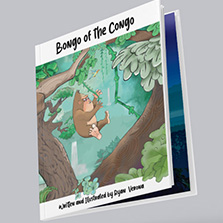
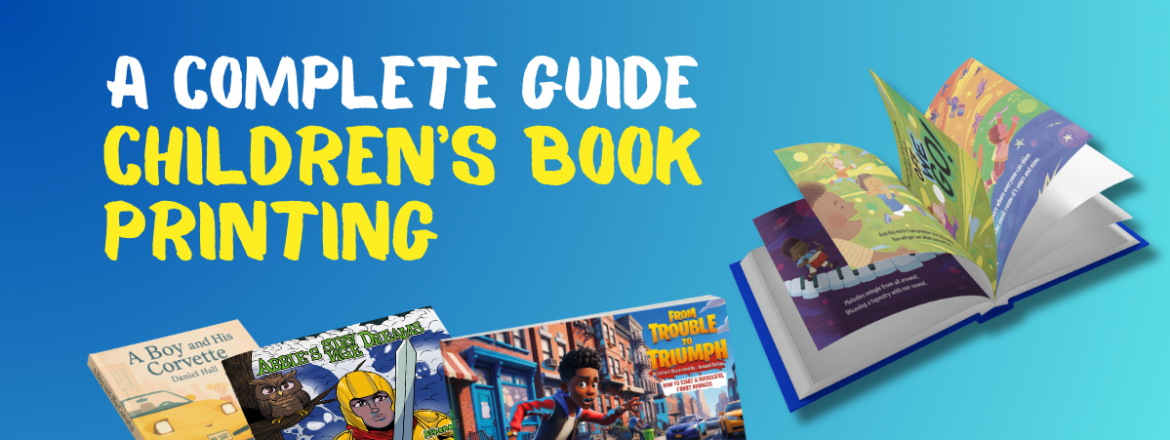
The Complete Guide to Children’s Book Printing

Children’s book printing options made easy. Discover the best binding, size, and paper choices to create a high-quality, self-published book

Reading Time: 8 minutes

The children’s book market is growing at a rapid rate. According to the Association of American Publishers, children’s and YA fiction sales reached $5.33 billion in 2024 and grew 20% between 2020 and 2024. If you’re a self-publisher thinking about
Continue Reading
Art Behind The Print Design Graphic Design Print Basics

Behind The Print with Montana Grafix

Learn how graphic designer Hannah Norskog of Montana Grafix uses print to create beautiful designs for small town customers

Reading Time: 7 minutes

In this episode of Behind The Print, we sit down with Hannah Norskog, the owner, lead designer, and driving force behind Montana Grafix. Based in a small-town setting with a nationwide reach, Hannah has built her business around creativity, adaptability, and
Continue Reading
Bookbinding Books Catalogs Print Basics

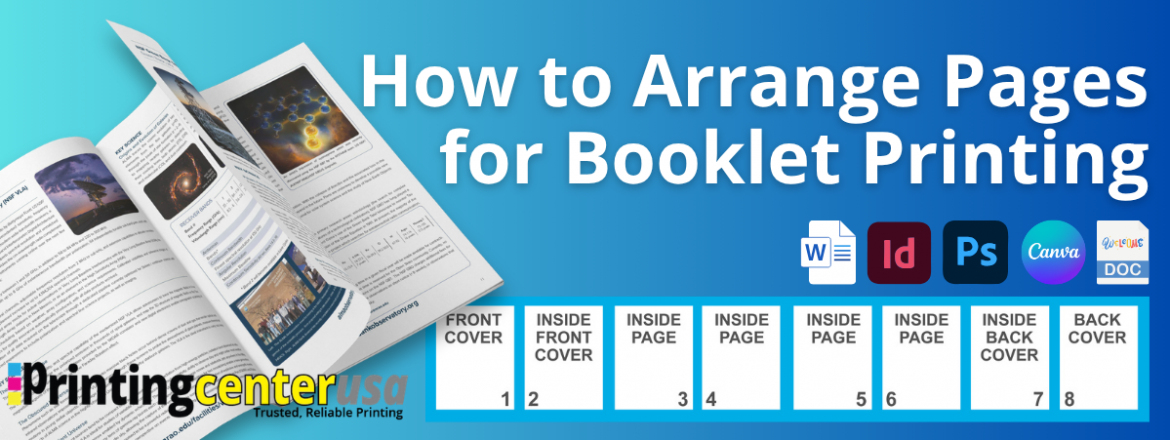
How to Arrange Pages for Booklet Printing (Step-by-Step Guide)

Learn how to arrange pages for booklet printing the right way. Page count, binding types, and file setup tips for InDesign, Canva, & Word.

Reading Time: 8 minutes

If you have ever stared at your PDF wondering whether your pages are in the right order for booklet printing, you are not alone. It is one of the most common questions we get, and the answer is simpler than most people expect. This guide covers everything you
Continue Reading
Paper Print Basics

Matte vs Glossy: Which Paper Finish Should You Choose?

Explore the distinct characteristics of matte vs glossy prints with our comprehensive guide. Learn about the benefits for your perfect finish

Reading Time: 6 minutes

Choosing between matte and glossy paper is one of the most important decisions you will make for any print project. The finish you pick changes how your piece looks, how it feels in someone’s hands, and how well it communicates your message. So which is
Continue Reading
Print Basics

What Does Collate Mean When Printing?

Learn what collate means in printing, the difference between collated vs. uncollated copies, and when to use each when printing.

Reading Time: 8 minutes

Whether you’re ordering a booklet for an upcoming event, a product catalog for your business, or color copies for a presentation, you’ve likely seen the option to print “collated” or “uncollated.” It’s one of those
Continue Reading
Design Print Basics Quick Tips

The Beginner’s Guide to Print-Ready File Preparation

Create a perfect print-ready file with our easy guide for beginners. Learn about bleed, resolution, color settings, and more to ensure high-quality prints.

Reading Time: 6 minutes

Ever felt a little lost when trying to print a project you’ve poured your heart into? You’re not alone. Turning a digital file into a beautiful print piece involves a few key details, but don’t worry, you’ve got this—and we’re
Continue Reading
7 photoshop tips for beginners print ready designs
Design Graphic Design Print Basics Quick Tips Uncategorized

7 Photoshop Tips Every Beginner Needs for Print-Ready Designs

Learn 7 essential Photoshop tips for creating print-ready booklets, magazines, and catalogs. Perfect for beginners!

Reading Time: 3 minutes

Designing for print isn’t the same as designing for digital—and if you’re using Adobe Photoshop, it’s easy to overlook key details that could make or break your final printed piece. Whether you’re creating a short-run booklet, catalog, magazine,
Continue Reading
Graphic Design Print Basics Quick Tips

How to Use Our Free Downloadable Templates to Create Print Ready Files

Master the art of creating print-ready files with our free downloadable templates to ensure your projects print perfectly every time.

Reading Time: 2 minutes

Want a head start on your print design? Simplify your print project with our free, downloadable templates and streamline the process! Whether you’re a design novice or a seasoned pro, our templates save you time and ensure your print project looks
Continue Reading
Graphic Design Print Basics Quick Tips

Adding Bleed & Safety Margins in Microsoft Word for Your Next Print Project

Learn how to properly set bleed and safety margins in Microsoft Word for flawless print projects. Get a step-by-step guide and video tutorial!

Reading Time: 2 minutes

Need to know how to properly add bleed and margins in Microsoft Word? It’s an important step and makes a world of difference for your print. Proper bleed and safety margins ensure your images and text extend to the edge of the page to create a seamless
Continue Reading
Graphic Design Print Basics Quick Tips

How to Add Bleed and Margins in Canva

Learn how to correctly add bleed and margins in Canva with our detailed step-by-step guide, ensuring your designs are perfectly print-ready.

Reading Time: 2 minutes

Need to know how to properly add bleed and safety margins in Canva? It’s an important step you can’t afford to miss. Proper bleed and safety margins ensure your images and colors extend to the edge of the page, avoiding any white borders when cut.
Continue Reading